Chapter 5. Setup and Installation
17
5.2. Installing Software
Nova P9 program doesn't need special installation procedure. Just insert the software CD-
ROM in the computer CD-drive and copy the content of Nova P9 folder to the desired
location of your hard drive. With the program installed, install drivers of the scanning
probe microscope controller.
To install the controller's drivers, perform the following steps:
1. Connect the SPM controller to the computer. This will make the operating system to
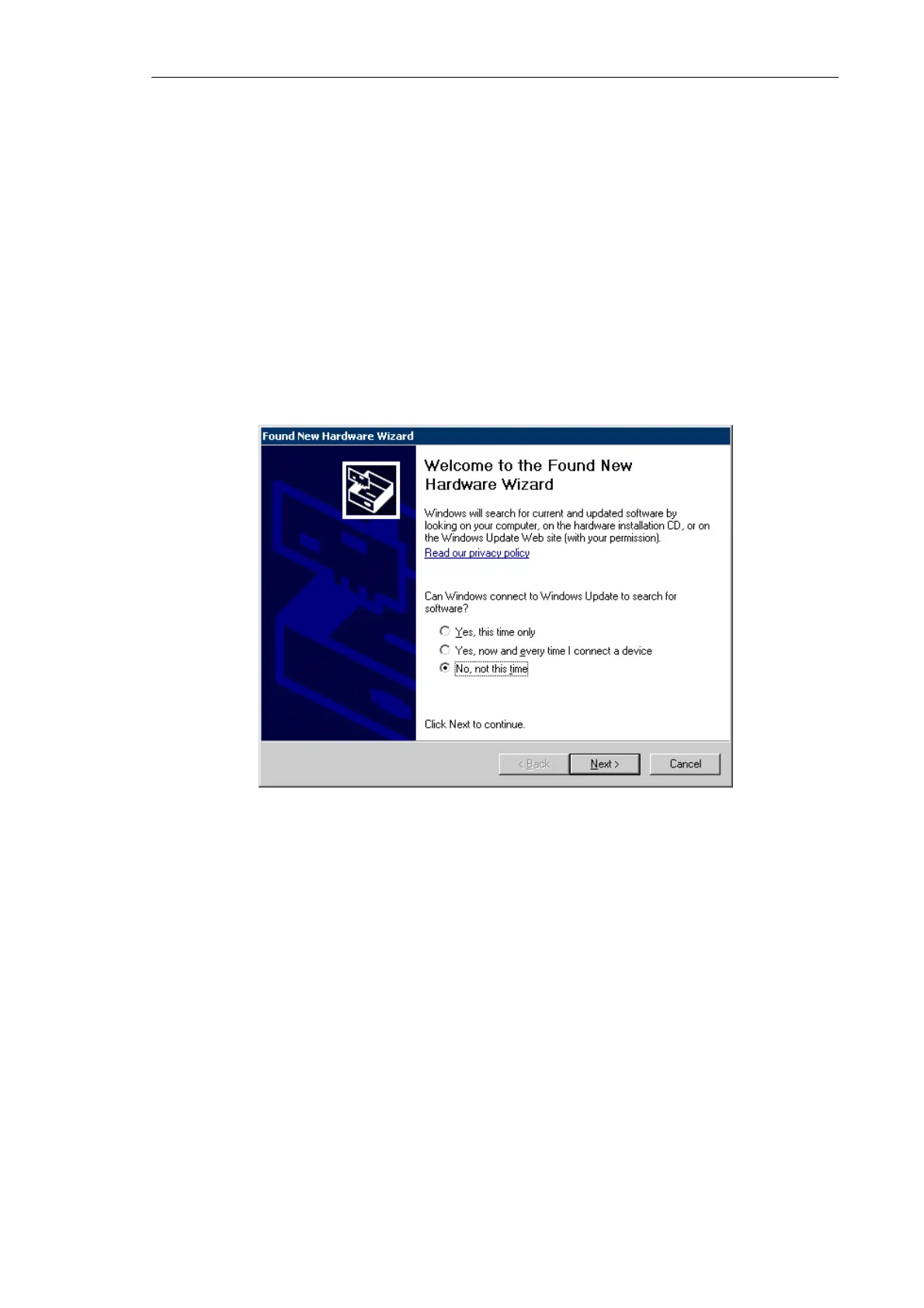
detect a new hardware USB <-> Serial and to open the Found New Hardware Wizard
dialog.
Fig. 5-2.
Found New Hardware Wizard window
To install the software driver for the USB <-> Serial hardware, perform the following
steps:
a) Skip the Windows Update option in the Found New Hardware Wizard dialog by
selecting the No, not this time option and click the Next button.
b) The installation wizard will ask how to find location of drivers on your computer.
Select the Install from a list or specific location option that allows for manual
defining the path of drivers location. Click the Next button.



 To Next Page