Solver NEXT SPM. Instruction Manual
186
8.2.3.3. Adjusting Lithography Parameters
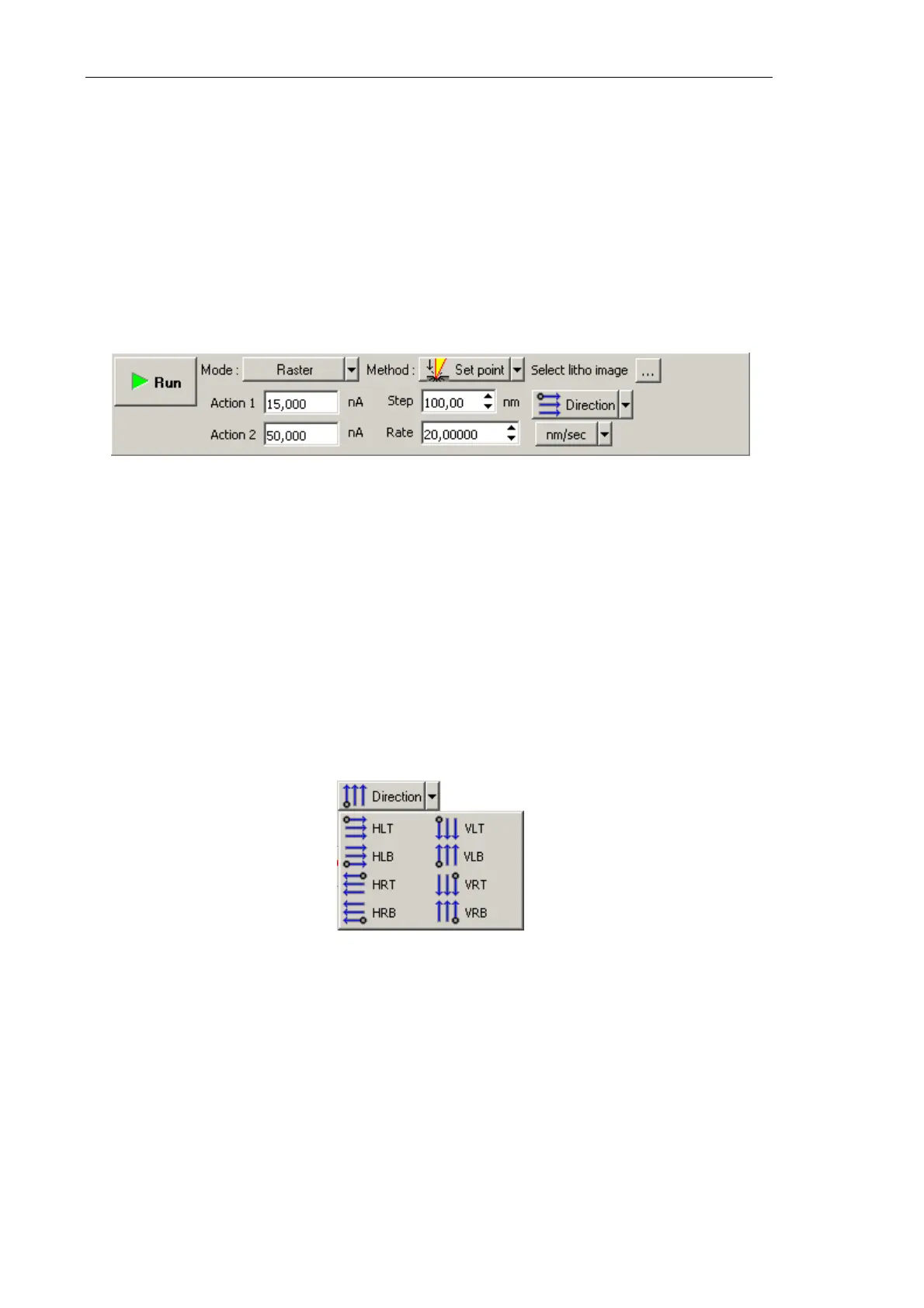
1. In the Lithography Control panel, define the range of varying the force applied to the
sample. Define the lower boundary of the range in the Action 1 field and the higher
boundary in the Action 2 field (Fig. 8-34).
Value of Action 1 corresponds to the bottom of the color scale (black), while value of
Action 2 is linked to the top of the color scale (white).
Algorithm of estimating the range of pressure on the sample related to the range of
Action values is given in i. 8.2.1.2 «Preliminary Scanning and Selecting Lithography
Region» on p. 172.
Fig. 8-34. Lithography Control panel
2. In the Rate field, define the lithography rate (the speed of moving the probe relative to
the sample surface).
The lithography rate influences on results of the sample exposure to lithography. The
lower is the rate, the deeper is the exposure and the better is the correspondence
between the template and the resulting surface.
3. In the Step field, define the time step between the pulses.
4. In the drop-down list, select the direction for lithography and position of the starting
lithography point.
Fig. 8-35. Direction for lithography



 To Next Page