Solver NEXT SPM. Instruction Manual
144
7.5.1.2. Selecting Points for Spectroscopy
Taking a scan of the sample surface is recommended before collecting spectroscopy. This
scan facilitates selection of points for spectroscopy. The desired image frame can be
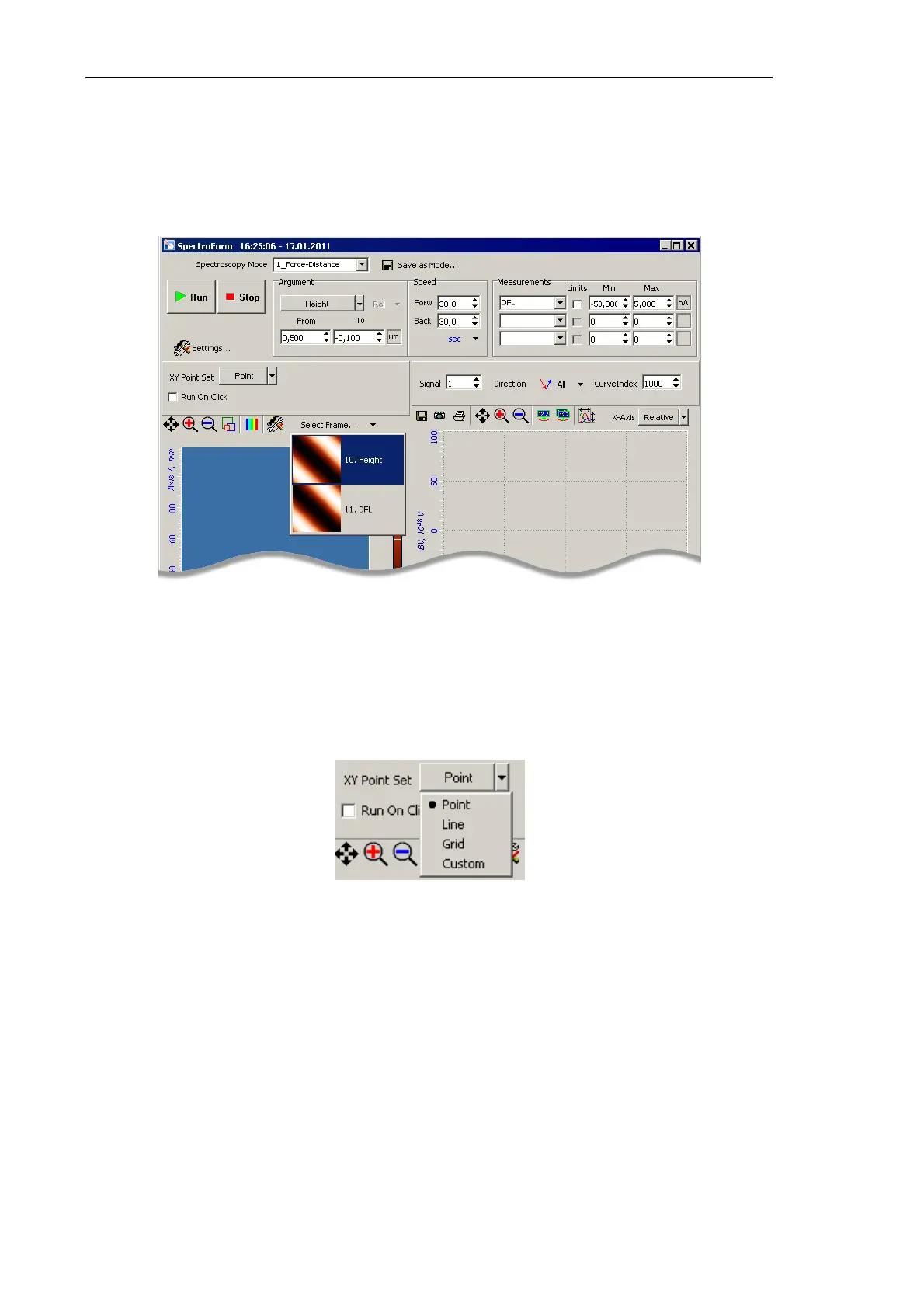
selected from the Select Frame drop-down list (Fig. 7-127) in the Toolbar.
Fig. 7-127. Selecting the desired image of the sample surface
Locations for taking spectroscopy are defined in the 2D Data Viewer of the Spectroscopy
window. Available constraints on the point set are given in the XY Point Set drop-down list
(Fig. 7-128).
Fig. 7-128. Selecting a mode of indenting
The following modes of selecting points for spectroscopy are available:
Point – spectroscopy will be taken at a particular point. This point is selected by clicking
on the image of the 2D Data Viewer. If the Run On Click option is selected, measurement
of the relation DFL(Height) will start immediately after the point is defined.
Line – spectroscopy will be taken at points lying on a predefined straight segment. The
segment is defined with the mouse in the 2D Data Viewer. Number of measurement points
is defined in the field to the right from the drop-down list (Fig. 7-129). The points will be
scattered equidistantly along the segment.



 To Next Page