Chapter 8. Lithography
191
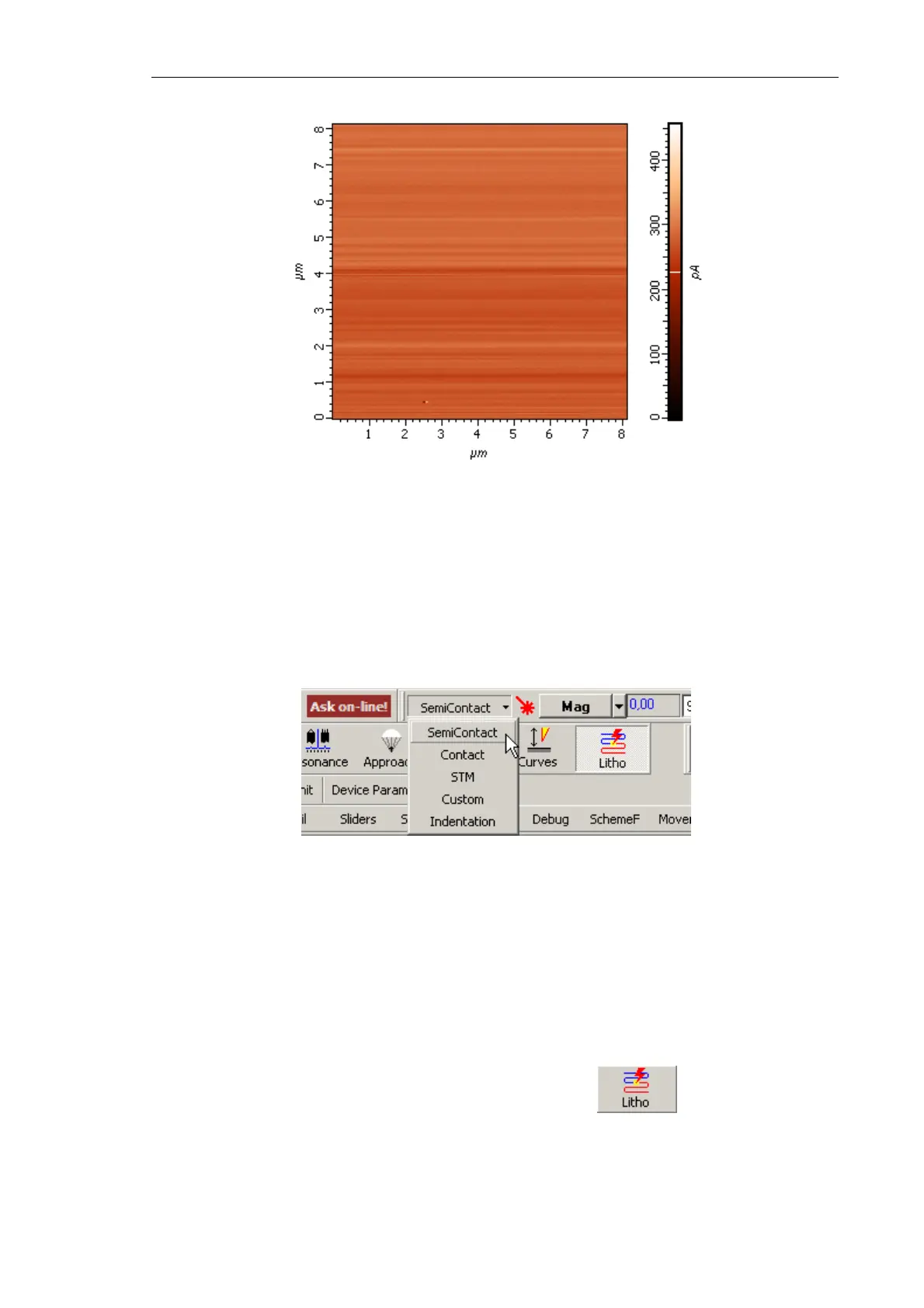
Fig. 8-38. Image of the lateral force distribution
8.3.1.2. Selecting the lithography method
To select the lithography method, perform the following steps:
1. In the controller configuration drop-down list of the Nova P9 program, select
SemiContact (Fig. 8-39).
Fig. 8-39. Selecting the controller configuration
This will result in automatic configuring the software to operate in semicontact modes.
The parameters will be adjusted as follows:
● Input of the feedback loop – Mag signal;
● SetPoint parameter (proportional to the force applied to the sample) – 10 nA;
● Feedback Gain – minus 4.
2. Open the Litho window (Fig. 8-40) by clicking the
button in the Main
Operations panel.



 To Next Page