Chapter 8. Lithography
185
5. For Force lithography, select SetPoint in the Method drop-down list (Fig. 8-31).
Fig. 8-31. Selecting the lithography method
6. For raster lithography, select Raster in the Mode drop-down list (Fig. 8-32).
Fig. 8-32. Selecting the lithography mode
8.2.3.2. Loading Template
The template can be loaded from an external file of raster format. We recommend to use
images of maximum contrast.
To load a lithography template, click the
button in the Control panel of the Litho
button (see Fig. 8-30). This will open the standard Open dialog. In this window, select the
desired file and click the Open button. The template image will appear in the Litho window
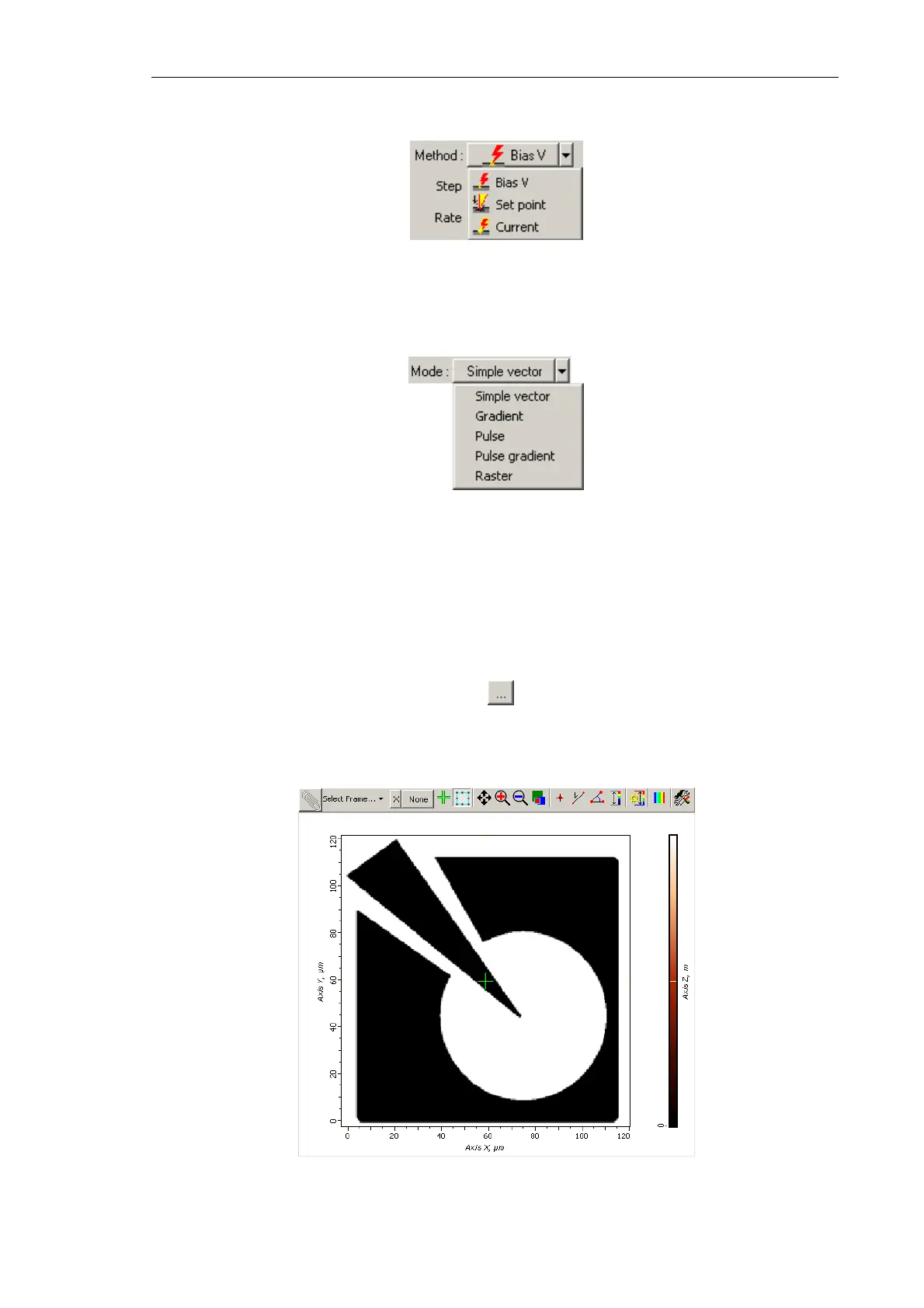
(Fig. 8-33).
Fig. 8-33. Template for raster lithography is loaded



 To Next Page