Solver NEXT SPM. Instruction Manual
178
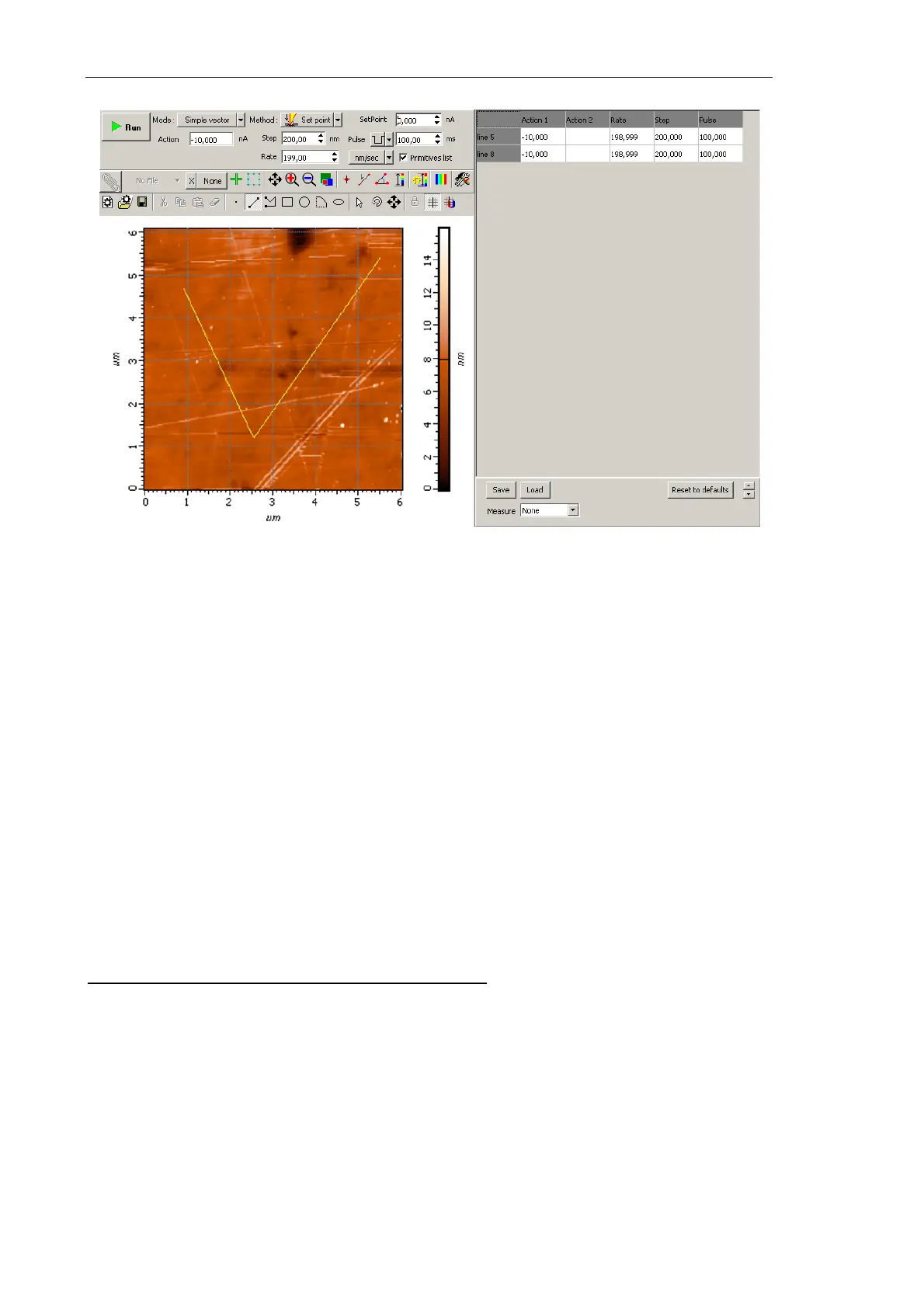
Fig. 8-19. Lithography parameters
8.2.2.3. Adjusting Vector Lithography Parameters
Composition of the set of adjustable parameters depends on the selected mode of vector
lithgraphy (for details on the vector lithography modes, refer to Chapter 1, i. 8.1.1 «Vector
Lithography»).
Hereafter, adjustable parameters are explained depending on the vector lithography mode:
● Adjusting Simple Vector Lithography Parameters (see p. 178);
● Adjusting Gradient Lithography Parameters (see p. 179);
● Adjusting Pulse Lithography Parameters (see p. 180);
● Pulse-gradient lithography (see p. 180).
Adjusting Simple Vector Lithography Parameters
1. In the Action field of the lithography Control panel, define the force applied to the
sample during drawing the template objects (Fig. 8-20).
Relation between pressure on the sample and the
Action value is given in i. 8.2.1.2
«Preliminary Scanning and Selecting Lithography Region» on p. 172.



 To Next Page