Chapter 8. Lithography
183
8.2.3. Raster Lithography
ATTENTION! Before performing raster lithography, learn
i. 8.1 «Overview » on p. 163.
Initial state:
The following preparatory operations are assumed to be done:
● pressure of the probe onto the sample surface is estimated;
● the surface region for lithography is selected and scanned.
For details on these operations, refer to i. 8.2.1 «Preparation for Operation» on p. 169.
Basic operation
Basic operations of force raster lithography are:
1. Selecting the lithography method (see i. 8.2.3.1 on p. 183);
2. Loading Template (see i. 8.2.3.2 on p. 185);
3. Adjusting Lithography Parameters (see i. 8.2.3.3 on p. 186);
4. Performing Lithography (see i. 8.2.3.4 on p. 187).
These operations are explained in details below.
8.2.3.1. Selecting the lithography method
To select the lithography method, perform the following steps:
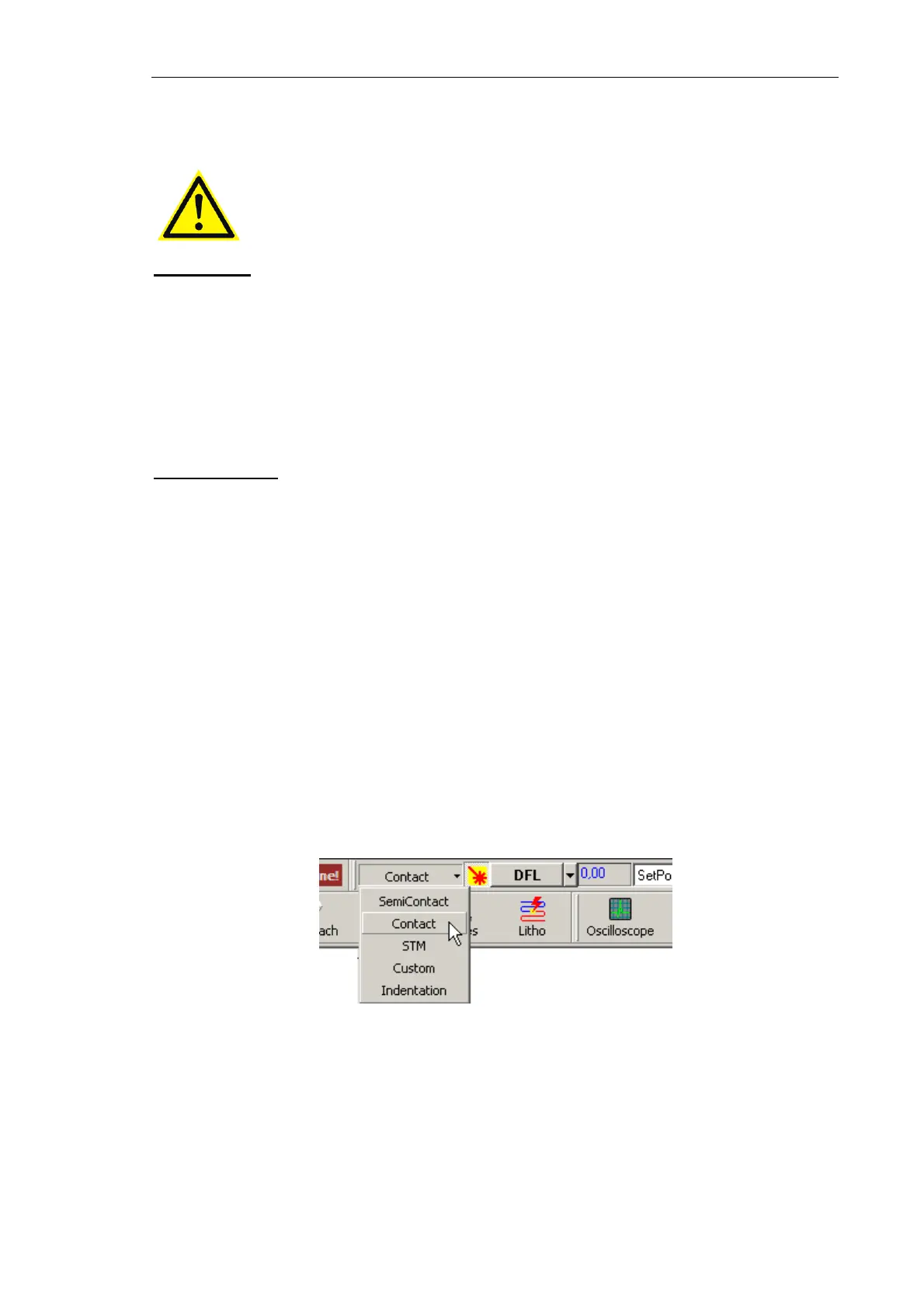
1. In the controller configuration drop-down list of the Nova P9 program, select
Contact
(Fig. 8-27).
Fig. 8-27. Selecting the controller configuration
This will result in automatic configuring the software to operate in contact modes. The
parameters will be adjusted as follows:
● Output of the feedback loop – DFL signal;
● SetPoint parameter (proportional to the force applied to the sample) – 2 nA;
● Feedback Gain – minus 10.



 To Next Page