Chapter 5. Setup and Installation
25
5.4. Calibrating the Stepper Motors
Stepper motors of the instrument should be calibrated after installation of equipment and/or
control software as well as after repairing malfunction of the instrument (e.g., caused by
power failure).
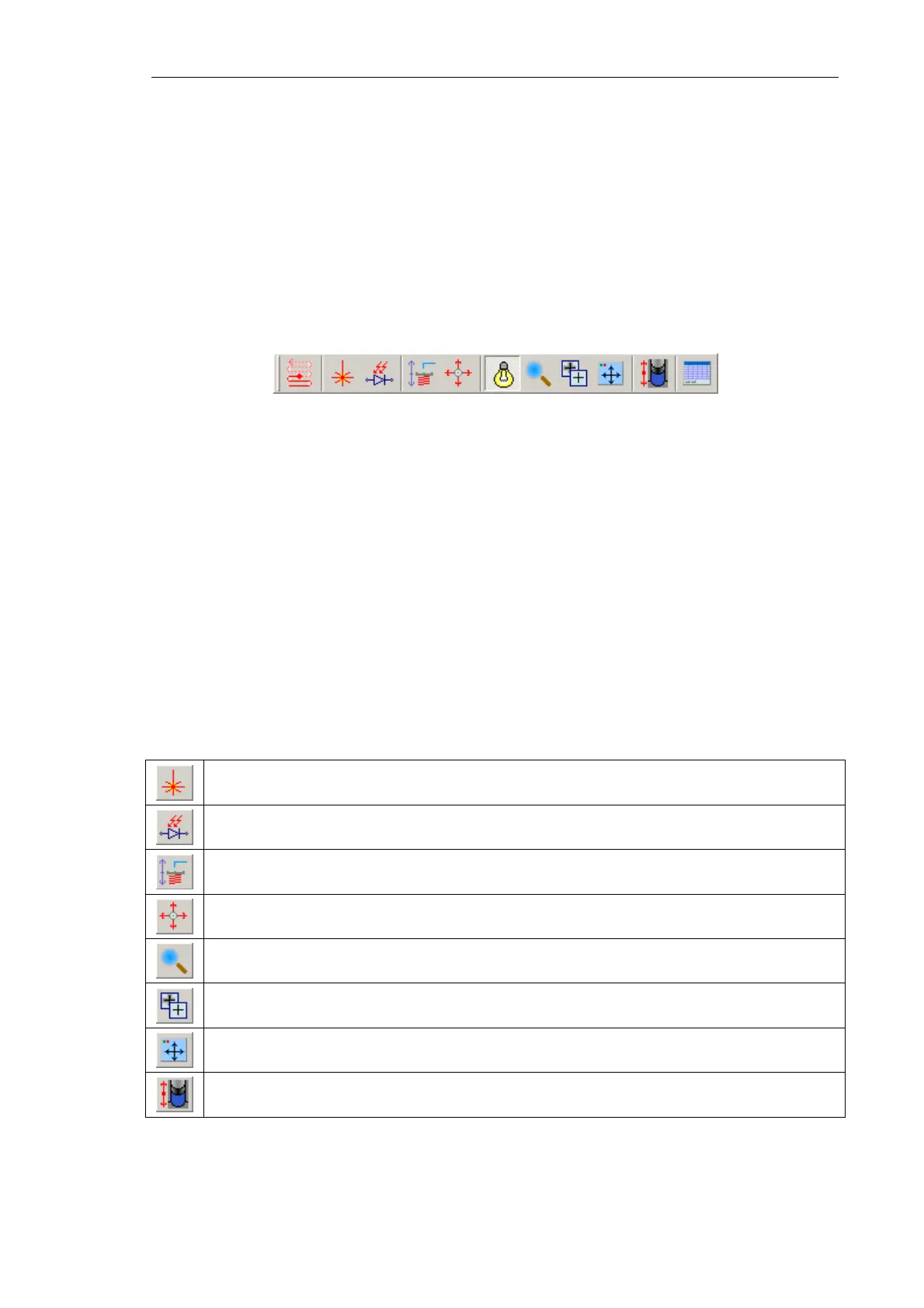
The Next Motors panel provides controls of all instrument modules that contain stepper
motors. Calibration of the stepper motors is required for correct operation of the
instrument.
Fig. 5-15.
Next Motors panel
To calibrate the stepper motors, perform the following steps using the Next Motors panel:
1. Open the stepper motors control window of the desired module by clicking the
corresponding button (see Table 1 below).
NOTE. The instrument modules employ one or two stepper motors. Appearance of the
stepper motors control window is that shown in Fig. 5-16 a for modules with one motor
or shown in Fig. 5-16 b for modules with two motors.
Table 1. Buttons for opening stepper motors control windows
of specific modules
Laser stepper motors.
Photodiode stepper motors.
Stepper motor of sample vertical displacement.
Stepper motors of sample lateral displacement.
Stepper motor of videomicroscope vertical displacement.
Stepper motor of videomicroscope focus.
Stepper motors of videomicroscope lateral displacement.
Stepper motor of the protective shield.



 To Next Page