Chapter 7. Performing Measurements
81
7.1.5.3. Adjusting Scanning Parameters
1. Open the scanning window with the button in the Main Operations panel.
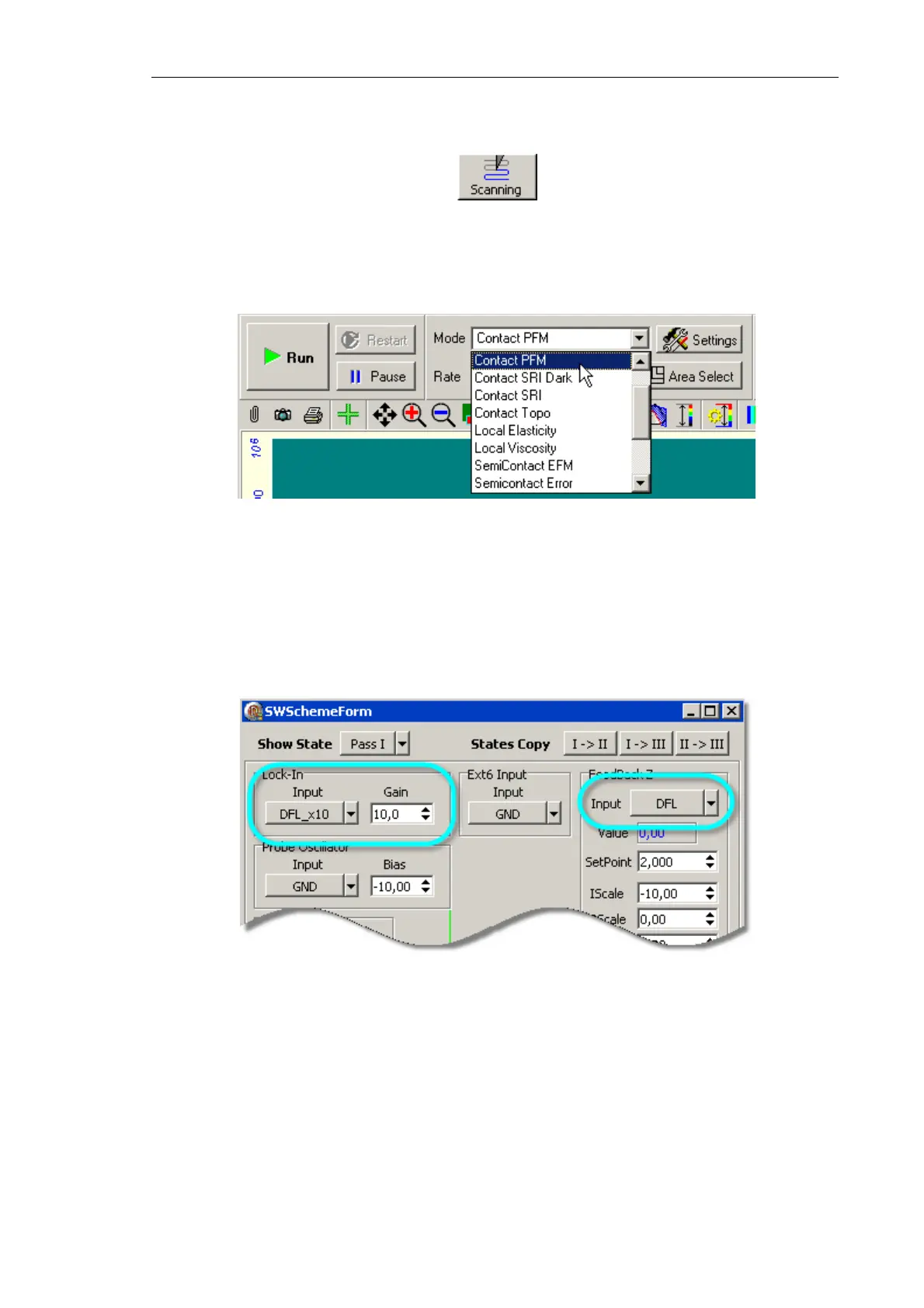
2. Choose the mode Contact PFM from the list Mode on the control panel of the scanning
window (Fig. 7-37). This results in automatic performing all necessary switching
sequences in the controller.
Fig. 7-37. Selection of the Piezoresponse Force Microscopy mode
NOTE. When selecting this mode, the signal
DFL
is automatically connected to the input,
system sets the maximum value for gain coefficients of the lock-in amplifier,
Gain
(Fig. 7-38). Also, the following signals will be selected for measurement during scanning:
Height
,
Mag
, and
Phase
on the forward pass.
Fig. 7-38



 To Next Page