EasyManua.ls Logo

NT-MDT Solver Next - Initial Approach

NT-MDT Solver Next
214 pages
Print Icon
To Next Page IconTo Next Page
To Previous Page IconTo Previous Page
Loading...
Solver NE
X
52
NOTE.
inspec
t
initial
a
3. Launc
distan
the vi
4. On co
surfac
6.9.
S
The simpl
probe wit
h
To select t
h
1. Open
Mover
2. Open
the
X
T SPM. Inst
r
During th
t
ion of the
a
pproach (
s
h
approachi
n
c
e defined
b
d
eo microsc
o
m
pletion o
f
e
. If this dis
t
S
electin
g
est way to
h
the optica
l
h
e area for
t
he
Optical
m
s
panel.
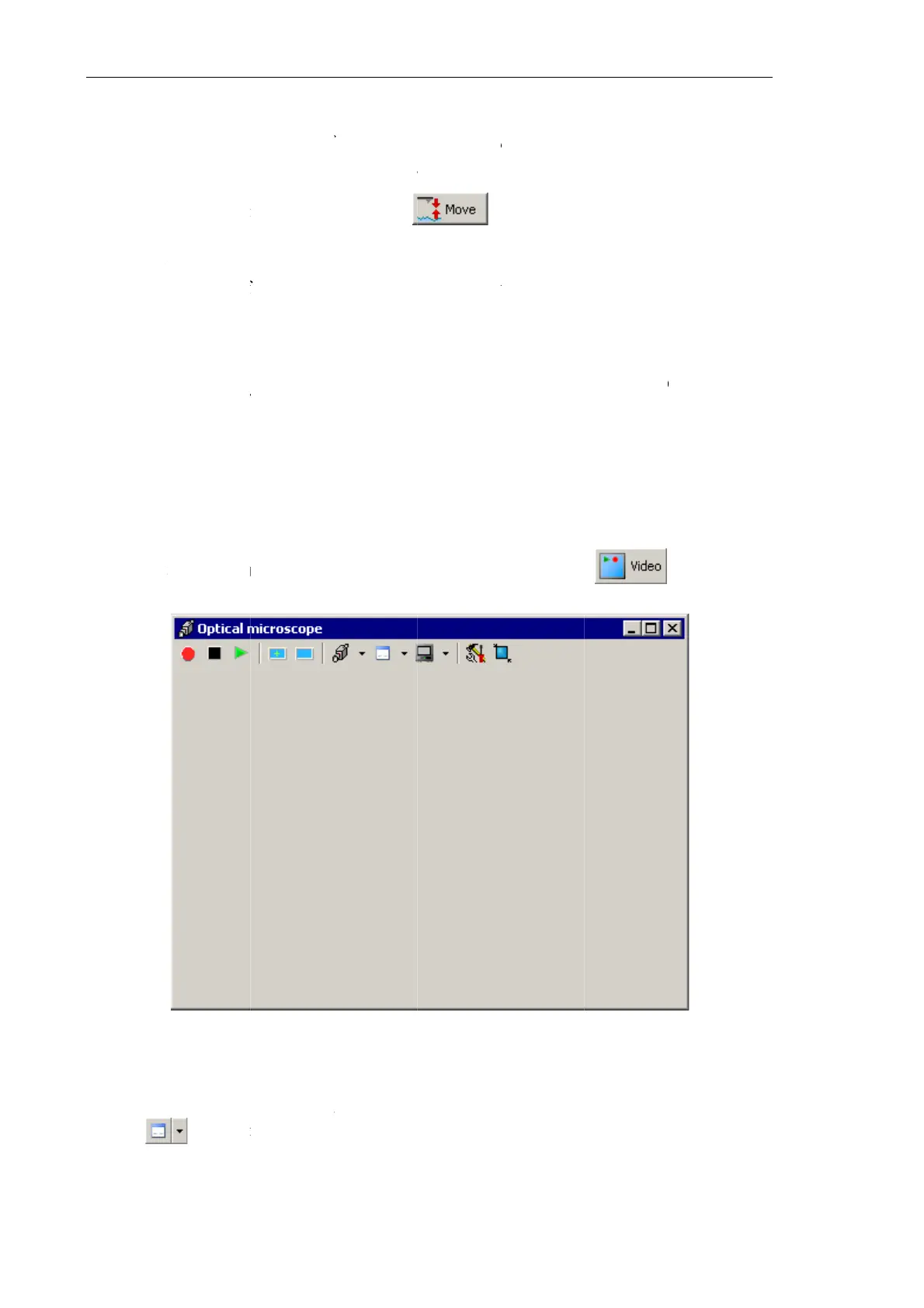
Fig. 6-44.
W
t
he
Video
P
b
utton i
n
r
uction Man
u
e initial a
p
probe-sur
fa
s
ee sect. 6.
6
n
g the sam
p
b
y the
Land
o
pe.
f
approach,
t
ance is lar
g
g
the S
c
select the
l
image dis
p
investigati
o
m
icroscop
e
W
indow for
d
P
roperties
d
n
the Tool
b
u
al
p
proach ke
e
fa
ce distan
c
6
“Screenin
g
p
le by the
parameter
.
check the
d
g
er 1 mm, r
c
an Ar
e
scan area
p
layed in th
e
o
n, perform
e
window (
s
d
isplaying th
d
ialog for a
d
b
ar of the
O
p
e
p the prot
e
c
e. Draw
do
g
with the
P
b
.
Observe
t
h
d
istance be
t
epeat steps
e
a (PIN
P
is through
e
Optical m
the follow
i
s
ee Fig. 6-
4
e image of t
h
d
justing th
e
p
tical micr
o
e
ctive shie
l
do
wn the p
r
P
rotective
S
b
utton. This
h
e approac
h
t
ween the
p
2-3.
P
OIN
T
positionin
g
icroscope
w
i
ng steps:
4
4) with th
e
h
e Optical V
i
e
video ca
m
o
scope
win
d
l
d lifted to
r
otective s
h
S
hield” on
p
moves the
h
process i
n
p
robe tip a
n
Syste
g
the samp
l
w
indow.
e
i
ewing syste
m
era (see F
i
d
ow.
enable vis
u
h
ield after
t
p
. 41).
sample to
t
n
the image
n
d the sam
p
e
m)
l
e against
t
b
utton in
t
m
i
g. 6-45) w
u
al
t
he
t
he
of
p
le
t
he
t
he
i
th

Table of Contents