Solver NEXT SPM. Instruction Manual
182
When the procedure completes, the Stop button returns to its initial appearance.
The lithography process can be stopped by clicking the Stop button or by pressing the
<Esc> key. This will stop the prcess immediately. Next clicking the Run button would start
the lithography procedure from the very beginning, i.e. from the first template point.
Lithography Results
Take a scan of the sample to acquire an image of the surface region exposed to
lithography.
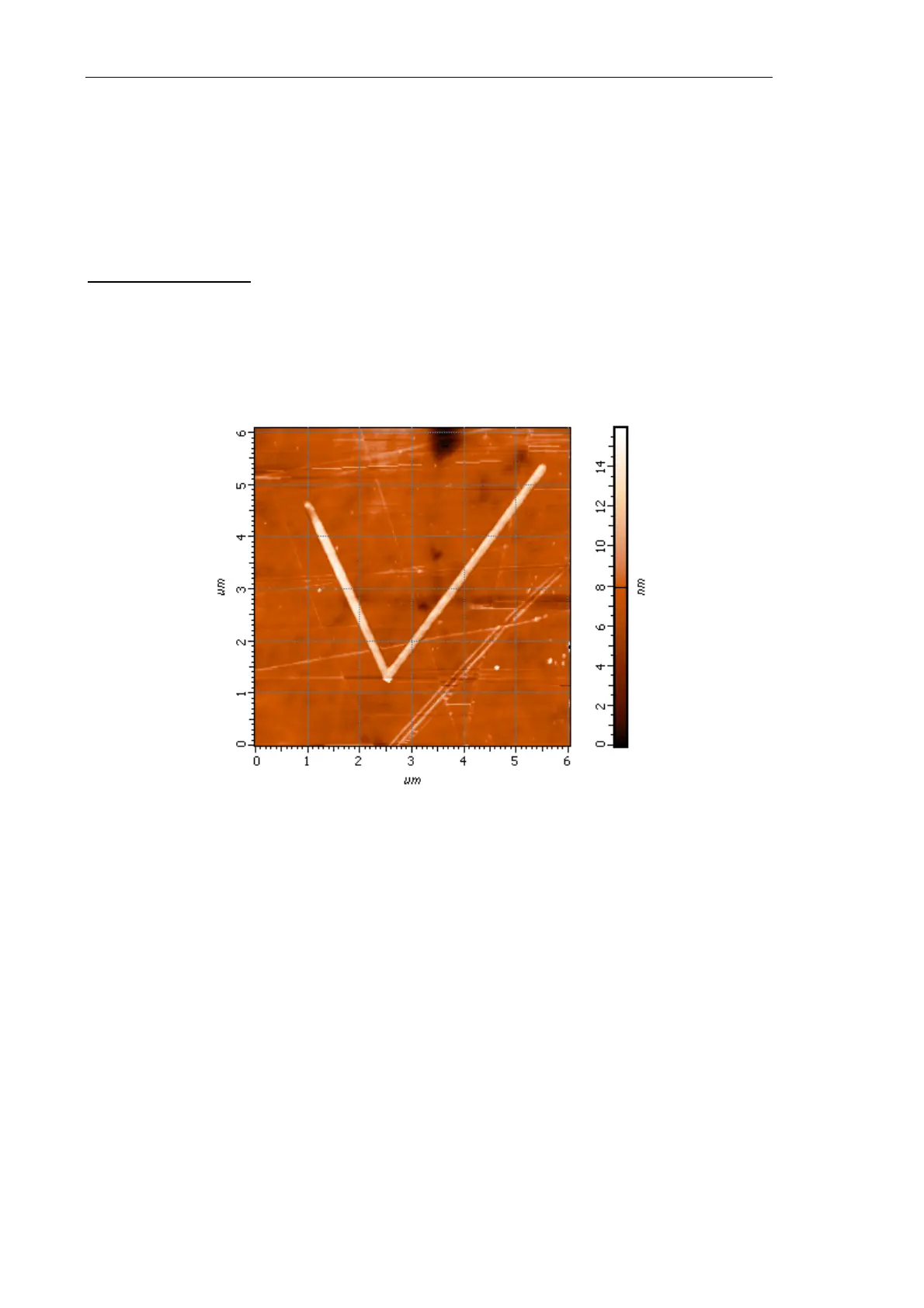
Fig. 8-26 shows the image for the Simple vector lithography applied to the CD sample with
SetPoint = 5 nA, Action = 4 nA by the NSG30 probe.
Fig. 8-26. Results of the Simple vector lithography



 To Next Page