Solver NEXT SPM. Instruction Manual
192
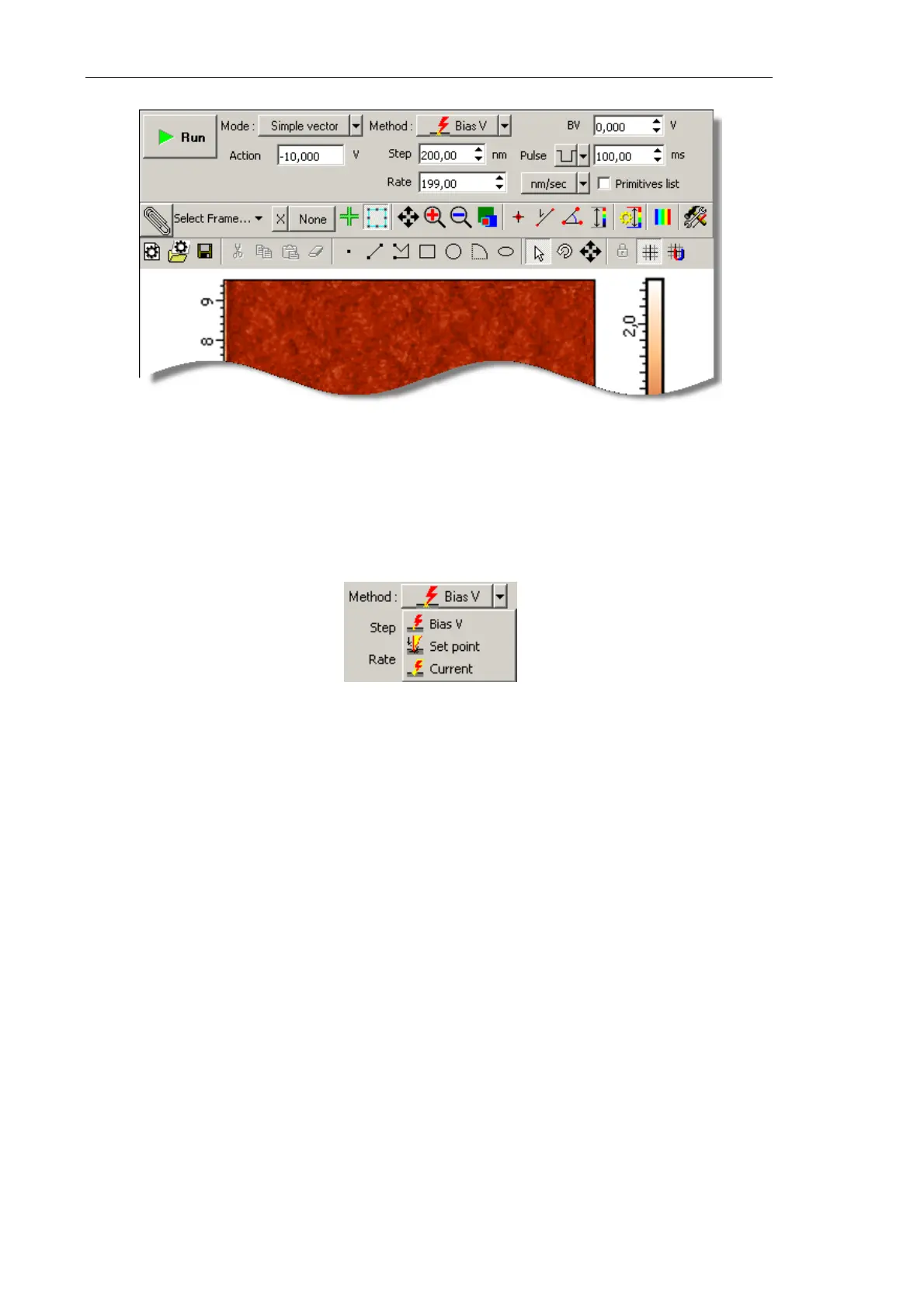
Fig. 8-40.
Litho window
3. In the drop-down list, select the desired mode of lithography (Fig. 8-41):
● For charge lithography, select Bias V;
● For current lithography, select Current.
Fig. 8-41. Selecting the lithography method
NOTE. Appearance of the Control panel of the Lithography window depends on the
selected mode of vector lithography.
4. In the Mode drop-down list, select the desired mode of vector lithography (Fig. 8-42):
● Simple vector – simple vector lithography. The force applied to the sample is
constant during drawing objects;
● Gradient – gradient lithography. The force applied to the sample ramps linearly
during drawing objects;
● Pulse – pulse lithography. The sample is exposed to a series of force pulses of the
same amplitude during drawing objects;
● Pulse gradient – pulse-gradient lithography. Combines two lithography modes, the
pulse and the gradient ones. The sample is exposed to a series of force pulses of
amplitudes varying in a predefined range during drawing objects.
NOTE. For details on vector lithography modes, refer to Chapter 1, i. 8.1.1 «Vector
Lithography».



 To Next Page