EasyManua.ls Logo

NT-MDT Solver Next - Page 134

NT-MDT Solver Next
214 pages
Print Icon
To Next Page IconTo Next Page
To Previous Page IconTo Previous Page
Loading...
Solver NE
X
126
7.4.1.1.
Switch th
e
in the co
n
window.
Once the
c
operate in
7.4.1.2.
The feedb
a
for feedb
a
scanning.
To approa
c
1. Select
X
T SPM. Inst
r
Adjus
e
instrumen
t
n
troller con
f
c
onfigurati
o
contact mo
d
Appr
o
a
ck uses o
n
a
ck at the
ATTE
N
Micros
IProbe
a
a. Sel
e
Cal
i
b. Cli
c
Cal
i
c
h the sam
p
IProbe
as t
h
r
uction Man
u
ting the
t
for opera
t
f
iguration
l
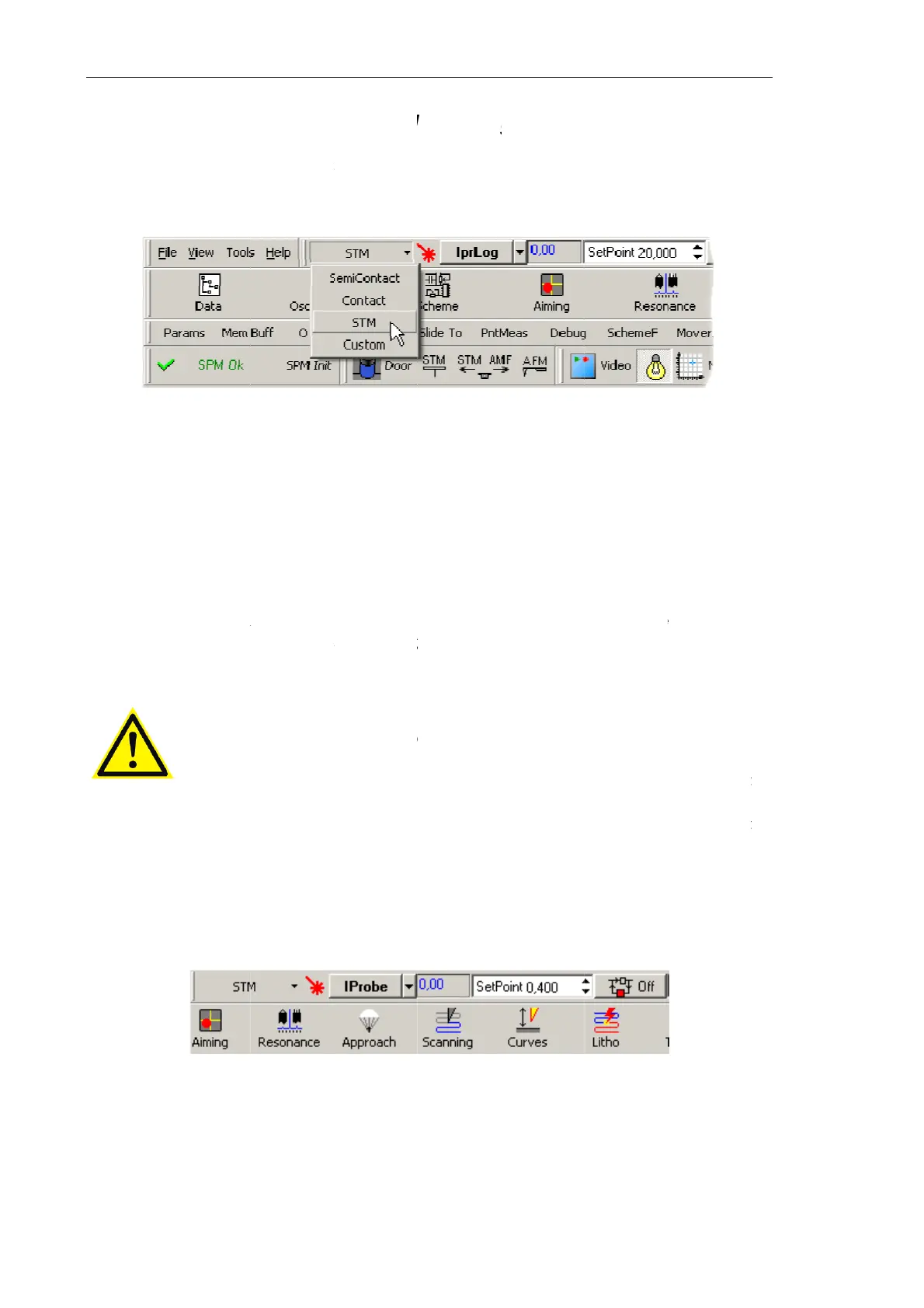
Fig. 7-100
o
n
STM
is
s
d
es procee
d
o
aching
t
n
e of two si
g
stage of
a
N
TION!
W
cop
y
mod
e
a
nd IprLo
g
e
ct the
To
o
i
brForm
wi
n
c
k the
Si
g
i
brForm
wi
n
p
le to the pr
h
e feedbac
k
Fig. 7
-
u
al
Control
l
t
ing in the
T
l
ist (see Fi
g
. Selecting t
h
s
et, all swit
c
d
automatic
a
t
he Sam
p
g
nals,
IPro
b
a
pproachin
g
W
hen ini
t
e
for the v
e
g
in the AD
C
o
ls Æ Calib
r
n
dow.
g
nals Bias
A
n
dow. This
obe, perfor
m
k
input (see
-
101. Selecti
l
er Confi
g
T
unneling
M
g
. 7-100) a
t
h
e controlle
r
c
hing sequ
e
a
lly.
p
le to th
e
b
e
or
IprLo
g
g
while th
e
t
iatin
g
m
e
e
r
y
first t
i
C
should b
r
ation
Mai
n
A
d
j
ust
bu
t
will set
IP
r
m
the follo
w
Fig. 7-101
)
ng the feed
b
g
uratio
n
M
icroscopy
t
the top b
a
r
configurati
o
e
nces requi
r
e
Probe
g
, as input.
e
IprLog
si
g
e
asuremen
i
me, possi
b
e correcte
d
n
menu co
m
t
ton at t
h
r
obe
to zer
o
w
ing steps:
)
.
b
ack input
n
mode
b
y
s
a
r of the
M
o
n
r
ed for the
The
IProb
e
g
nal is in
v
ts in th
e
b
le biases
o
d
for as fol
l
m
mand. T
h
h
e left bo
t
o
.
s
electing
S
T
M
ain Progr
a
instrument
e
signal ser
v
v
olved duri
e
Tunneli
o
f the si
g
n
a
l
ows:
h
is opens
t
t
tom of
t
T
M
a
m
to
v
es
ng
ng
a
ls
t
he
t
he

Table of Contents