Chapter 5. Setup and Installation
21
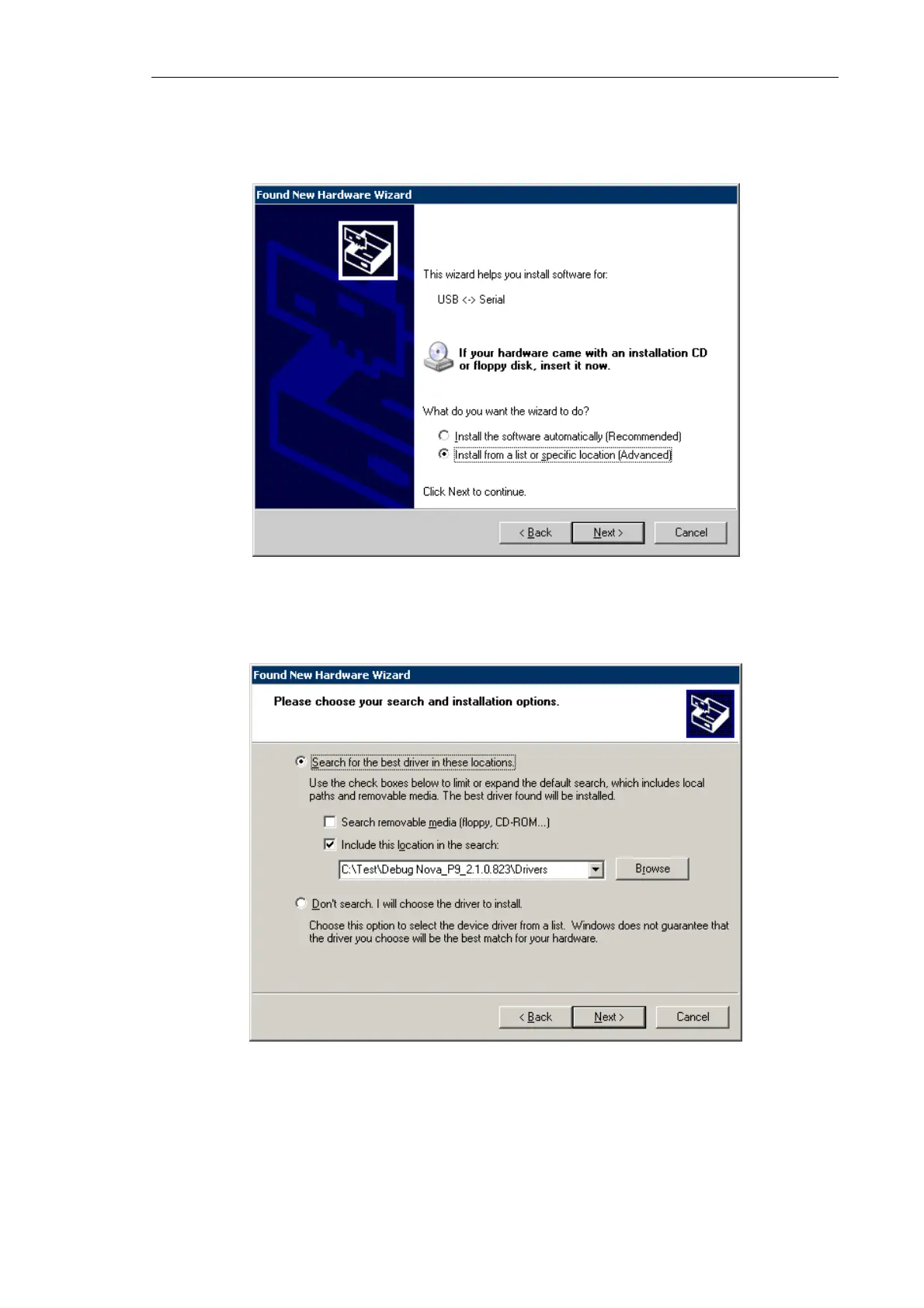
b) The installation wizard will ask how to find location of drivers on your computer.
Select the Install from a list or specific location option that allows for manual
defining the path of drivers location. Click the Next button.
Fig. 5-9
c) For defining the desired path, select the options Search for the best driver in these
location and Include this location in the search and then click the Browse button.
Fig. 5-10
d) The Browse For Folder dialog will open. Select the Drivers subfolder in the Nova
P9 program folder and click the ОК button. This will start installing the controller's
driver.



 To Next Page