Chapter 7. Performing Measurements
69
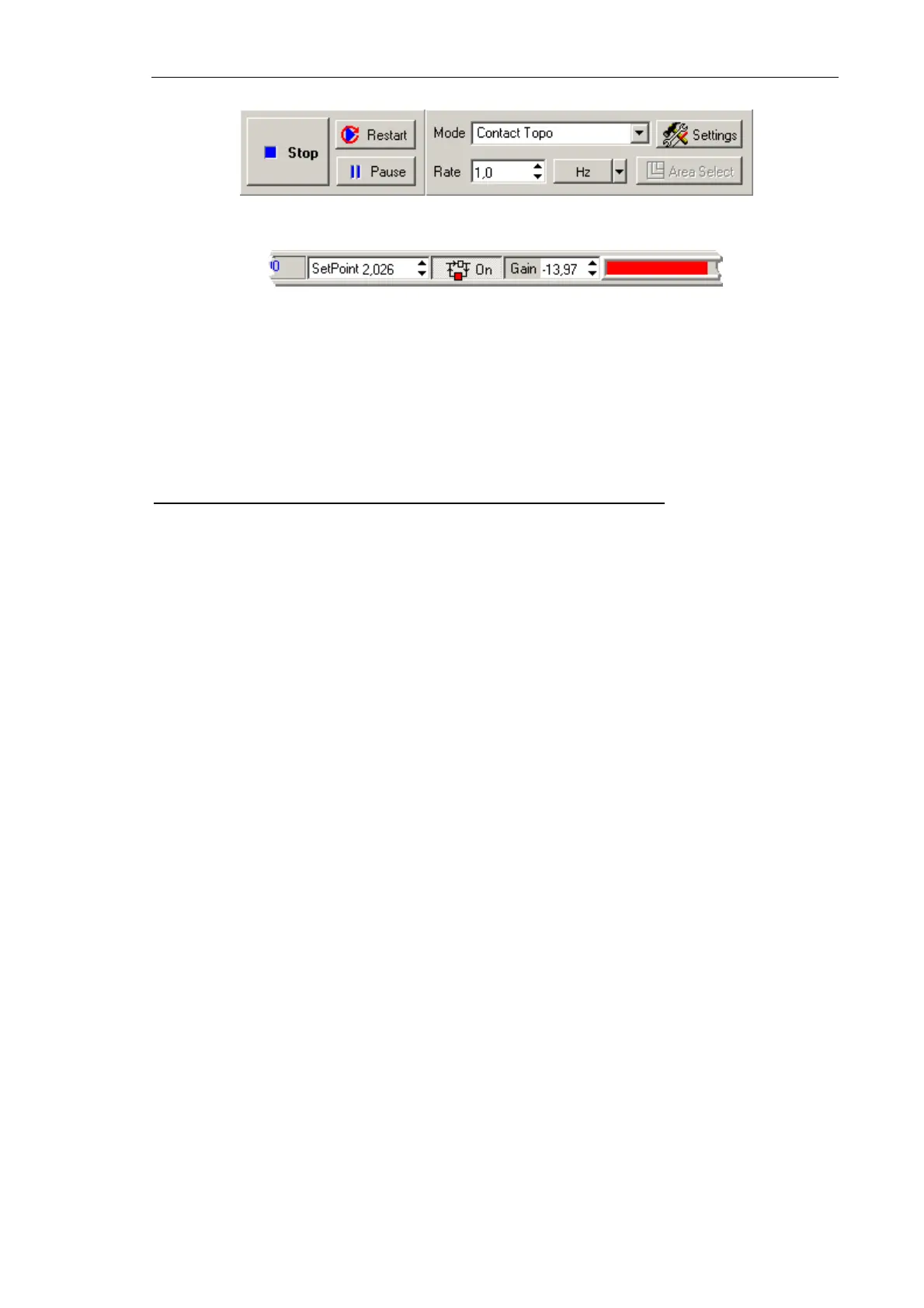
Fig. 7-22
Fig. 7-23
The Restart button serves to restart scanning again.
NOTE. Scanning is recommended to restart (using the
Restart
button) after any of
scanning parameters is changed.
Some recommendations on optimization of scanning parameters
The choice of the optimal value of scanning speed depends on properties of the sample, on
dimensions of the scan area, and on external conditions.
Smooth surfaces can be scanned at a speed higher than those with sharp features and steep
slopes.
It is recommended to start scanning at a lower scanning speed, increasing it gradually until
distortions affect the landscape profile.
Scanning speed should be reduced when surface features in the scan direction are not
detected.
In measurements of soft materials, the images may be affected by “dragging effects”
caused by surface features in the scan direction. In the event of such effects, it is
recommended to reduce the scanning speed as well as to increase the Set Point level in
order to lower pressure on the sample.



 To Next Page