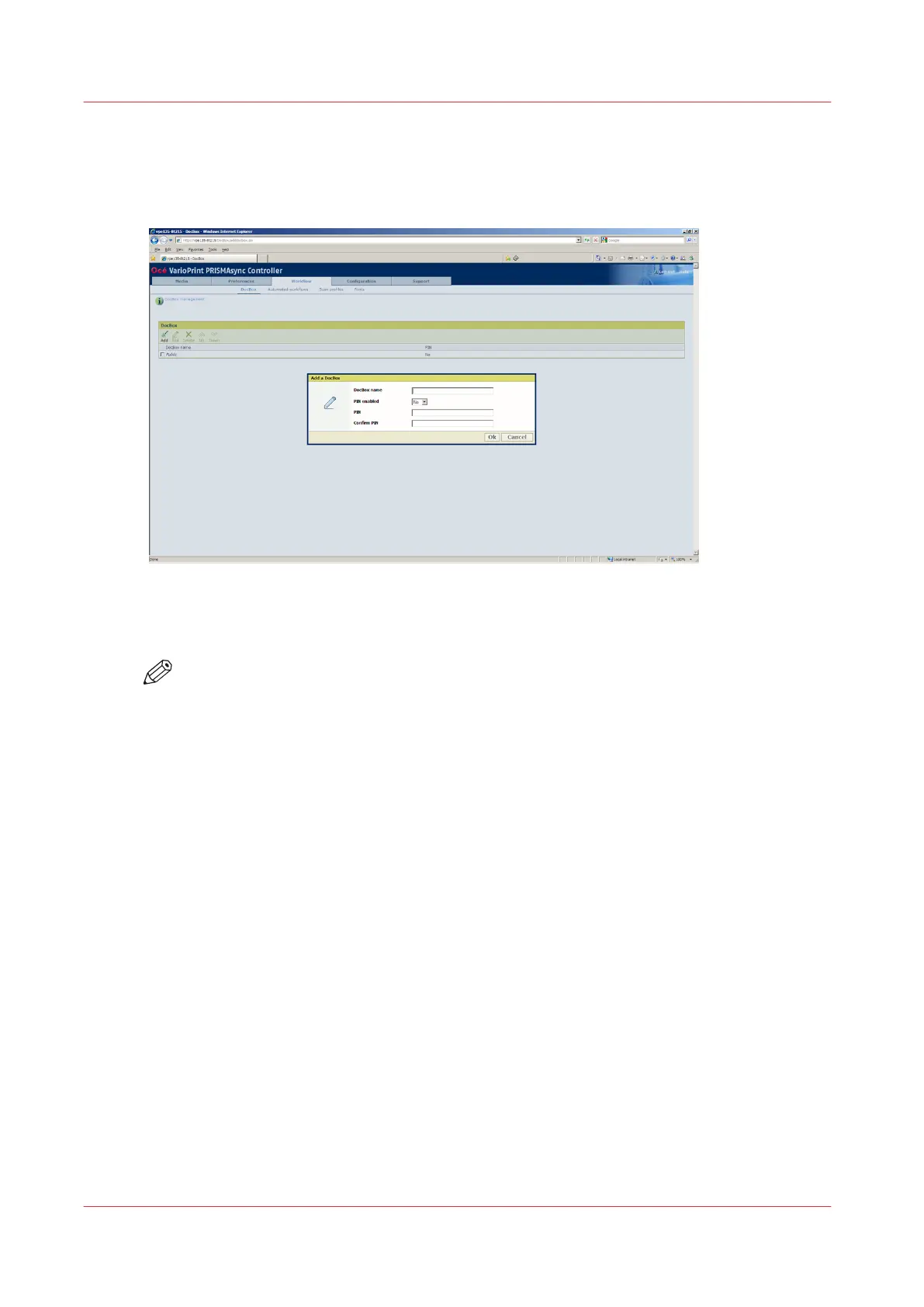
Create a New DocBox
Illustration
[27] Create a DocBox
Procedure
NOTE
Only the System Administrator is allowed to create a new DocBox in the Settings Editor.
1.
Open your web browser and enter the host name or IP address of the PRISMAsync controller.
2.
Log on to the Settings Editor as System Administrator.
3.
Select [Workflow] -> [DocBox].
4.
Click [Add].
5.
Enter a new DocBox name. Identical DocBoxes are not allowed.
6.
If you want to secure the new DocBox with a PIN, set [PIN enabled] to [Yes] and enter a PIN to
secure the DocBox.
Each time you access this DocBox through the control panel, you must enter this PIN.
7.
Confirm the PIN.
8.
Click [OK].
Create a New DocBox
104
Chapter 8 - Plan the jobs
Océ VarioPrint 6000 line













 To Next Page