Counters
Introduction to the [Maintenance] section
Introduction
The [System] view gives access to system settings, system information, media information and
maintenance tasks.
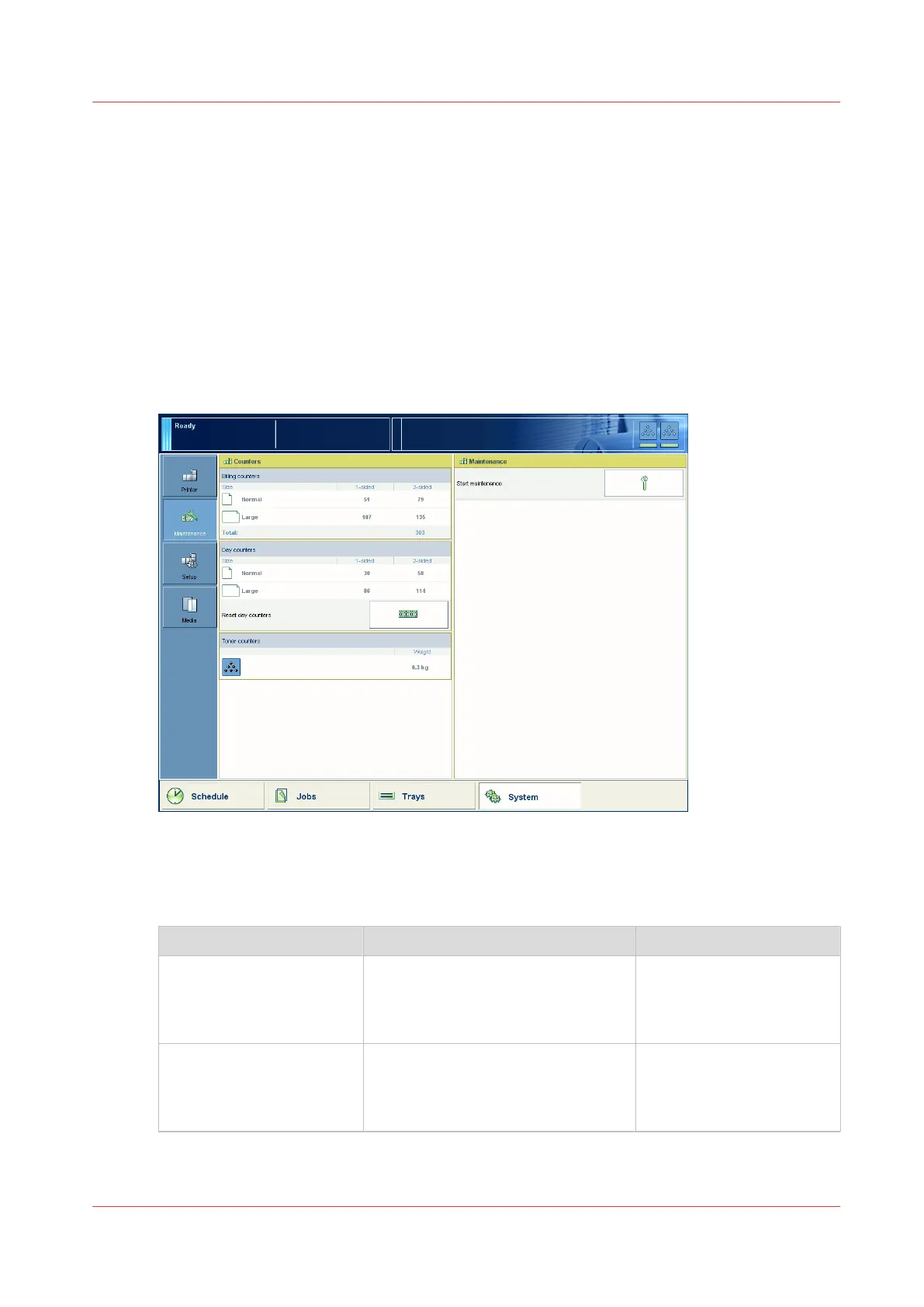
This section gives an overview of the [Maintenance] section in the [System] view.
Overview of the [Maintenance] section
[69] Overview of the [Maintenance] section
The items of the [Maintenance] section
Description of the [Maintenance] section
Item Function More information
[Billing counters] Indicate the total number of prints
that have been made since the print-
er was installed . You cannot reset
the billing counters.
General counter informa-
tion
on page 257
[Day counters] Indicates the number of prints that
have been made since the latest re-
set. You can always reset the day
counters.
Reset the day counters
on
page 257
4
Counters
Chapter 12 - Maintain the print system
255
Océ VarioPrint 6000 line













 To Next Page