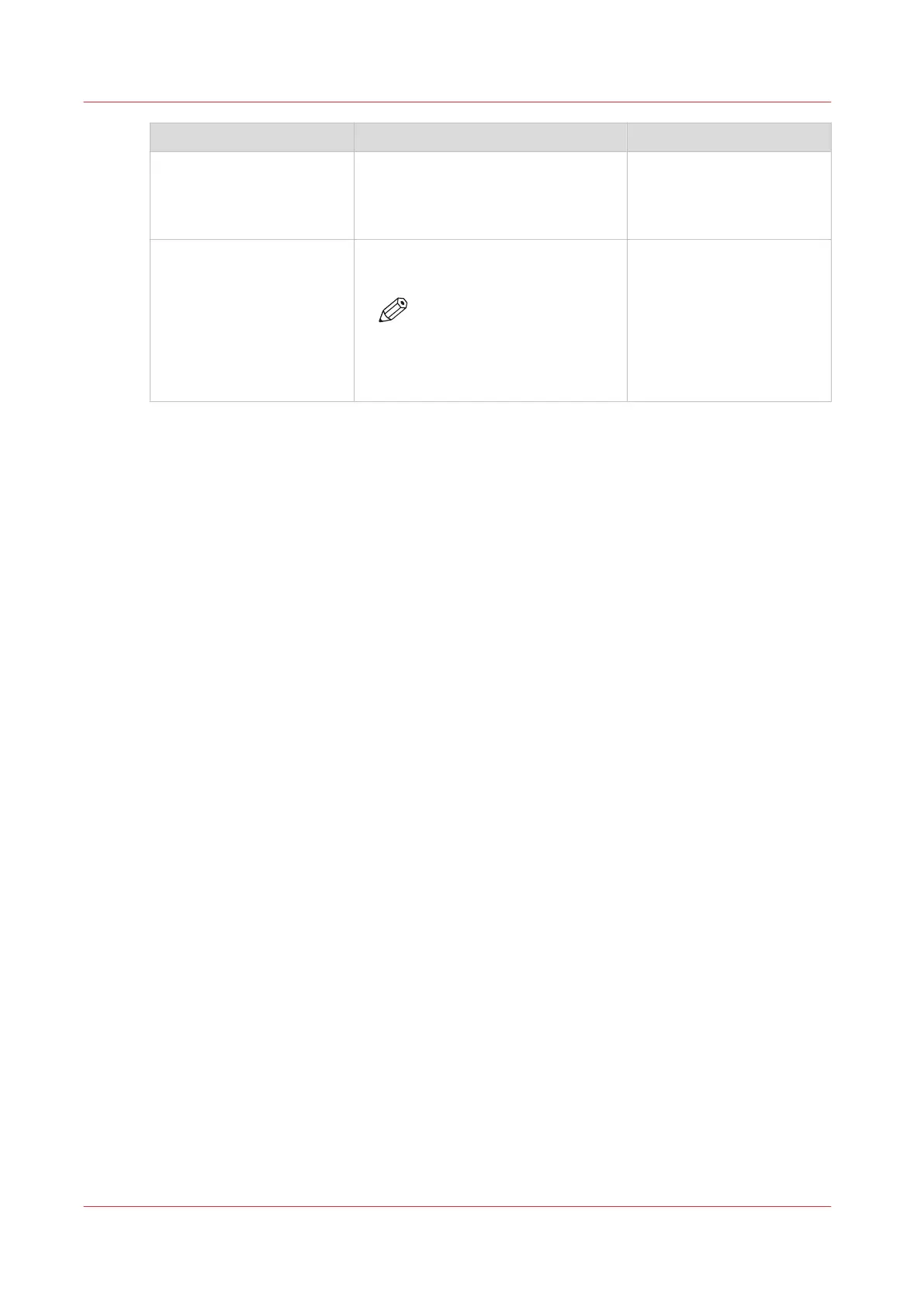
Item Function More information
[Toner counters] Indicates the amount of toner that
has been used since the printer was
installed. You cannot reset the toner
counter.
[Go to maintenance tasks] Open the list of the suggested or re-
quired maintenance tasks.
NOTE
Only a trained and certified
operator is allowed to per-
form the maintenance
tasks.
Introduction to the [Maintenance] section
256
Chapter 12 - Maintain the print system
Océ VarioPrint 6000 line













 To Next Page