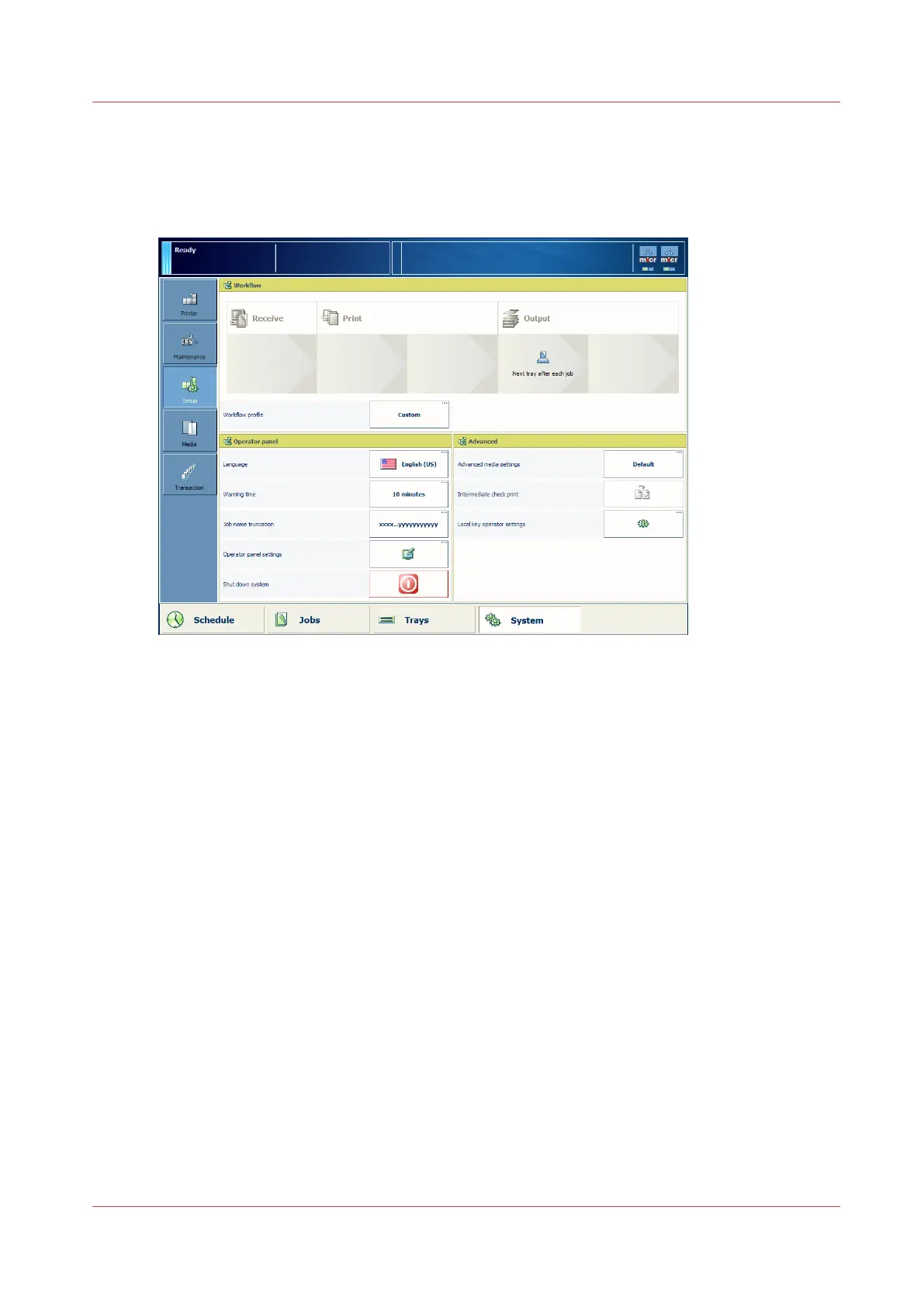
Shut down the system
Illustration
[8] Shut down the system
Procedure
1.
Touch [System] -> [Setup] -> [Shut down system].
The control panel displays the message [Are you sure you want to shut down?].
2.
Touch [Yes].
A message indicates when the shut down will begin.
When the shut down is complete, the control panel will be off.
3.
To shut down the system completely, switch the On/Off button of each connected finishing unit
into the "O" position.
Shut down the system
Chapter 4 - Start the print system
47
Océ VarioPrint 6000 line













 To Next Page