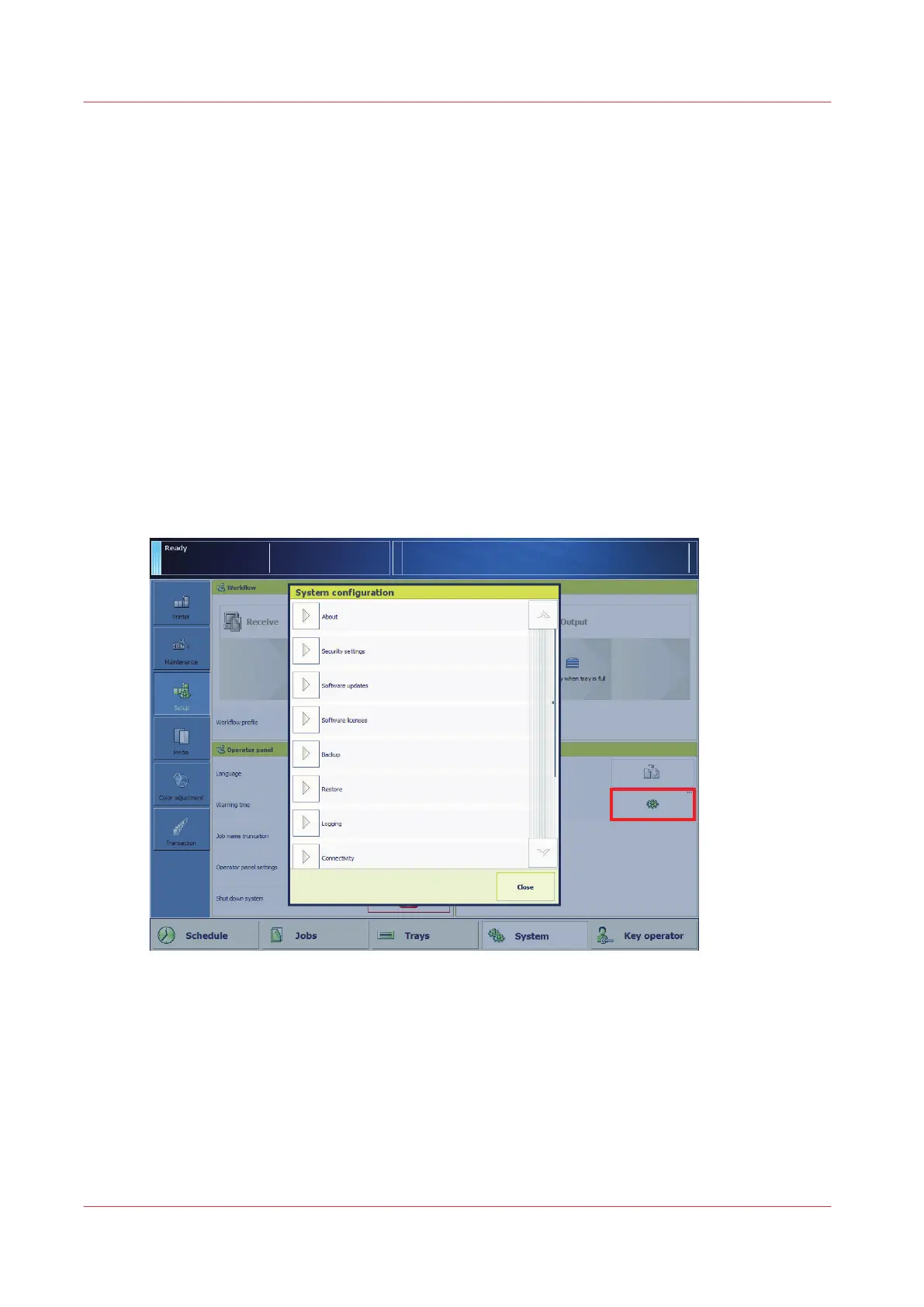
System configuration
System configuration and maintenance
Your organization and print environment can ask for a system configuration that meets
production and workflow requirements. In addition, authorization, security and sustainability
guidelines are important when you establish a print system.
The installation of the print system includes most configuration tasks, such as definitions of
preferences, job workflows and print languages.
It depends on the type of job, if it is necessary to change settings at a later moment.
Configuration tasks for the system administrators and key operators
The configuration settings are available via a web-based configuration tool, the Settings Editor.
Both the key operator and the system administrator can change settings in the Settings Editor. A
part of the Settings Editor settings and information is also available on the System view and Start
view of the control panel. You need rights to access configuration settings to change these
settings. (
Users of the print system
on page 12)
[66] The system configuration settings on the control panel
Maintenance tasks for operators
Operators are responsible for refilling the consumables, the removal of staple and punch waste,
and manual cleaning tasks.
System configuration
246
Chapter 12 - Maintain the print system
Océ VarioPrint 6000 line













 To Next Page