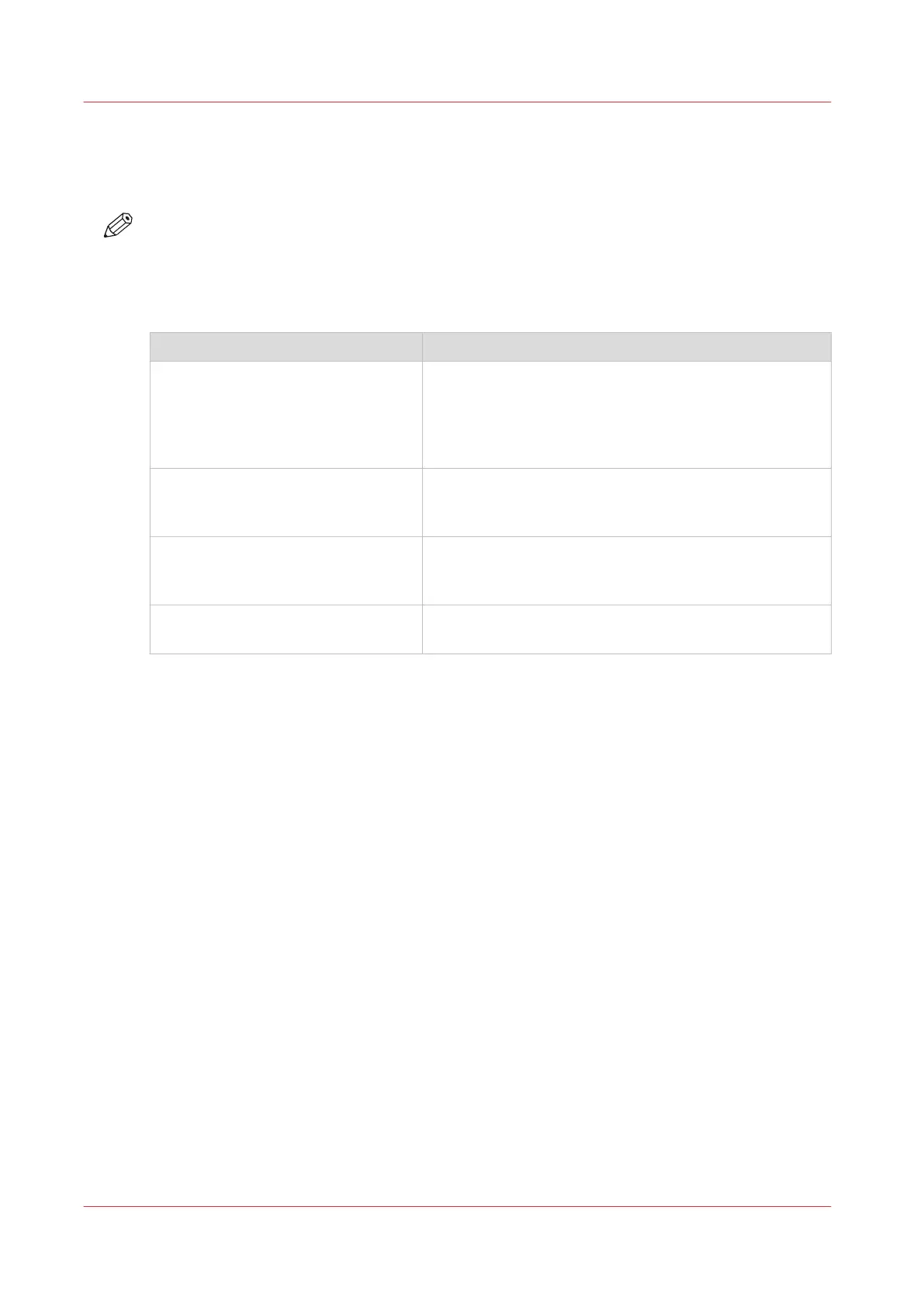
The accounting related settings in the Settings Editor
Description
NOTE
Accounting requires a license. Contact your local authorized dealer for more information.
The table below describes the available accounting related settings in the Settings Editor
(navigate to [Configuration] -> [Accounting]).
The accounting related settings
Setting Description
[New account log file] With this setting you indicate when a new account log
file is created:
• [At start of day]
• [At start of week]
• [At start of calendar month]
[Download account log file] You can save the account log files to a location on your
PC or network to create invoices for customers, for ex-
ample.
[Separator in account log file] This setting allows you to select the character used in
the account log files to separate the information. You
can select [Use ';' (semi-colon)] or [Use ',' (comma)].
[Encoding of account log file] This settings allows you to indicate that the account log
files must be encoded in UTF-8.
The accounting related settings in the Settings Editor
70
Chapter 5 - Prepare the print system
Océ VarioPrint 6000 line












 To Next Page