Load light-weight media into the paper module
Introduction
IMPORTANT
• Before you load media into the paper trays, it is important to unpack and carefully check the
stack and sheets.
Unpack light-weight media
on page 241
• Load the media carefully because light-weight media is fragile, especially at the edges.
• Some light-weight media can be badly cut. This means that sheets stick to each other. After
you loaded the media, loosen the sheets according the instructions below.
• Follow the instructions below carefully. When you do not load the media correctly, media or
machine damage can occur.
• Discard damaged sheets.
Before you begin
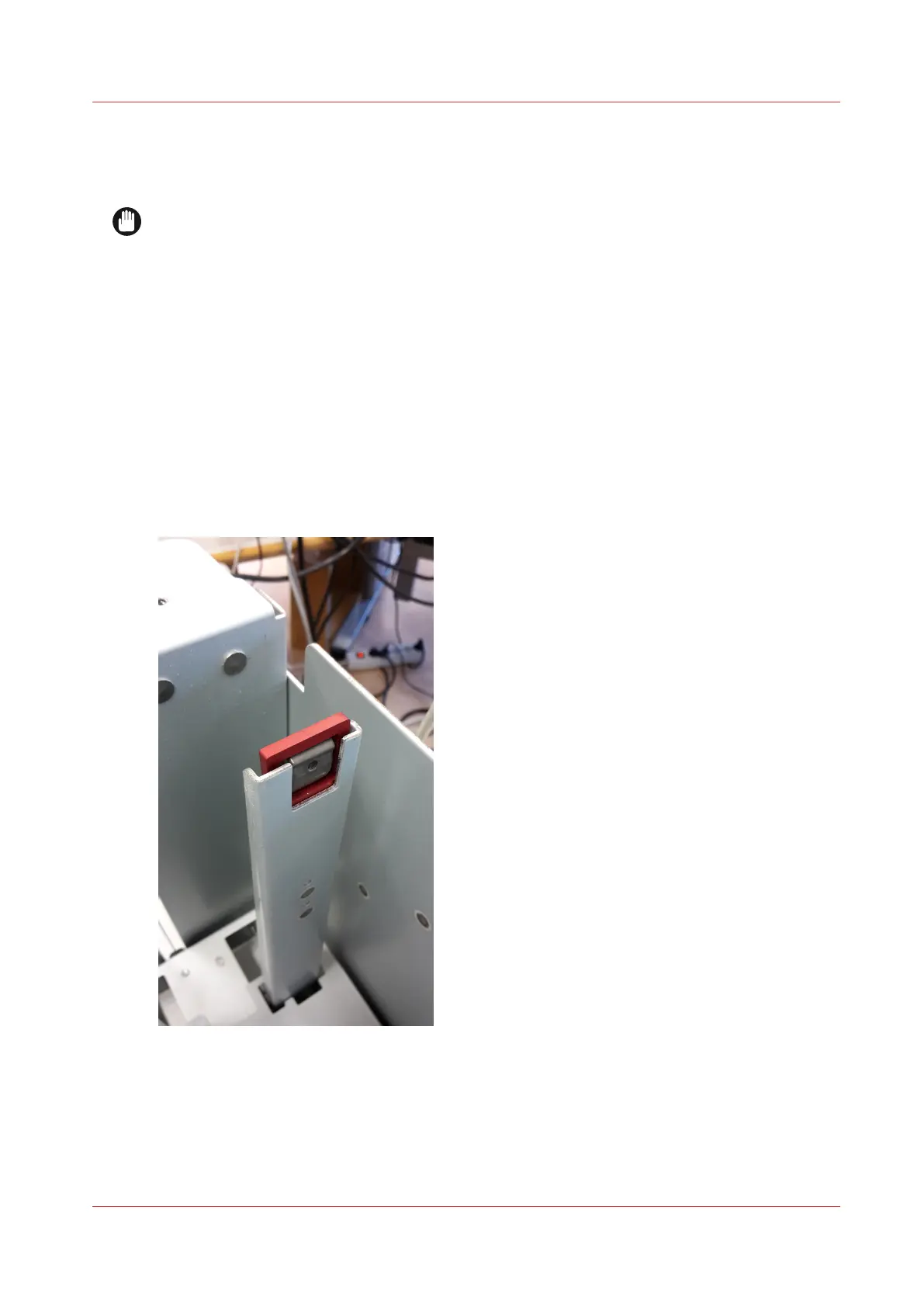
• Before you load light-weight media into the paper trays, insert the light-weight media tool in
the side slider at the operator side. The light-weight media tool is located in the door of the
paper module.
Remove the light-weight media tool when there is no light-weight media loaded in the tray.
Place the light-weight media tool in the storage location in the door of the paper module.
• Make sure that the grain direction of the media is in the transport direction of the printer.
When needed, determine the grain direction, see
Determine the grain direction of light-weight
media
on page 243
• The humidity of the light-weight media is very important
Load light-weight media into the paper module
Chapter 11 - Media handling
237
Océ VarioPrint 6000 line













 To Next Page