The Transaction section (optional)
Introduction to the [Transaction] section
Introduction
NOTE
Transaction printing requires a license. The [System] view on the control panel displays the
[Transaction] section only when transaction printing is licensed.
Transaction printing enables you to print typical transactional documents like invoices, salary
slips or other variable data streams. Before you can start transaction jobs, you must first activate
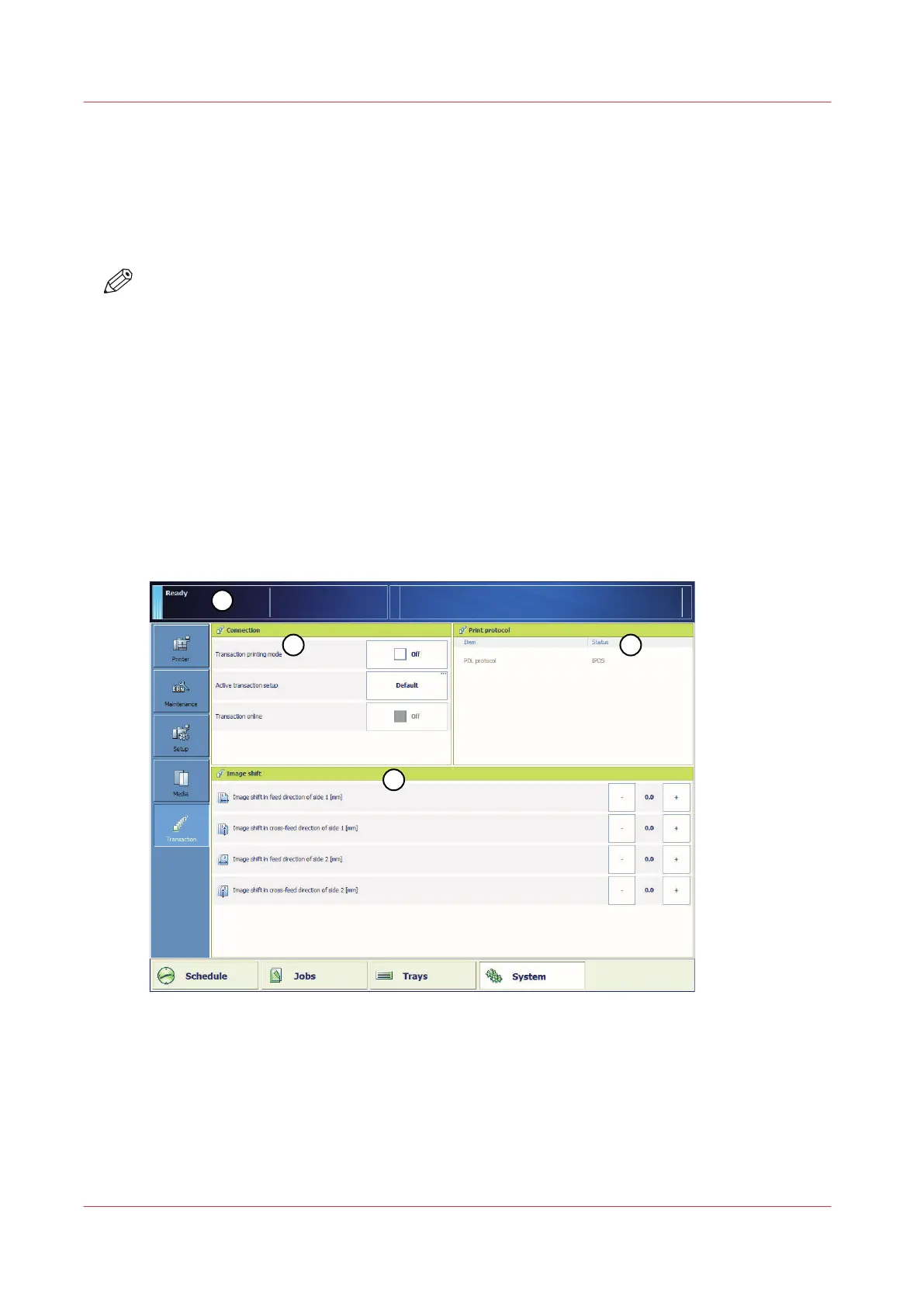
the transaction mode via the control panel. The [Transaction] section contains the settings that
you need to use transaction printing. There you can also shift the image in case of a
misalignment.
The following information is described below.
• An overview of the items in the [Transaction] section.
• The sequence of steps you must perform to print your transaction jobs.
Overview of the [Transaction] section
[39] Overview of the [Transaction] section
The Transaction section (optional)
176
Chapter 9 - Carry out print jobs
Océ VarioPrint 6000 line













 To Next Page