Introduction to the Trays view
Introduction
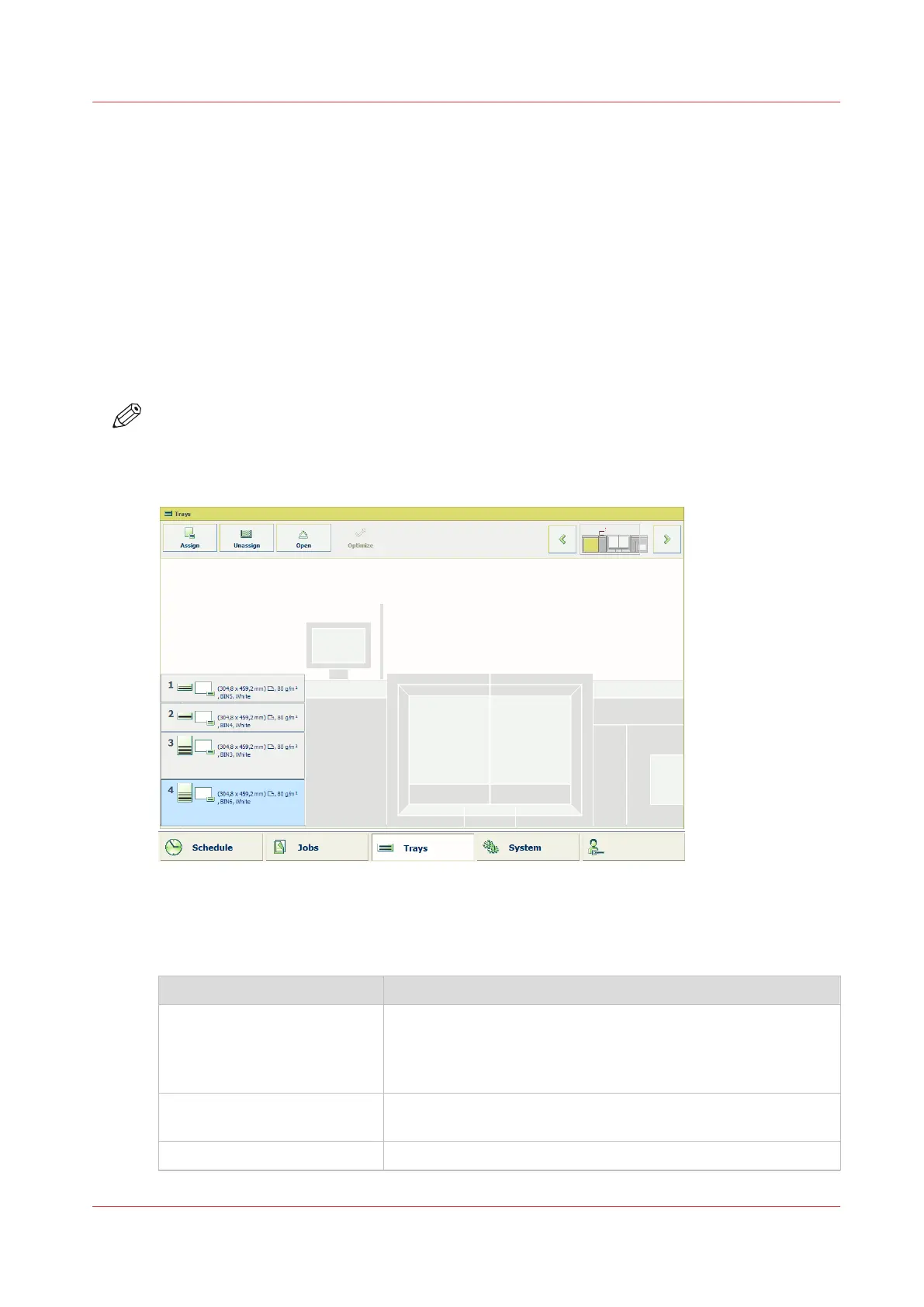
The [Trays] view has the following functions.
• Display the current content and filling level of the paper trays.
• Open the paper trays and assign the required media for the print jobs.
• Change the media that is currently assigned to a paper tray.
• Assign media to a paper tray when you already loaded the media and pressed the button for
[Not assigned] on the control panel of the paper module (
The paper modules
on page 19).
• Unassign media from a paper tray.
• Perform a media registration.
This section describes the items of the [Trays] view.
NOTE
The machine can have 1, 2 or 3 paper modules, possibly combined with a roll feeder. When the
machine has more than 1 paper module, the [Trays] view displays all the available paper
modules.
[47] Example of a configuration with 1 paper module
The items of the [Trays] view
Description of the [Trays] view
Item
Function
Content of the paper trays Indicate the current content and filling level of the paper trays.
The [Trays] view displays the parameters of the media that are
currently in the paper trays. The parameters are a combination
of icons and texts (
The paper tray information
on page 206).
[Assign] button Assign media from the media catalog (
Assign the media to a
paper tray
on page 212).
[Unassign] Unassign media from the selected paper tray.
4
Introduction to the Trays view
Chapter 11 - Media handling
205
Océ VarioPrint 6000 line













 To Next Page