Print a job using Océ PRISMAprepare (optional)
Introduction
Océ PRISMAprepare enables you to prepare the print job completely on page level. You can
preview the result per page. Océ PRISMAprepare is an optional application.
This procedure describes the most important settings for daily use.
Procedure
1.
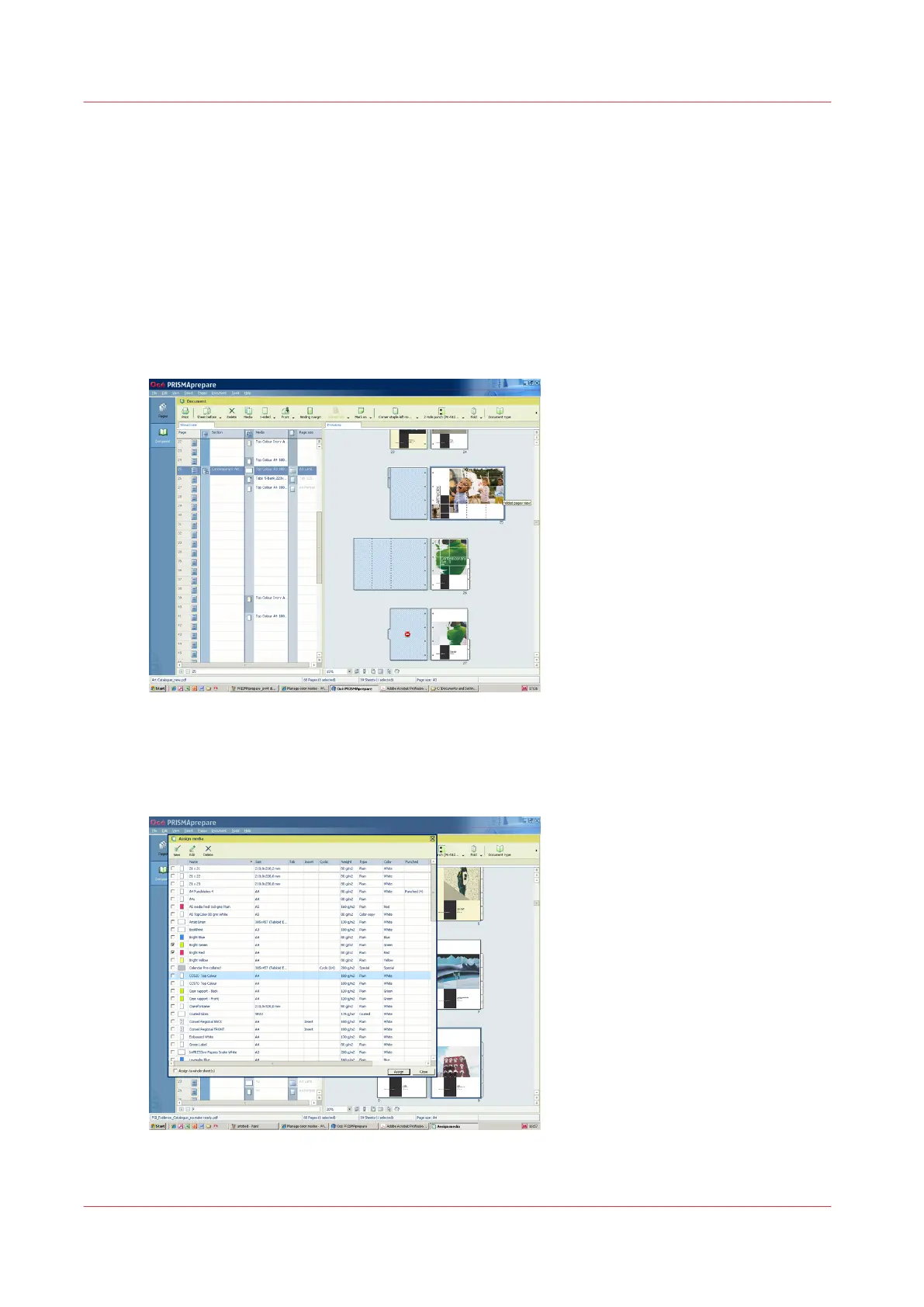
Prepare the document.
[19] Lay out preparation with Océ PRISMAprepare
2.
Use the media catalog to define the media.
With Océ PRISMAprepare you can export the media catalog to Océ PRISMAsync controllers of
Océ black & white and color systems.
[20] The media catalog in Océ PRISMAprepare
Print a job using Océ PRISMAprepare (optional)
84
Chapter 6 - Prepare the print jobs
Océ VarioPrint 6000 line













 To Next Page