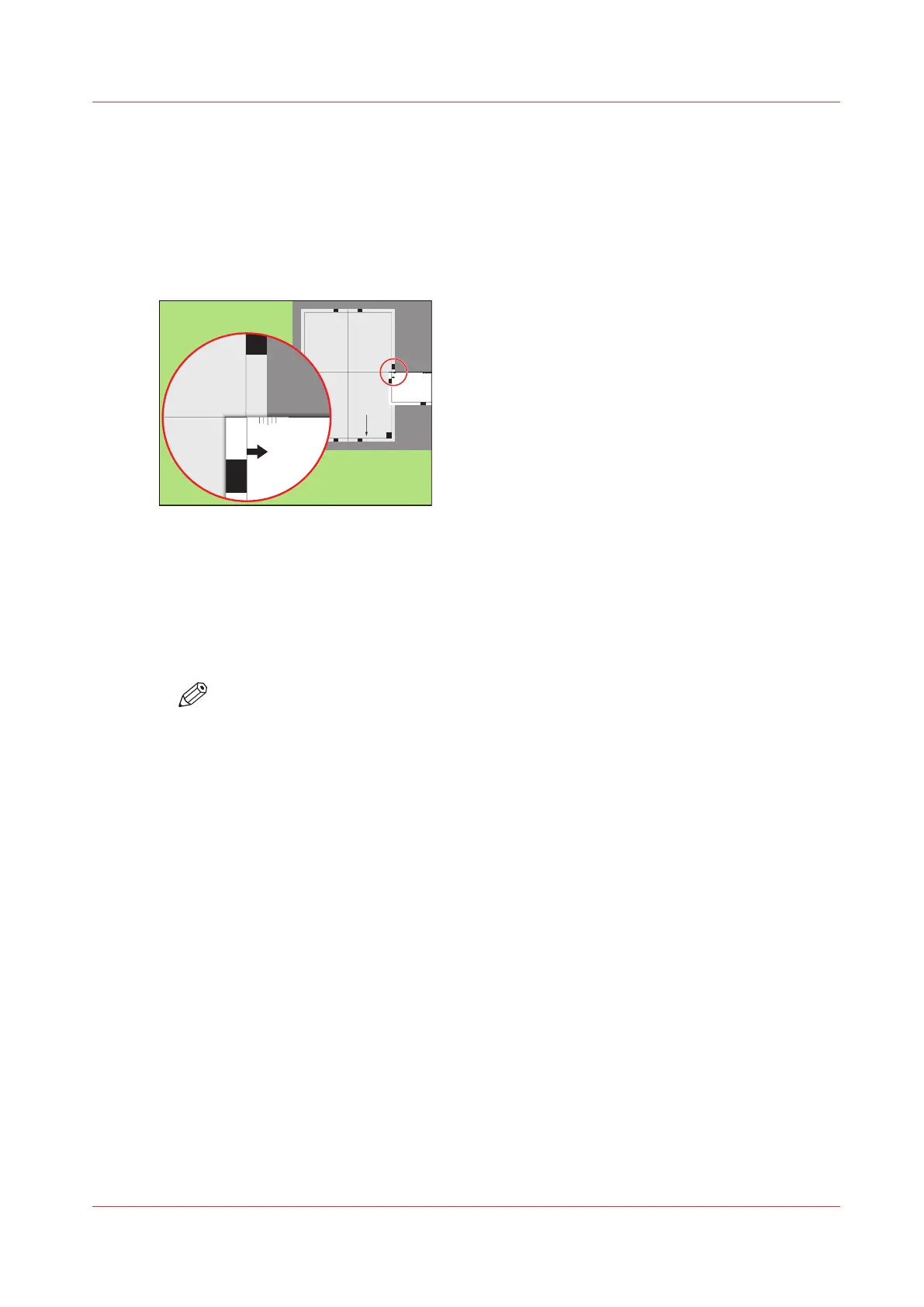
Perform a media registration for large media - Adjust the Z-
position of side 2
Procedure
1.
Take the first test sheet.
2.
Align the start of the ruler with point 'K' of the test sheet.
Test bitmap: REGISTRATION
Size: 420 x 297 mm
2006-10-09 / 14:08:22
Page 2
2
Secondary image
K
P
ML N
1000
1050
1100
1150
1200
1250
-50
0
+50
Pri mar y X image position
Pri mar y Z image position
Pri mar y diamond shape
X length
L
[63] Align the ruler with 'K'
3.
Read the value at the edge of the test sheet.
4.
Enter the value.
5.
Take the second test sheet.
6.
Repeat the steps 2 - 4.
7.
Take the third test sheet.
8.
Repeat the steps 2 - 4.
NOTE
After step 8, the machine prints another 3 test sheets to measure the X-position of side
1 and side 2.
Perform a media registration for large media - Adjust the Z-position of side 2
Chapter 11 - Media handling
233
Océ VarioPrint 6000 line












 To Next Page