Print the Billing Counters Report
Introduction
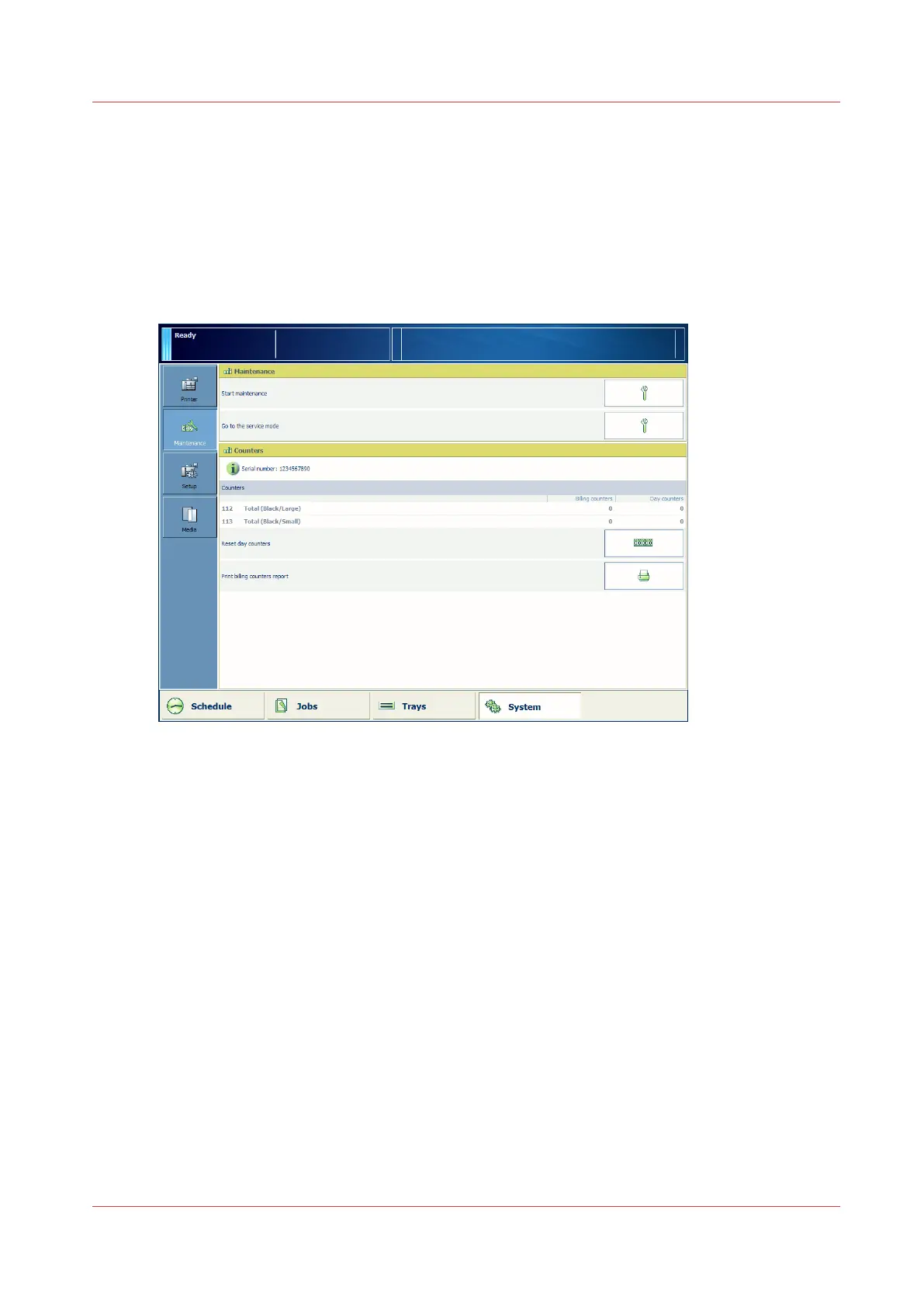
You can print a report that contains all figures of the configured billing counters. The language of
the billing counters report is the same as the selected language for the system.
Illustration
[70] Print the billing counters report
Procedure
1.
On the control panel, touch [System] -> [Maintenance] -> [Print billing counters report].
Print the Billing Counters Report
Chapter 12 - Maintain the print system
259
Océ VarioPrint 6000 line













 To Next Page