Adjust the control panel
You can change several settings to adjust the control panel according to your needs or workflow.
Change the display language of the control panel
1. Touch [System] -> [Setup] -> [Language].
2. Select the language.
3. Touch [OK]
Adjust the warning time
The dashboard and the operator attention light warn you when an operator intervention is
expected. You can change the warning time or disable the warning in advance.
Choose a warning time so that you have sufficient time to prepare media or remove prints
without a print system stop. The factory default is 10 minutes.
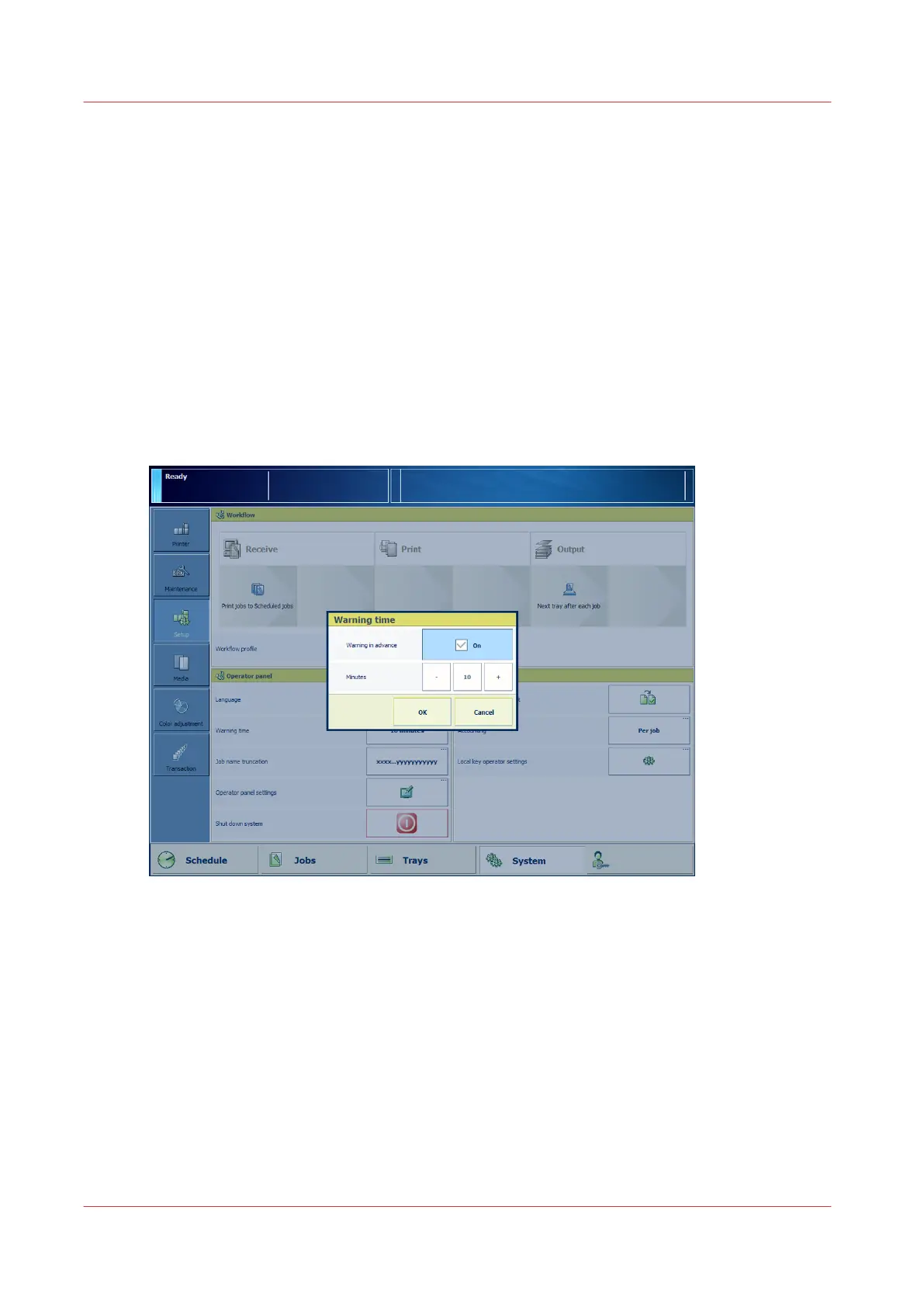
[10] Warning time setting
1. Touch [System] -> [Setup] -> [Warning time].
2. Touch [Warning in advance] to enable or disable the function.
3. Touch the - or + button to decrease or increase the warning time in increments of 1 minute.
You can set a time from 1 - 60 minutes.
4. Touch [OK].
Use of shorter job names
When the job name is too long to display on the control panel, PRISMAsync truncates the job
name. You can determine how PRISMAsync shortens the job names.
Adjust the control panel
50
Chapter 5 - Prepare the print system
Océ VarioPrint 6000 line













 To Next Page