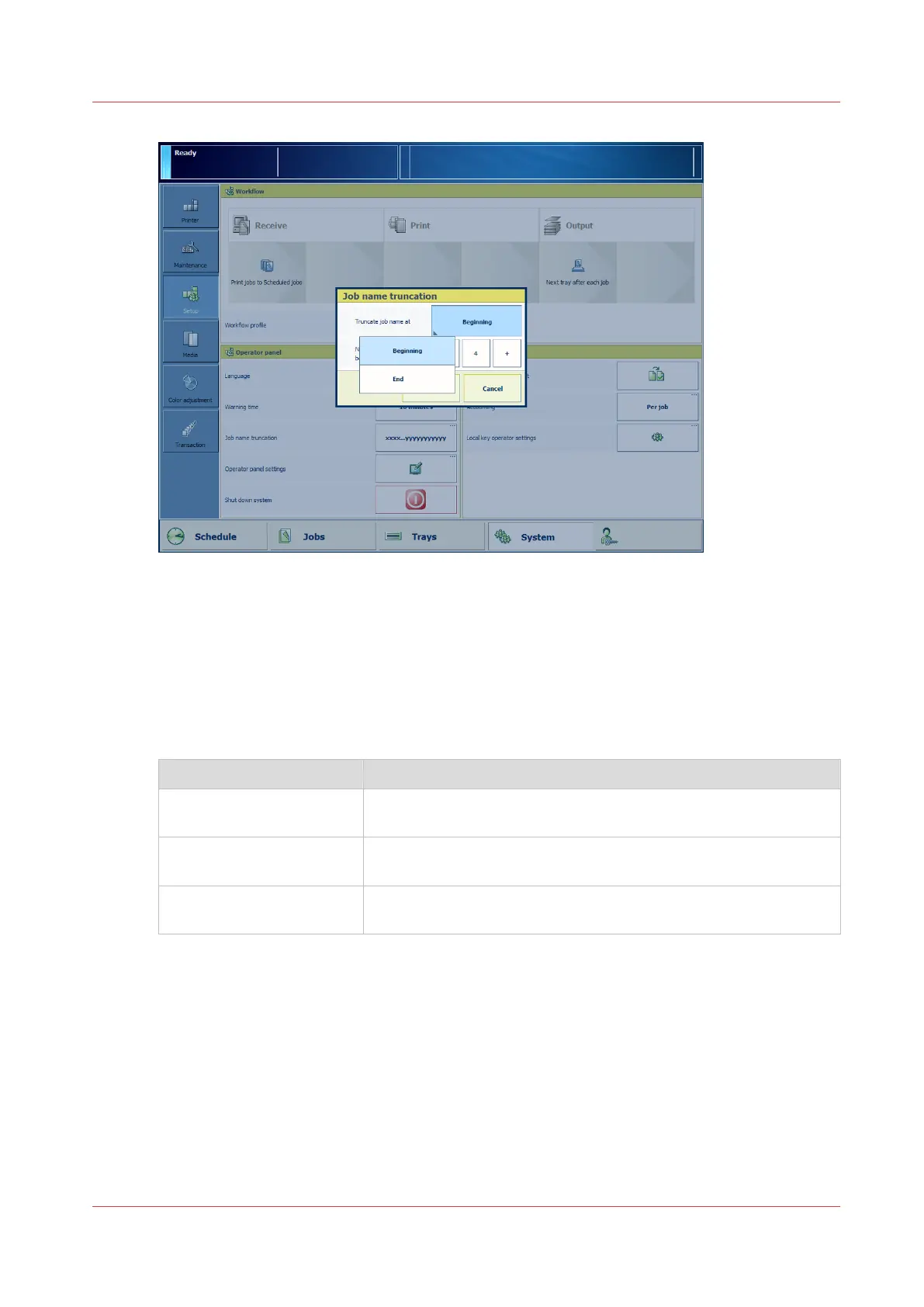
[11] Job name truncation
1. Touch [System] -> [Setup] -> [Job name truncation].
2. Indicate how you want to shorten the job name.
3. Touch [OK].
Adjust the readability of the control panel
You can adjust the brightness and contrast of the control panel screen. Use the automatic or
manual adjustment.
Setting Description
[Auto adjust] The screen of the control panel will automatically set the correct
ratio of brightness and contrast.
[Brightness] You can increase or decrease the brightness from level 20 to 100
in steps of one. The higher the value, the higher the brightness.
[Contrast] You can increase or decrease the contrast from level 10 to 100 in
steps of one. The higher the value, the higher the contrast.
Adjust the control panel
Chapter 5 - Prepare the print system
51
Océ VarioPrint 6000 line













 To Next Page