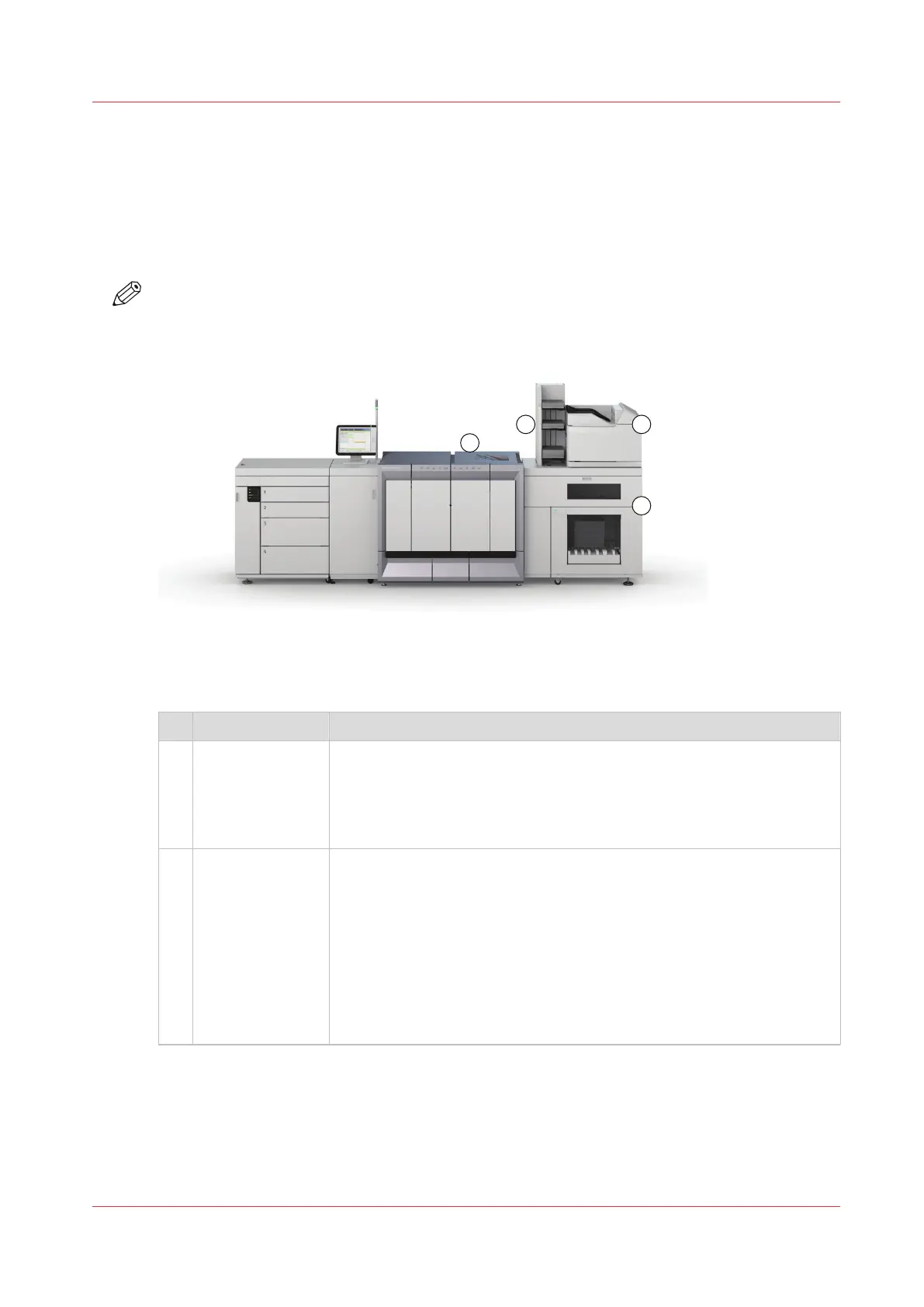
The output locations
Introduction
The machine supports several output locations for the printed jobs. The default configuration of
your machine contains a stacker and the system output. The finisher is an optional output
location. Furthermore, you can connect several optional external finishers to the machine.
NOTE
You need the optional finisher or another optional external finisher to staple the jobs.
[2] The output locations
Overview of the output locations
Component Description
1 [Stacker] The stacker is the default output location of the machine. The stacker
capacity is 6,000 sheets, in 2 stacks of 3,000 sheets each (80 g/m² or 20
lb. bond).
The stacker does not contain staple cartridges. Therefore, the stacker
cannot be the output location for jobs that require staples.
2 [System output] The system output is the output location for the following prints.
• Error prints
• Sample prints
• Configuration reports
• Job tickets
• The test sheets for the media registration.
• The test sheets for the media quality.
Make sure that you regularly remove the sheets from the system out-
put.
4
The output locations
Chapter 2 - Explore the print system
21
Océ VarioPrint 6000 line













 To Next Page