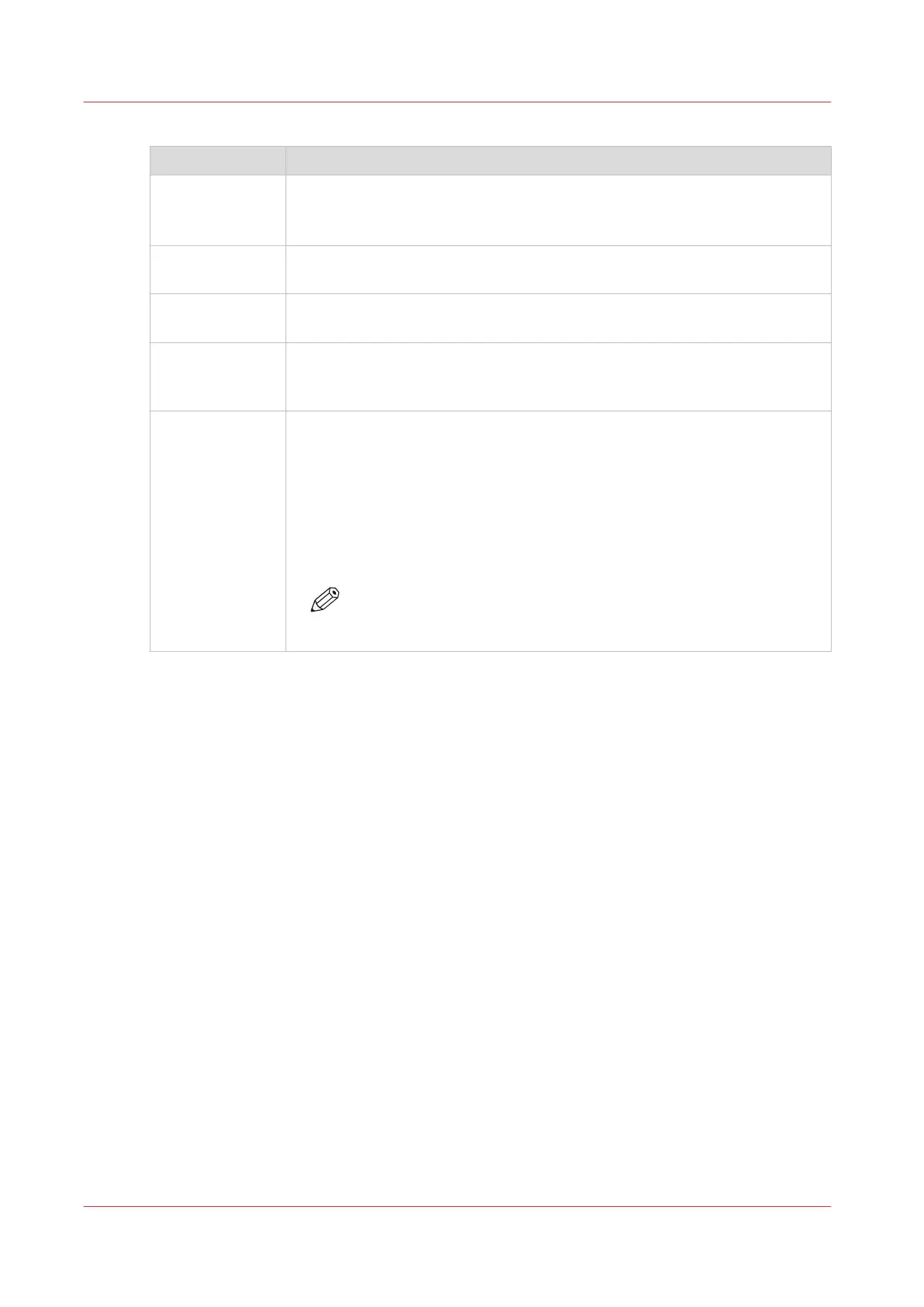
The parts of the control panel
Number Description
1 The LEDs indicate the current amount of sheets in the corresponding paper
tray. Each lit-up LED indicates the presence of about 100 sheets (based on
media of 80 g/m
2
or 20 lb bond).
2 Press the button to open the corresponding paper tray. You can only open 1
paper tray at a time.
3 When the check mark is green, the media in the paper tray is defined. The
system knows which media is in the paper tray.
4 When the arrows are red, the media in the paper tray is not defined. The
system does not know which media is in the paper tray. The [Trays] view on
the control panel indicates that no media is assigned to the paper tray.
5 The [Not assigned] button. This button applies to the paper tray where you
just put the media.
You can press the [Not assigned] button when you load a new media type
into a paper tray without defining this media type on the control panel first.
Then the printer cannot accidentally use the media in this paper tray before
the media is correctly defined on the control panel. You can define the me-
dia type in the [Trays] view on the control panel later (see
Assign the media
to a paper tray
on page 212).
NOTE
Make sure that the paper tray is open when you press the [Not as-
signed] button.
The paper modules
20
Chapter 2 - Explore the print system
Océ VarioPrint 6000 line













 To Next Page