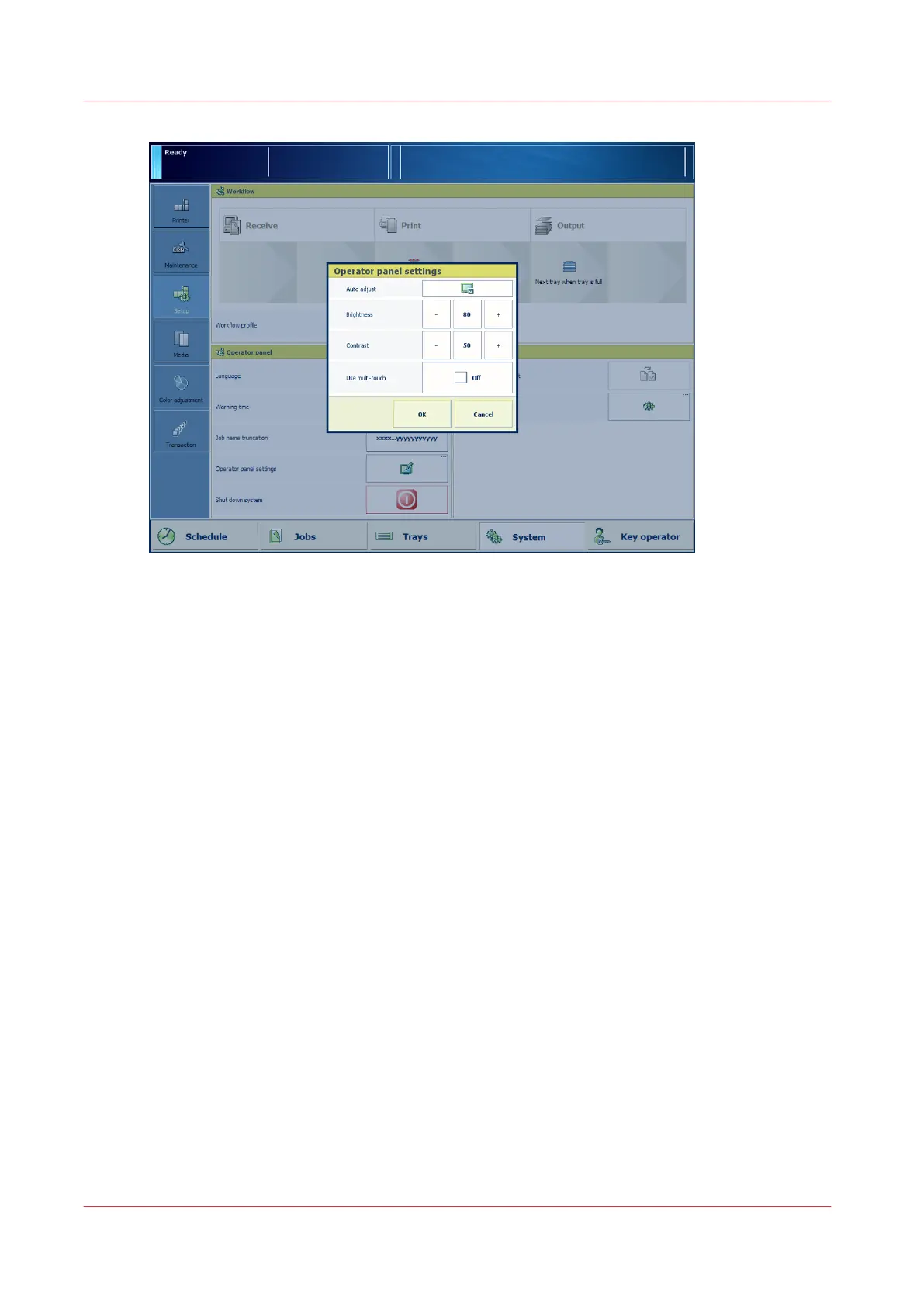
[12] Control panel adjustments
1. Touch [System] -> [Setup] -> [Control panel settings].
2. Choose the automatic adjustment method or touch the + and - buttons to adjust the
brightness and contrast manually.
3. Touch [OK].
Use pinch zoom gestures
When you want to use pinch-in and pinch-out gestures you must first enable the multi-touch
function.
Adjust the control panel
52
Chapter 5 - Prepare the print system
Océ VarioPrint 6000 line













 To Next Page