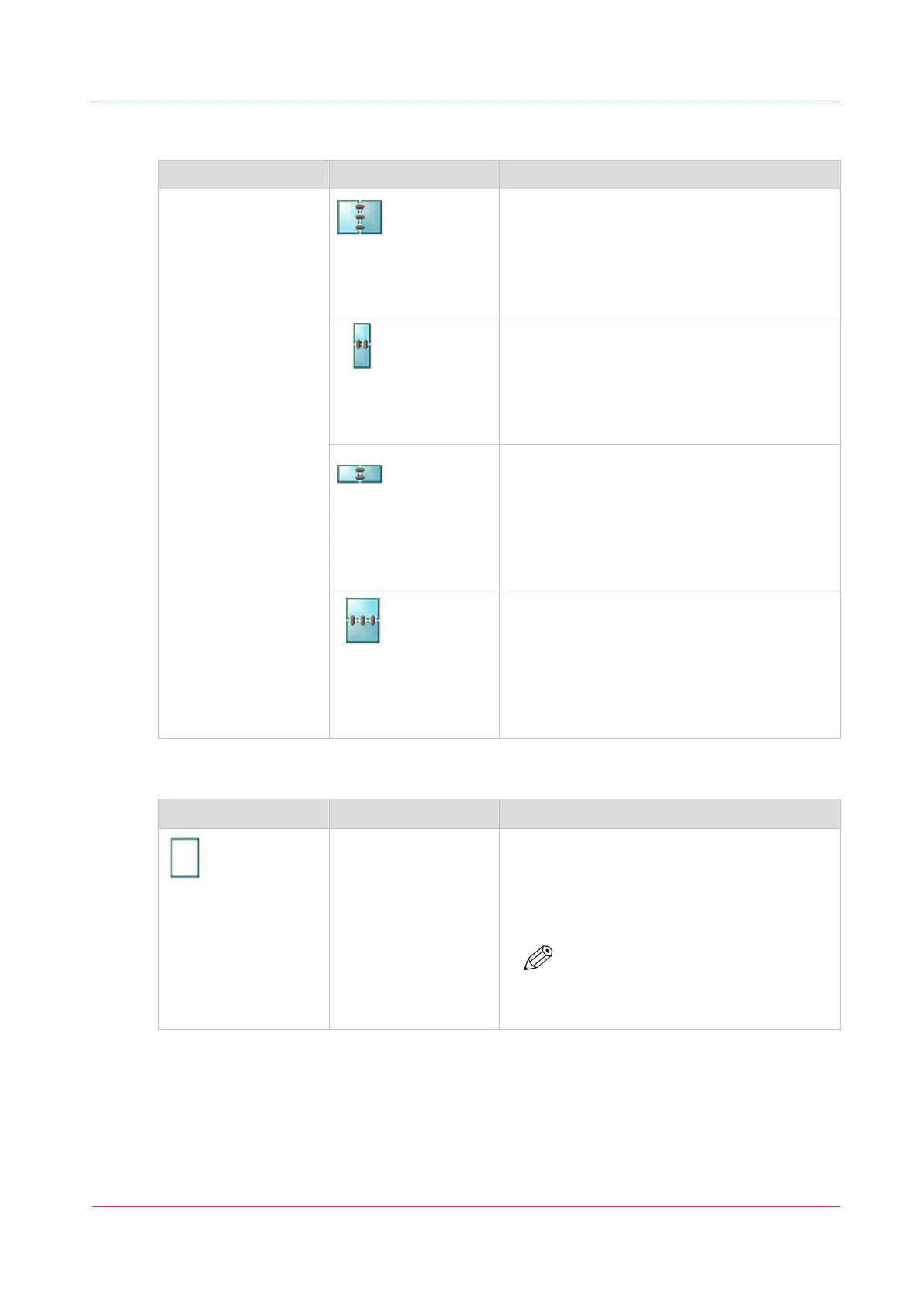
[Binding edge]
Setting Values Description
[Binding edge]
[Portrait left]
• The original has a vertical format (height >
width).
• The binding edge is at the left-hand side.
• When you turn a sheet over the binding
edge, the image or text on the back of the
sheet is in readable form.
[Portrait top]
• The original has a vertical format (height >
width).
• The binding edge is at the top.
• When you turn a sheet over the binding
edge, the image or text on the back of the
sheet is in readable form.
[Landscape left]
• The original has a horizontal format (width >
height).
• The binding edge of the original is at the
left-hand side.
• When you turn a sheet over the binding
edge, the image or text on the back of the
sheet is in readable form.
[Landscape top]
• The original has a horizontal format (width >
height).
• The binding edge of the original is at the
top.
• When you turn a sheet over the binding
edge, the image or text on the back side of
the sheet is in readable form.
[Media]
Setting Values Description
[Media]
Names of the media in
the media catalogue
Here you can select the media for the job. The
list displays all the media that are available in
the media catalog including the temporary me-
dia. The media catalog is a list of media that
you can define in the Settings Editor.
NOTE
You can only change to media with
the same size, for example, from A4
blue to A4 green.
Overview of the Available Settings for DocBox Jobs
Chapter 8 - Plan the jobs
107
Océ VarioPrint 6000 line













 To Next Page