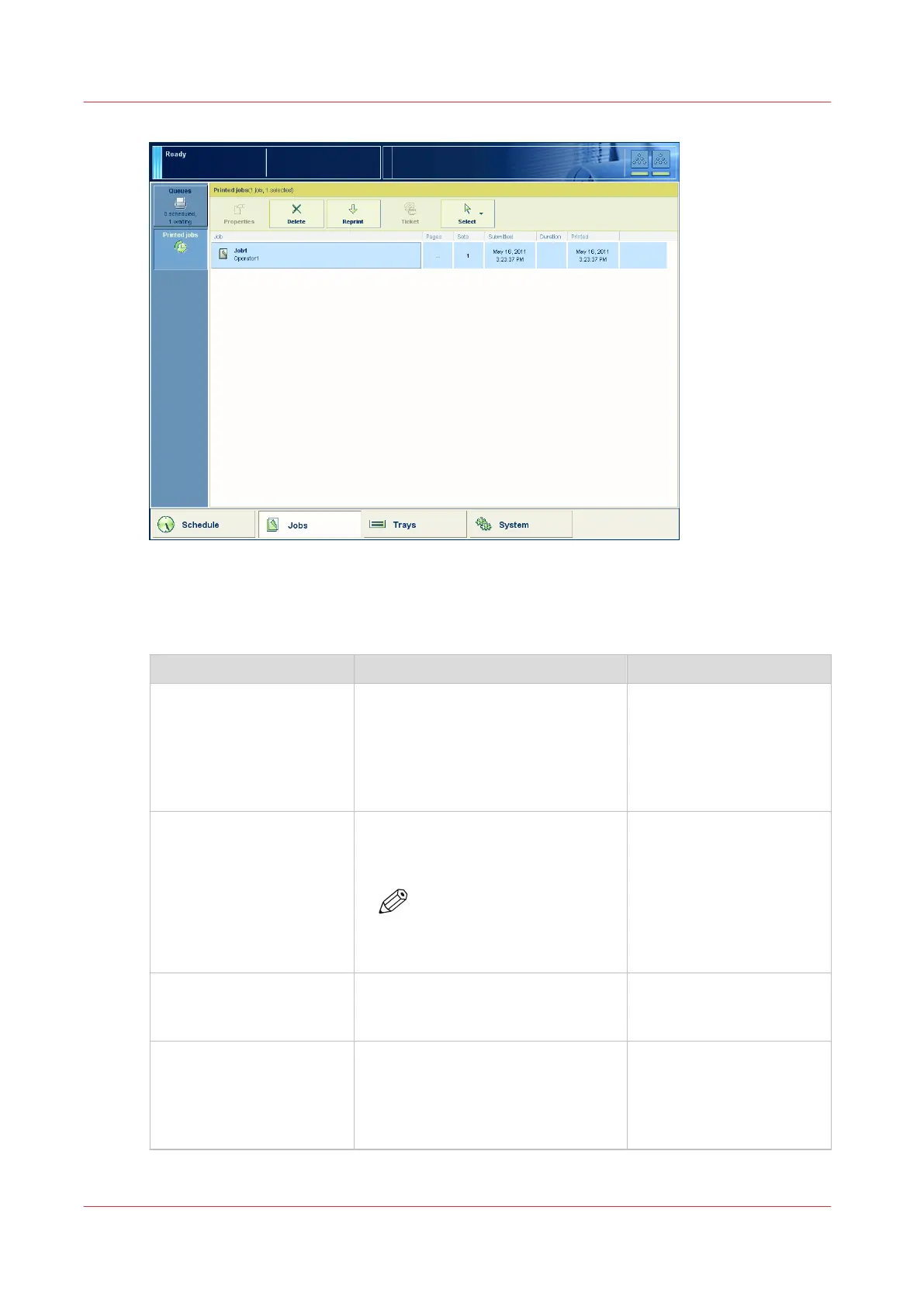
[37] The [Printed jobs] view
The items of the [Printed jobs] view of the [Jobs] view
Description of the [Printed jobs] view
Item Function More information
[Printed jobs] Display the jobs that were printed
successfully. The system only moves
the printed jobs to the [Printed jobs]
list when you enable the [Store prin-
ted jobs] setting in the [Printed jobs]
section in the Settings Editor.
[Properties] button Check or change the properties of a
job. The button is only enabled when
you select 1 job.
NOTE
You can also press a job 2
times to check or change
the properties of that job.
[Delete] button Delete the selected job or jobs . The
button is enabled when you select 1
or more jobs.
Delete a job
on page 163
[Copy] button Send a copy of a job that has been
printed before to the list of [Waiting
jobs] to reprint the job.
The button is enabled when you se-
lect 1 or more jobs.
Reprint a job
on page 170
4
Introduction to the [Jobs] view
168
Chapter 9 - Carry out print jobs
Océ VarioPrint 6000 line













 To Next Page