Action
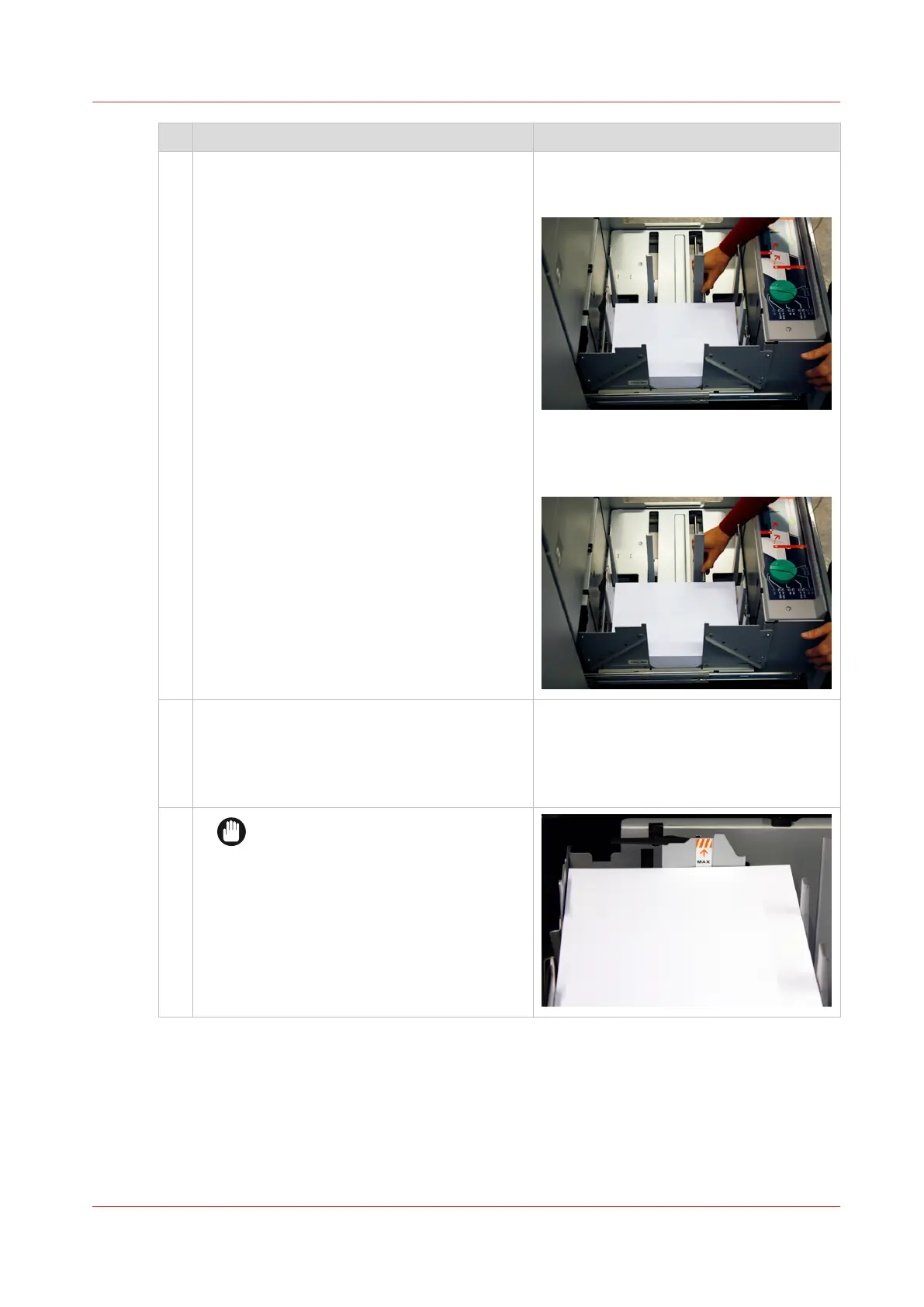
4 Move the sliders carefully to the stack. Slowly turn the knob clockwise until the
side sliders touch the stack without dam-
aging it.
Squeeze the green handle of the front
slider to move the trailer-edge sliders
carefully against the stack without dam-
aging it.
5
Unpack the following ream of media.
Carefully put the new stack on the already loa-
ded stack without adjusting the sliders.
Check the stack after loading. Remove sheets
that are shifted or curled during loading.
6
IMPORTANT
Ensure that the loaded media stack
does not exceed the loading limit
mark on the back slider.
4
Load light-weight media into the paper module
Chapter 11 - Media handling
239
Océ VarioPrint 6000 line













 To Next Page