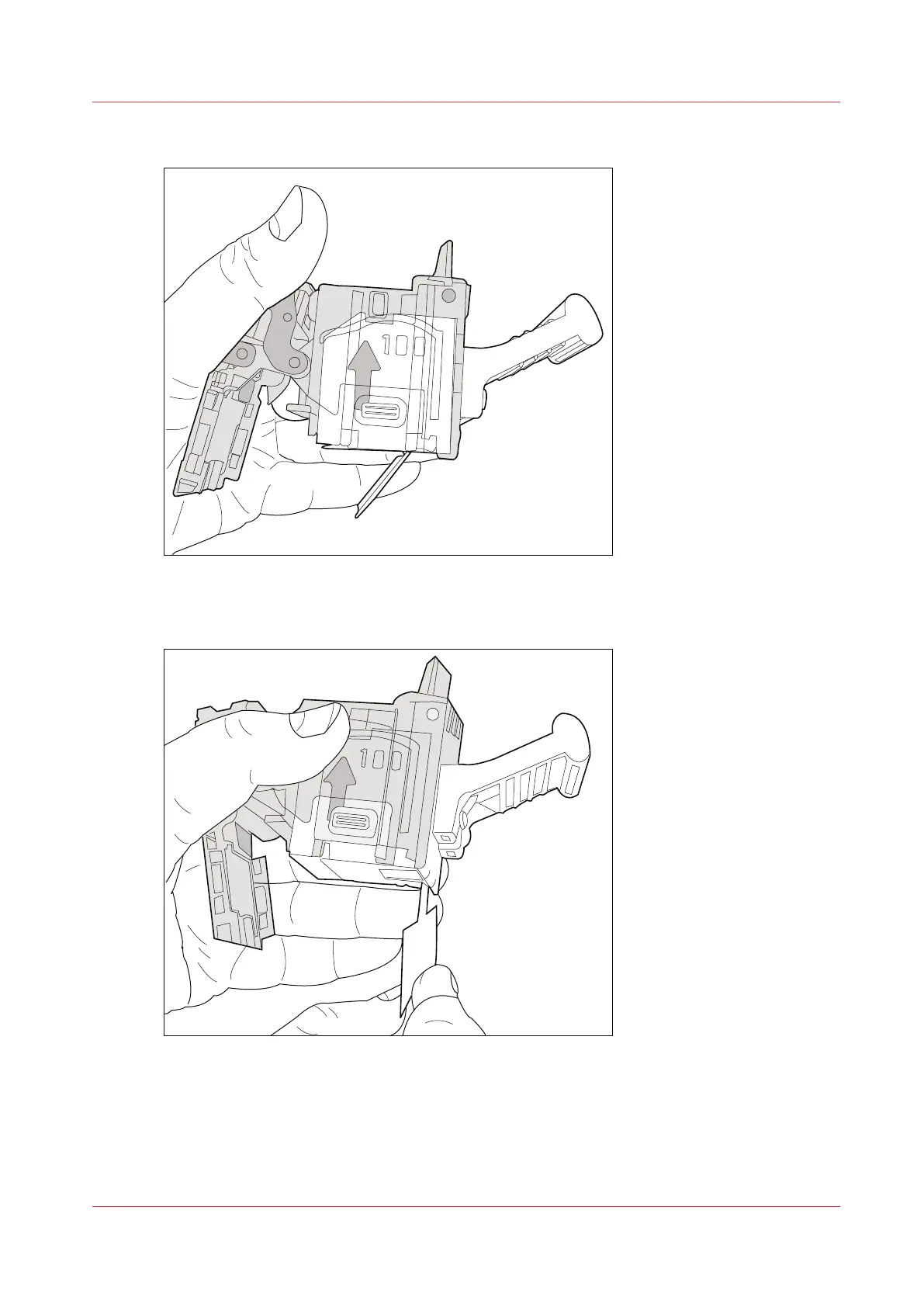
5.
Push the staple cartridge into the cartridge holder until the cartridge clicks into place.
[76] Firmly push the staple cartridge into the holder
6.
Remove the paper ribbon that secures the staples in the staple cartridge.
[77] Remove the paper ribbon
7.
Close the lower cover.
8.
Place the cartridge holder in the stapler.
Add staples
Chapter 12 - Maintain the print system
273
Océ VarioPrint 6000 line













 To Next Page