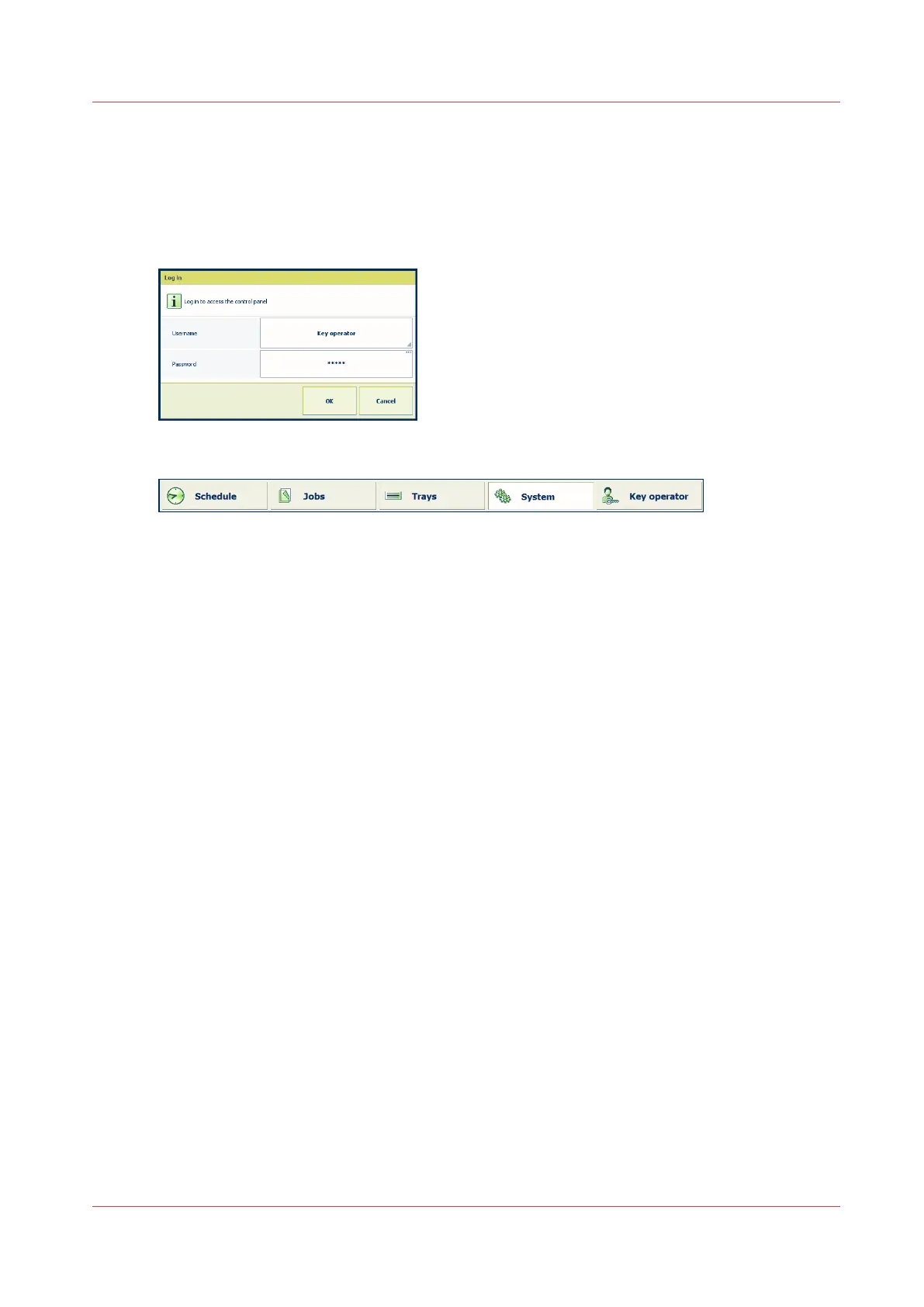
The access to the control panel can be secured to protect the contents of the documents and print
quality settings. When the access to the control panel is secured, you need to log in to the print
system.
The system administrator is responsible for user authorization and for providing your credentials.
For more information, see
Users of the print system
on page 12.
[3] Login screen
[4] Username is displayed at the bottom of the screen
Control panel
Chapter 3 - Explore the ease of operation
35
Océ VarioPrint 6000 line













 To Next Page