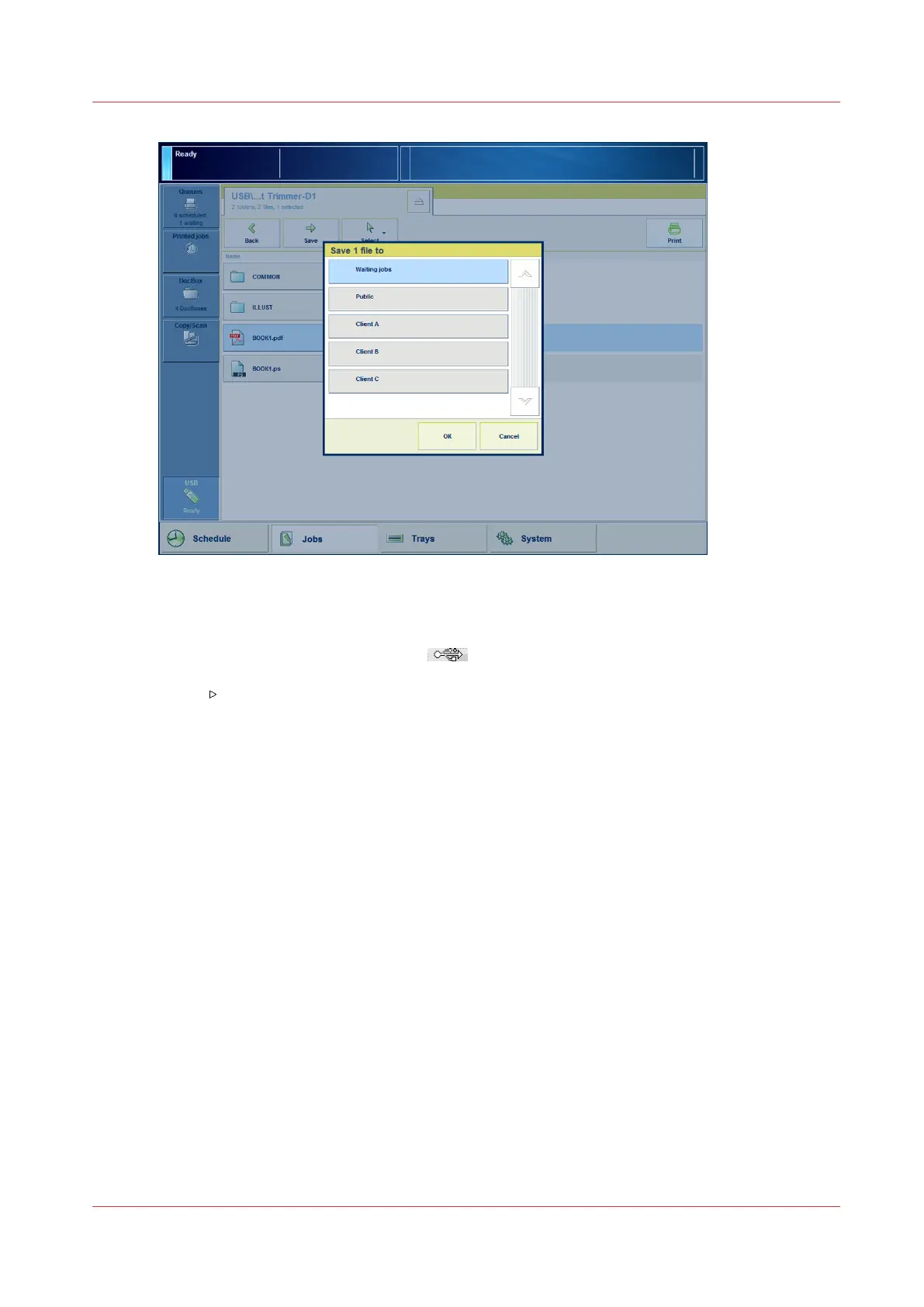
[22] Save a file to a different location
Procedure
1.
Insert the USB drive into the USB port
at the left-hand side of the control panel.
2.
On the control panel, touch [Jobs] -> [USB].
3.
Touch
to browse through the directories on the USB drive.
4.
Touch the file or files you want to print, or touch [Select] to select multiple files.
5.
Touch [Print] to send the file to the list of [Scheduled jobs] immediately, or
6.
Touch [Save] to save a copy of the file to another location on your printer such as the list of
[Waiting jobs] or a DocBox. Then you can edit the file first and print the file from the other
location
The locations you can select depend on your system configuration.
7.
Remove the USB drive from the control panel when the USB LED on the control panel is off.
Print a file from a USB drive
Chapter 6 - Prepare the print jobs
87
Océ VarioPrint 6000 line













 To Next Page