117
• S (< 2 sec) - to Switch from Gas in use to Gas 1,
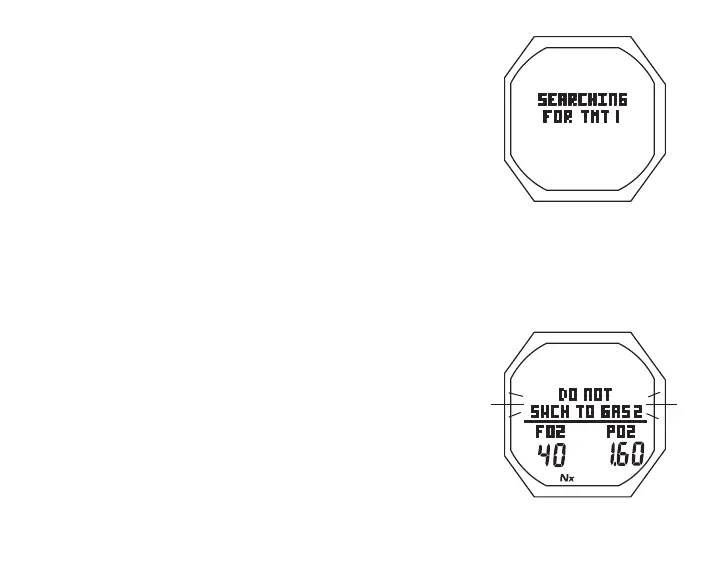
> display a Search for TMT screen (Fig. 110) for 10 sec,
> then revert to Main with Gas 1/TMT 1 selected
If the Gas/TMT are not switched to the same source as the
gas being breathed, ATR will increase to maximum after 1
minute without a change in transmitted Pressure.
Gas 2 and/or Gas 3 Switch To are similar, if use is set for SELF.
If Use is set for BUD, operation moves direct from the Menu to
the BUD Search screen for 10 sec, then a BUD Status (Press)
screen for 5 sec.
Gas Switch Alarm**
If a switch to the Gas would result in PO2 => 1.60, the Audible
will sound and a warning message will flash (Fig. 111) until it is
silenced, then the graphic SWCH TO - will be restored.
Due to the possibility that insufficient air may be available in the
Switch From tank, the switch will still be allowed.
If the switch is made, the PO2 alarm will strike. If in Deco, the
Up Arrow icon will not flash (you control action to be taken).
Fig.110-TMT1SEARCH
Fig.111-GASSWCHALARM



 To Next Page