Itala | INSTRUCTION MANUAL
4.5 Using the camera with Itala API
With Itala API it’s easy to integrate Itala devices in custom applications, thanks to an extensive set of
examples and complete documentation. For more information about the use of the library, refer
to Itala API documentation in the SDK installation folder.
4.5.1 Itala SDK documentation
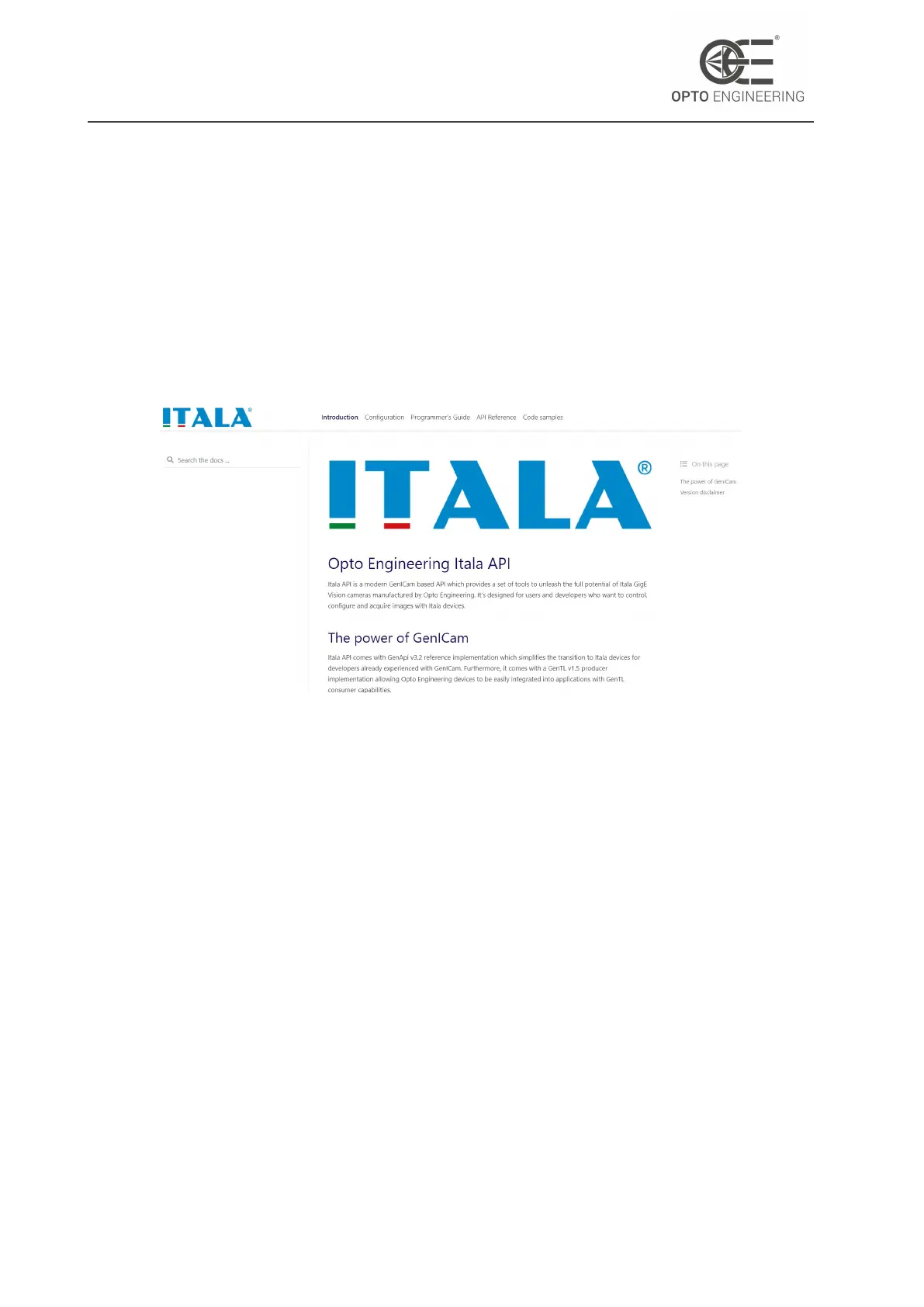
SDK documentation can be found in the installation directory (Itala SDK > Development > doc > html).
Figure 13: Home page of Itala SDK documentation.
Figure 13 depicts the home page of Itala SDK documentation.
4.6 Using the camera with third party software
Itala cameras are compliant to GigEVision and GenICam standards, allowing easy integration with
third party vision software. In addition, the SDK includes a GenTL producer (.cti file) compliant with
the GenTL specifications hosted by EMVA. This further enhances the interoperability with other
compliant devices and software.
4.7 Using the camera with Itala View
Itala View is a GUI tool which allows the evaluation, configuration and troubleshooting of Itala
cameras. With a comprehensive set of utilities and wizards, Itala View speeds up the evaluation
and deployment of a vision system built around Itala cameras.
To facilitate the first use of the application, a brief overview is given in the following sections.
v1.12 - eng 27



 To Next Page