Itala | INSTRUCTION MANUAL
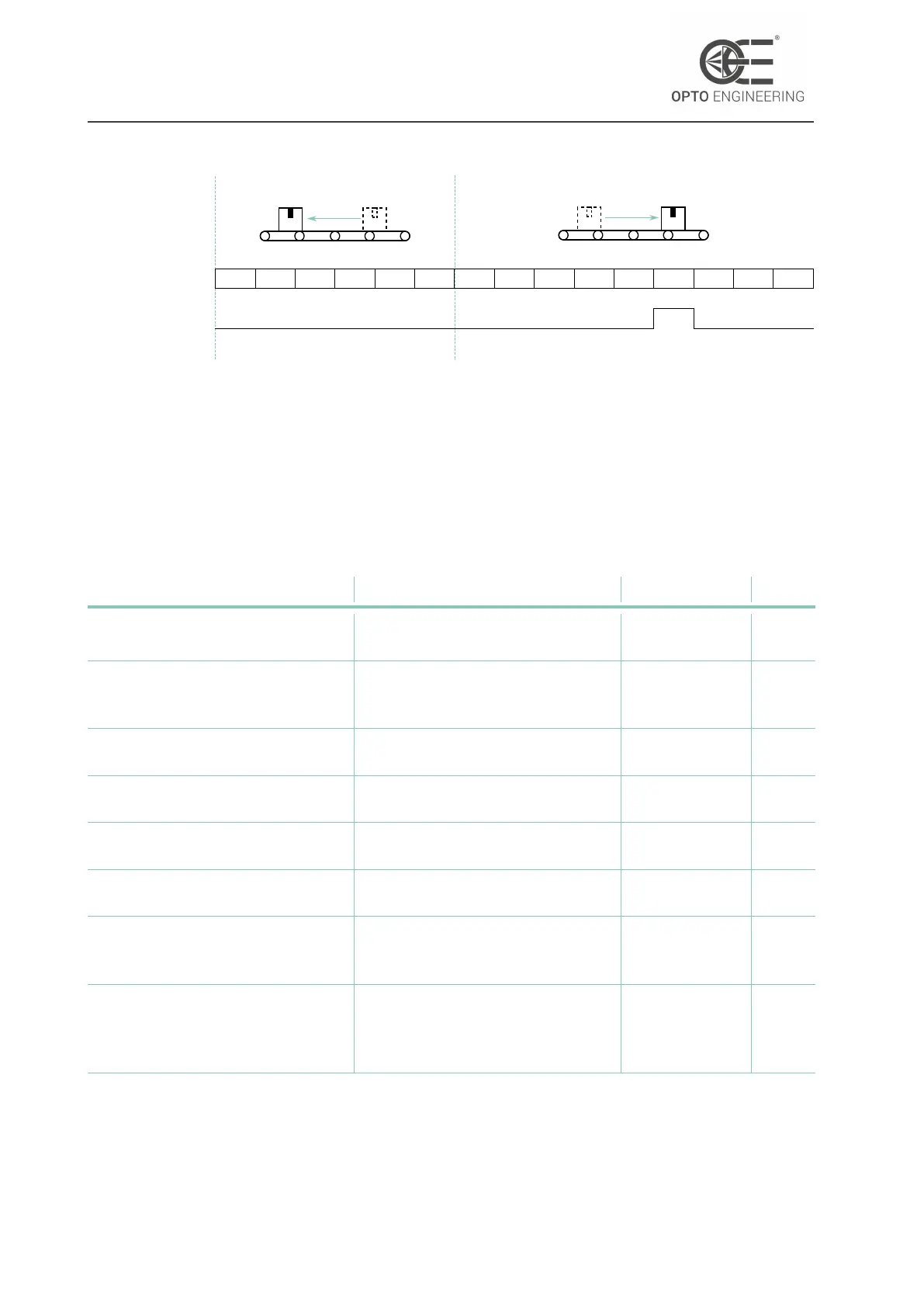
Moving backward
0 0 1 265535 65534
Moving forward
Encoder Value
Encoder Output
... ... ...
15001 15000 15001 15002 19998 19999
Figure 69: Example of spurious pulse generation: first, reverse motion is applied so that En-
coderValue indicator goes lower than EncoderDivider. Then, when forward motion is re-
stored, a spurious pulse is generated when EncoderValue equals EncoderDivider
6.11 Logic Block Control
The Logic Block Control section describes the model and features related to the control and the
generation of signals by Logic Block elements.
Feature Description Interface Access
LogicBlockSelector Specifies the Logic Block to
configure
IEnumeration RW
LogicBlockFunction Selects the combinational logic
Function of the Logic Block to
configure
IEnumeration RW
LogicBlockInputNumber Specifies the number of active
signal inputs of the Logic Block
IInteger R
LogicBlockInputSelector Selects the Logic Block’s input to
configure
IInteger RW
LogicBlockInputSource Selects the source signal for the
input into the Logic Block
IEnumeration RW
LogicBlockInputInverter Selects if the selected Logic Block
Input source signal is inverted
IBoolean RW
LogicBlockLUTIndex Controls the index of the truth
table to access in the selected
LUT
IInteger RW
LogicBlockLUTValue Read or Write the Value
associated with the entry at
index LogicBlockLUTIndex of the
selected LUT
IBoolean RW
v1.12 - eng 92



 To Next Page