Itala | INSTRUCTION MANUAL
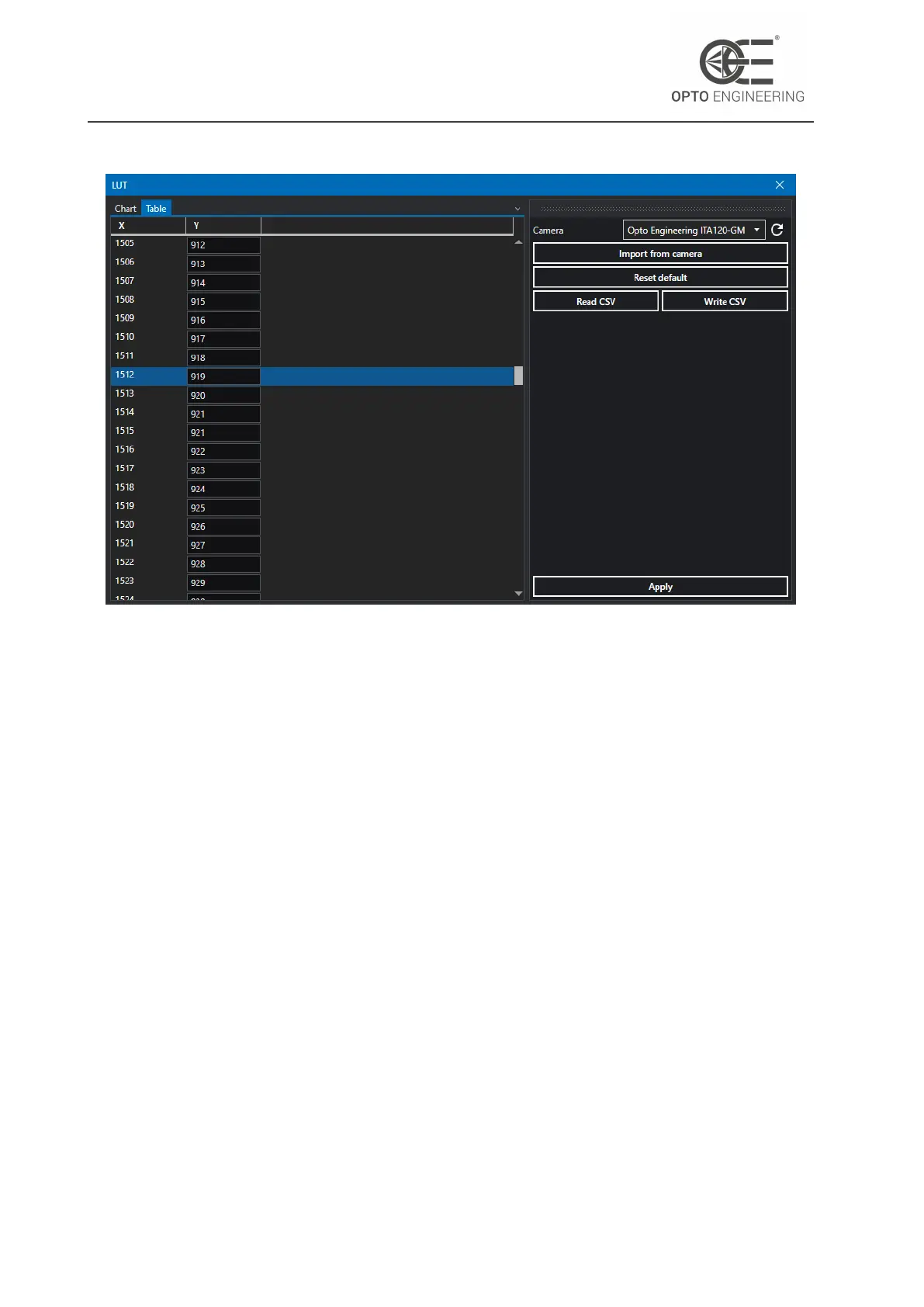
Figure 19: LUT wizard.
4.7.5 Defective pixels correction wizard
The image sensor defective pixels are mapped during Itala cameras production and testing pro-
cedures, since most of them are related to the sensor silicon production process. Their values are
then corrected real-time in the camera acquisition pipeline. For more information about the de-
fective pixel correction refer to section 6.18.
Anyway, there are other environmental factors which can increase the amount of defective pixels
during the camera life. For this reason, Itala cameras enable the user to perform a custom pixel
correction that takes into account these defects.
In order to enable the user defined defective pixel correction, the result of this operation must be
saved in one of the available user set. The default user set, in fact, will correct only the defective
pixels detected in factory.
From the Wizard menu you can access the Defective Pixel Correction wizard (Fig.20).
1. Put the camera in freerun acquisition or make sure there is a continuous stream of incoming
trigger pulses.
2. For best results, consider using a raw pixel format with a bit depth of 12 bits, for example
Mono12p or BayerRG12.
3. Start the image acquisition.
4. Cover the camera sensor.
v1.12 - eng 34



 To Next Page