Itala | INSTRUCTION MANUAL
bright features, depending on γ value.
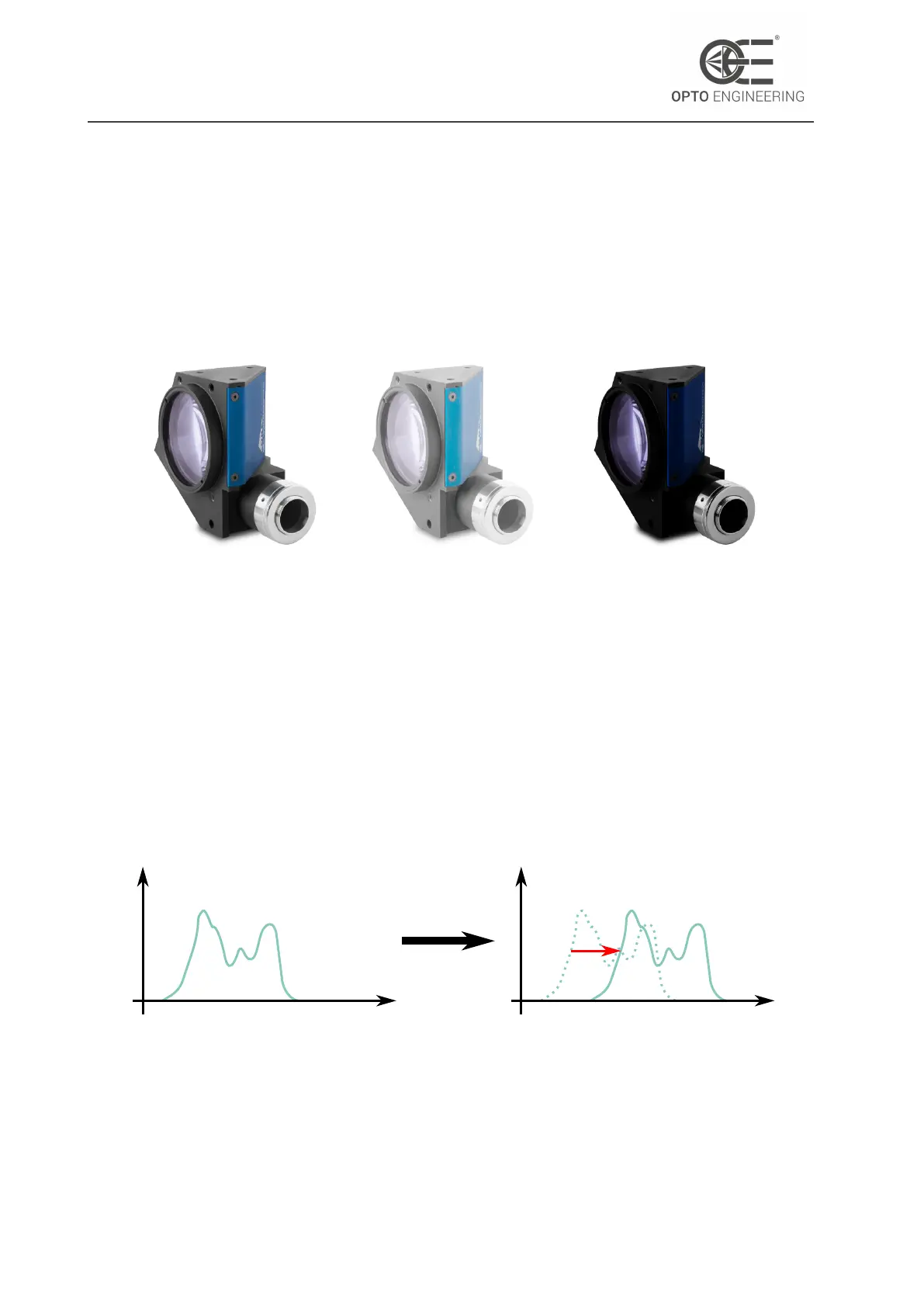
In Fig.53 is shown an example of application of gamma correction.
A γ < 1 expands the range of values of dark regions and compresses the bright ones, so it’s useful
when looking at features in dark parts of the image. Viceversa, a γ > 1 compresses the range of
values of the dark regions and expands the bright ones, so it’s useful when looking at features in
bright parts of the image.
Figure 53: Images taken with different γ values: on the left γ = 1, in the center γ < 1 and
on the right γ > 1
Please note that the Gamma correction can’t be used if the LUT feature is enabled (see section
6.6.1).
6.4.4 Black level
The BlackLevel is an offset value, expressed in grey levels, that can be added to all the pixels of
the image.
The effect of adding a black level value to an image is to move the pixels histogram towards the
saturation level (as depicted in Fig.54).
grey_levels
#pixels
grey_levels
#pixels
Figure 54: The black level moves the pixel histogram towards higher pixel values.
v1.12 - eng 74



 To Next Page