Itala | INSTRUCTION MANUAL
4.7.4 LUT wizard
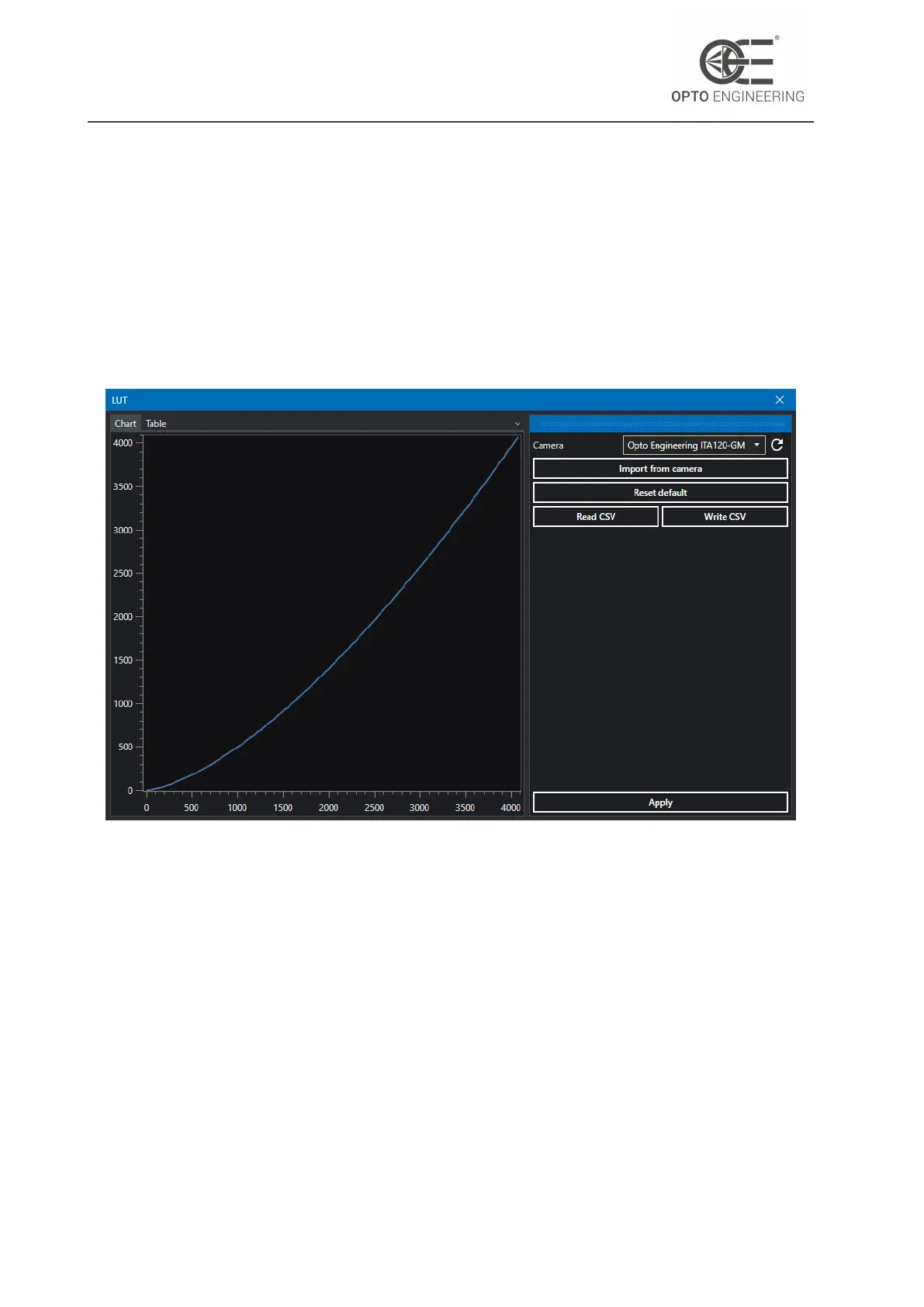
From the Wizard menu you can access to the LUT wizard. This allows to view and edit the LUT of
the selected camera.
Click on Import from camera to read the LUT from the camera registers and display it in the Chart tab
(Fig.18). You can now edit each value the LUT in the Table tab (Fig.19). A better way to set a specific
LUT is to load a CSV file previously generated with a spreadsheet editor or similar software. You
can also write the current LUT on a CSV file, edit it and then read it back.
When you’re satisfied with the resulting LUT, click on Apply to save it in the camera memory. For
more information about the LUT feature refer to section 6.6.1.
Figure 18: LUT wizard.
v1.12 - eng 33



 To Next Page