Itala | INSTRUCTION MANUAL
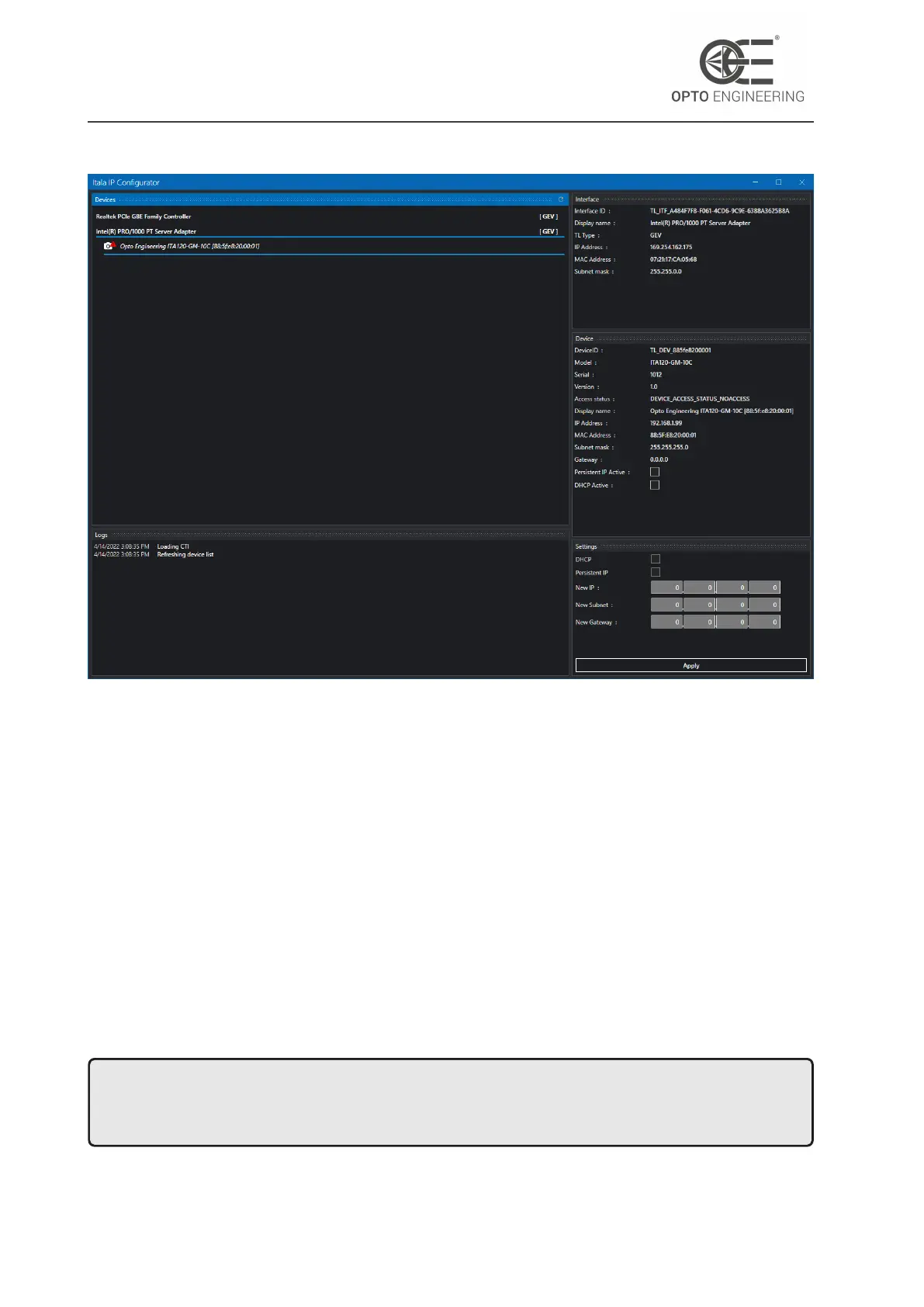
Figure 15: IP configurator window.
4.7.3 Firmware update
From the Tools menu you can access to the Firmware Update utility (Fig.16). You can now select a
firmware file for each device that has been enumerated. The latest firmware for Itala cameras can
be downloaded from Opto Engineering website.
Follow this steps to update one or more devices:
1. Select a firmware update file for each device you want to update.
2. Click on the Update button to start a batch update process.
3. Do not disconnect or power down the devices during the update process (Fig.17). The LED
blink signals that the camera is writing to the flash memory.
4. Wait until all the devices are correctly updated.
NOTE: do not disconnect or power down the device during the update process. Failing to do
so could lead to a condition where the device is no longer bootable and it should be returned to
Opto Engineering for a factory reset.
v1.12 - eng 30



 To Next Page