Performing Initial Configuration (BUI)
3.
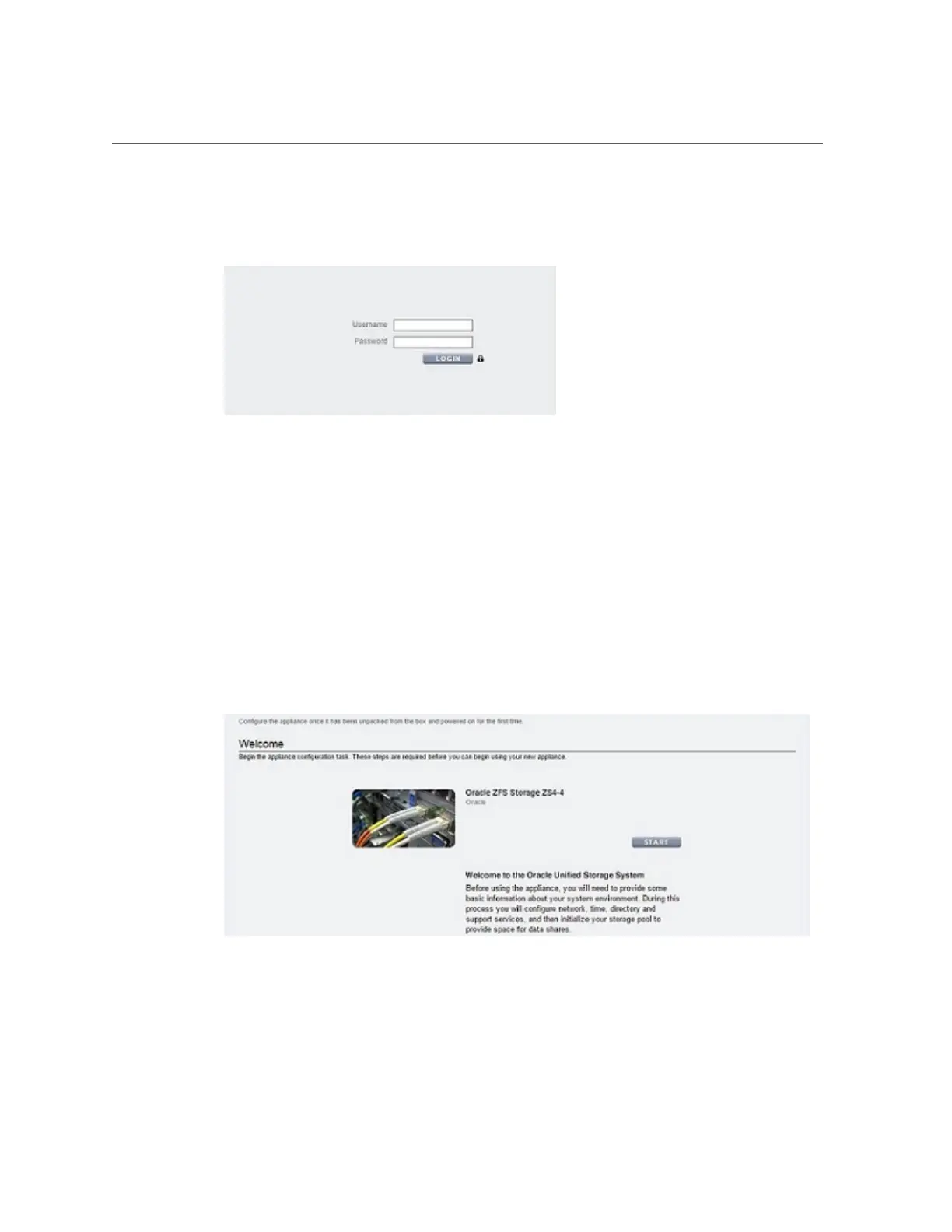
Log in to the appliance:
a.
Username - Enter root.
b.
Password - Password you assigned during system configuration.
c.
Click LOGIN or press Enter.
4.
To begin initial configuration, click START.
■
If configuring clustered controllers, go to step 5.
■
If configuring a standalone controller, go to step 6.
5.
To configure clustered controllers, click CLUSTER.
Configuring the Appliance for the First Time 243











 To Next Page