March 2006 910-257C
MG2 Series Page 5-21
Step 3: Press [ ] to enter the Delete tab.
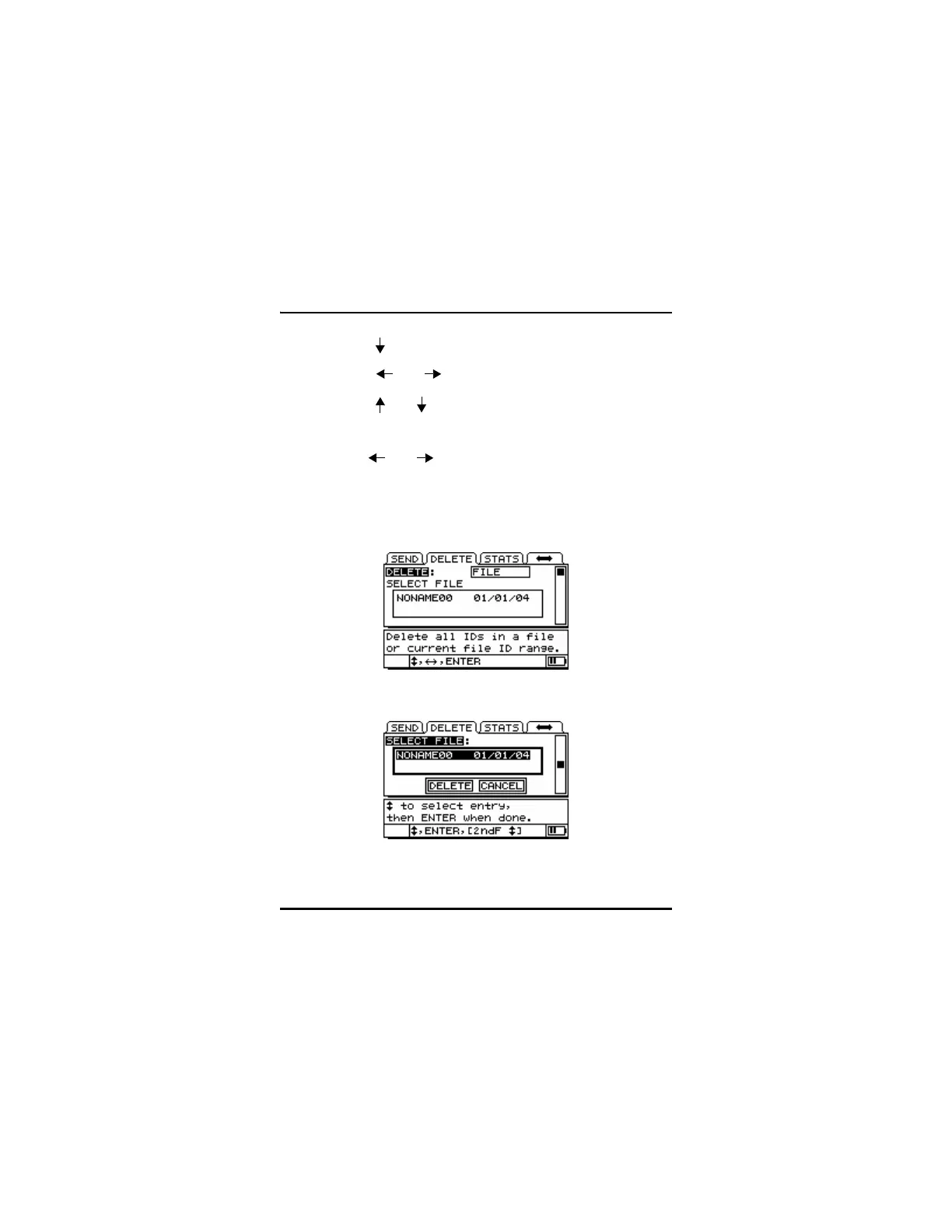
Step 4: Press [ ] or [ ] to select Delete File. Press [ENTER].
Step 5: Press [ ] or [ ] to highlight the file.
Step 6: Press [ENTER] to select the file for deletion.
Step 7: Use [ ] or [ ] to choose Delete or Cancel.
Step 8: Press [ENTER].
Step 9: Press [MEAS] to return to Measurement Mode.










 To Next Page