910-257C March 2006
Page 5-16 MG2 Series
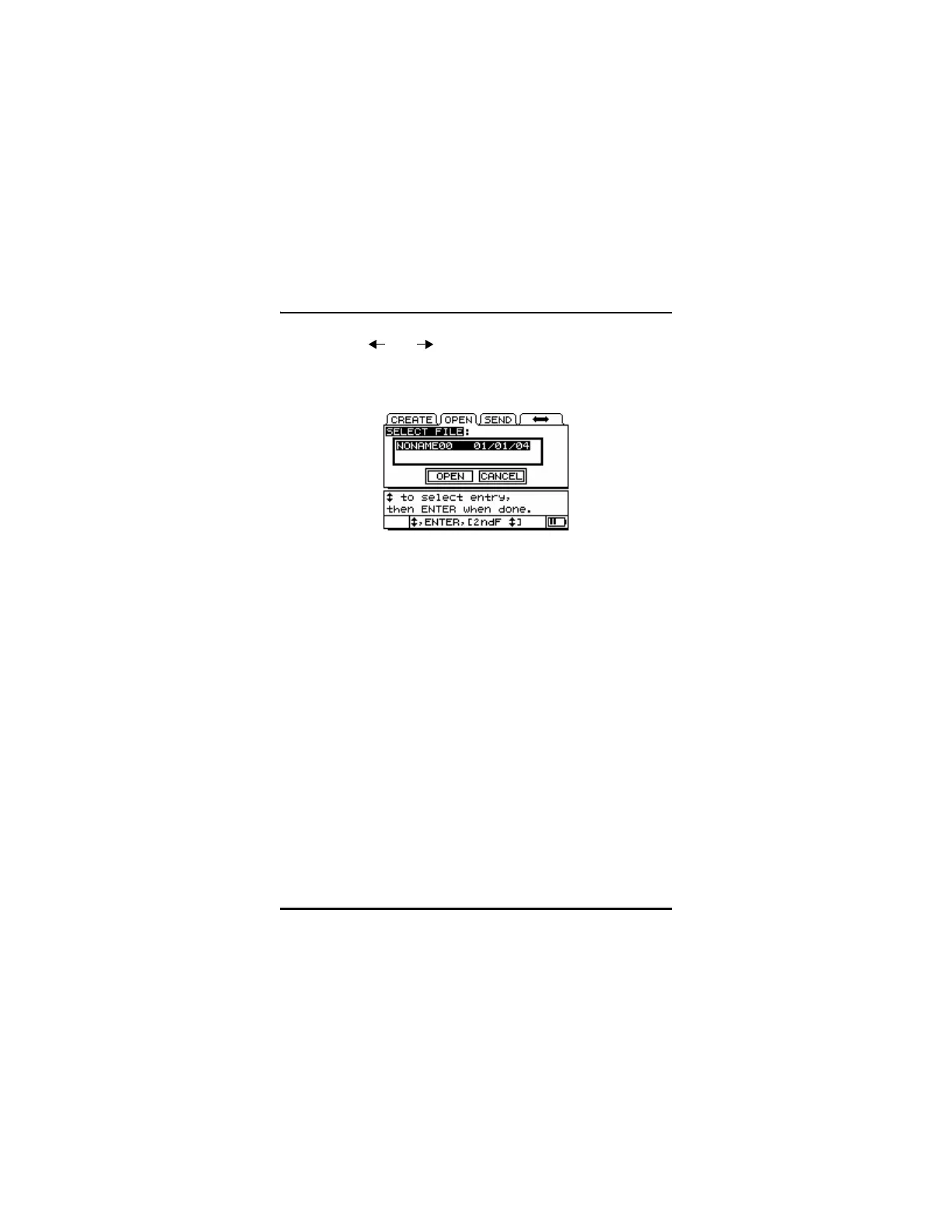
Step 6: Use [ ] or [ ] to choose Open or Cancel.
Step 7: Press [ENTER].
5.5 Saving Data
To store displayed thickness values in the datalogger, press [SAVE]. All
appropriate calibration and setup parameters are also stored
simultaneously.
If a measurement is already stored at the current ID number, pressing
[SAVE] overwrites the old thickness reading with the current thickness
reading, unless ID Overwrite Protection is enabled in Meas Setup.
If you do not want to save a measurement at a specific ID, press [SAVE]
while no measurement is taken. The gage will store an LOS condition
and _.___ at the specific ID number.
To save a thickness reading, do the following:
While the thickness value is being displayed, press [SAVE].
An audible beep indicates that the reading is saved. The displayed
thickness value and setup information is stored at the current ID number
in the current file. If the thickness display is blank when [SAVE] is
pressed, then “_.___” is saved in place of a value.










 To Next Page