March 2006 910-257C
MG2 Series Page 4-41
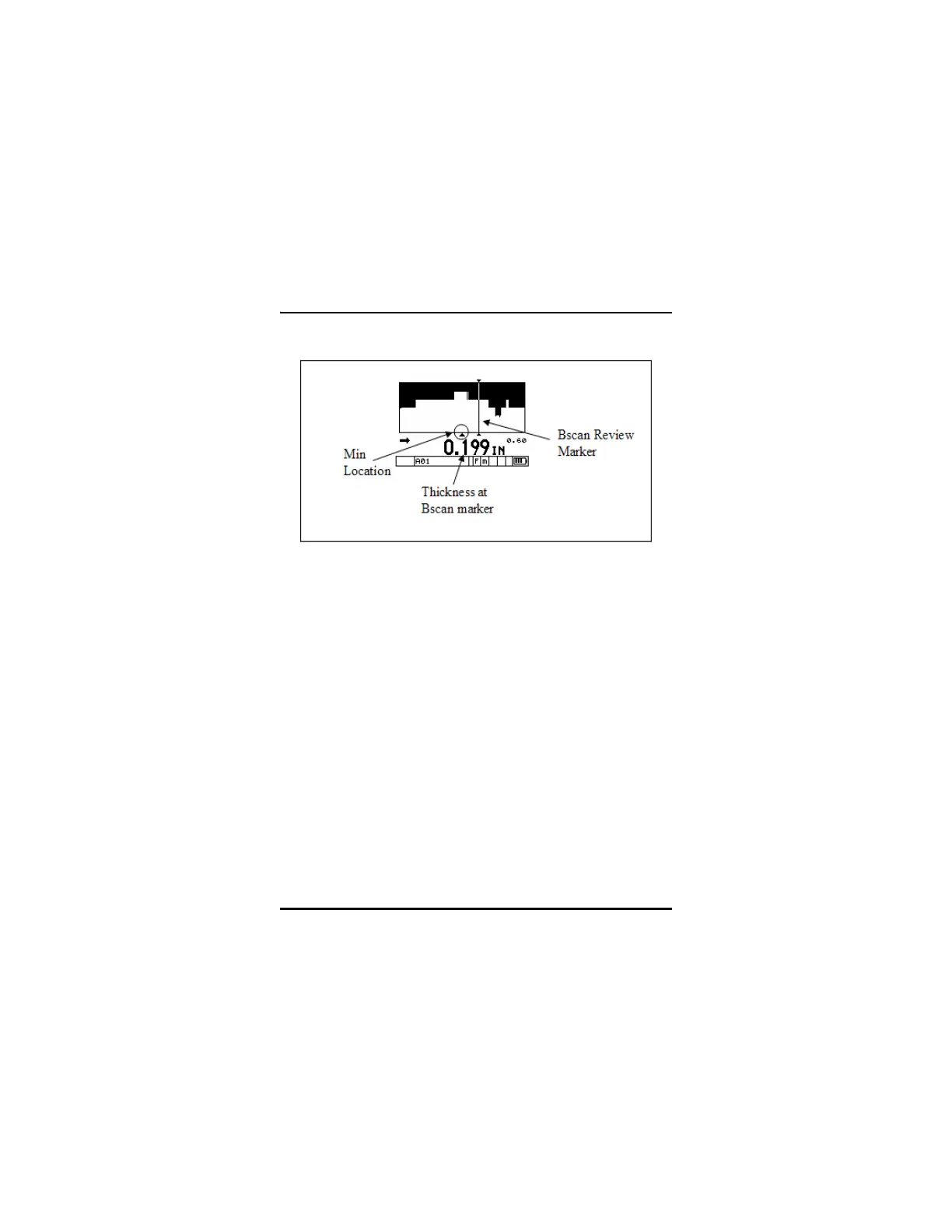
B-scan Review Screen
4.14.3 Saving B-scan to the Internal Datalogger (DL Mod-
els Only)
B-scan images can be saved to the internal datalogger and recalled to
the screen or uploaded to the optional GageView interface program.
Only one thickness value is saved with the B-scan image. This value
can be the current thickness, minimum thickness, or the thickness at
the Review Marker on a frozen B-scan. The Datalogger can store a
maximum of 350 B-scan images.
To save the B-scan image to the internal datalogger:
Step 1: In the B-scan setup tab, set the Save Key option to “THK +
B-scan”.
Step 2: Press the Save key.
A. Pressing the Save key while the B-scan is live (currently
scrolling) saves the B-scan image and the thickness at










 To Next Page