910-257C March 2006
Page 2-2 MG2 Series
2.1 Initial Setup
Follow this procedure when operating the gage for the first time.
Step 1: Plug the transducer into the connector at the top end of the
MG2 case.
Note: When unplugging a transducer, pull ONLY on the
molded plug, NOT on the cable.
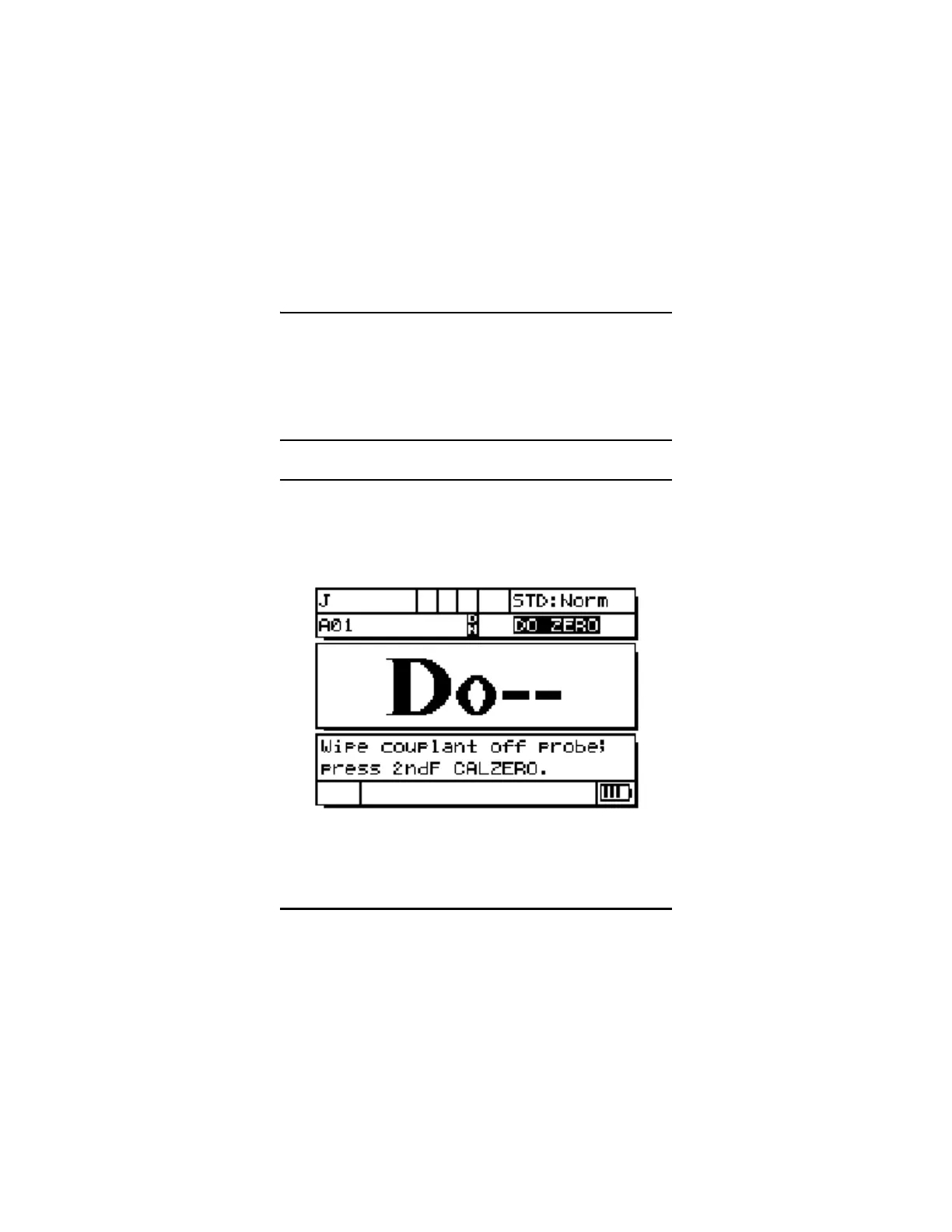
Step 2: Press the [ON/OFF] key to turn the gage on. The transducer
should NOT be coupled to the test piece. After a power up
screen, the display screen displays:
This means that the gage requires the following transducer
ZERO compensation step.
Figure 2-1: Transducer ZERO Compensation










 To Next Page